Description
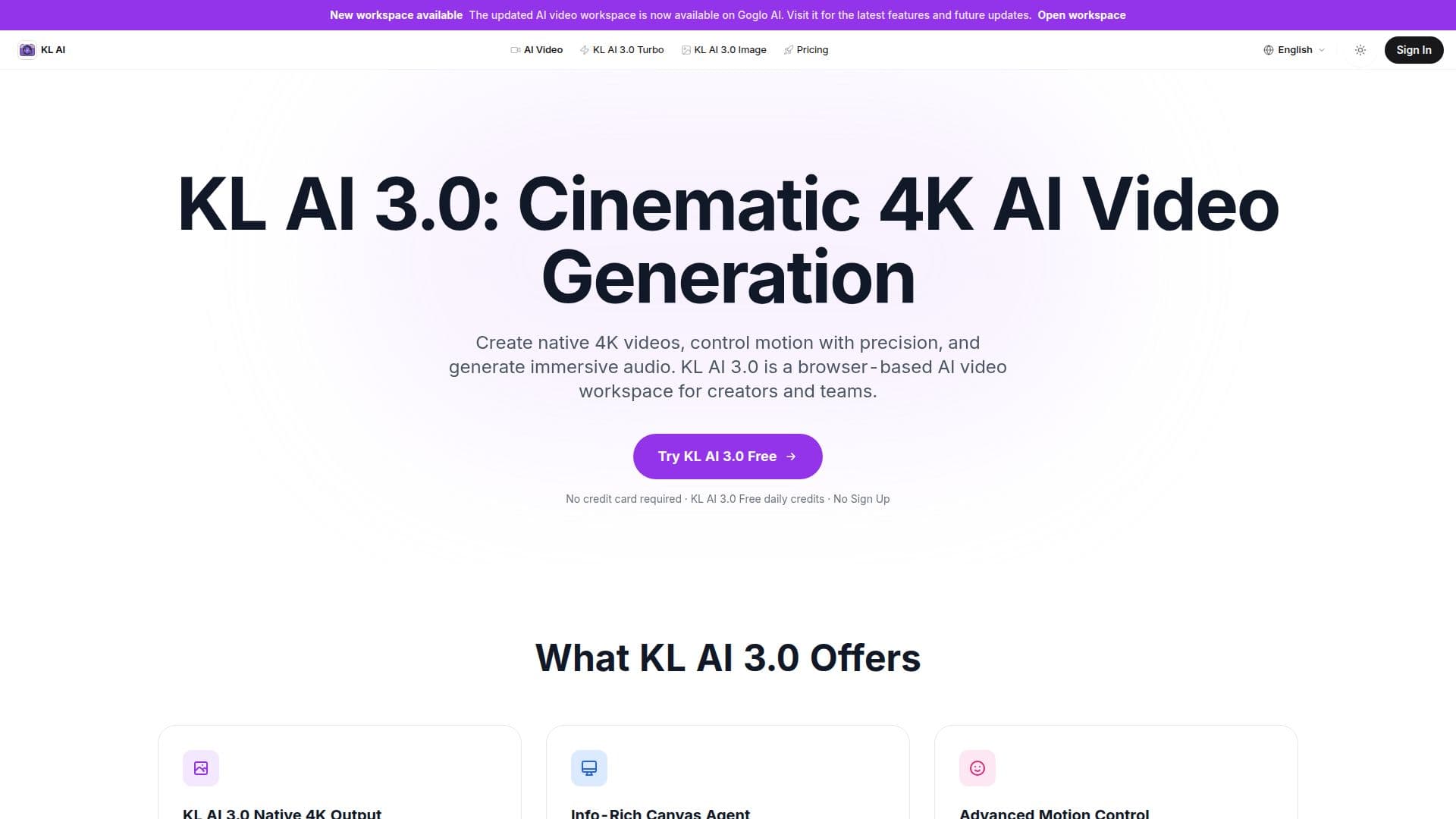
KL AI 3.0 is an independent browser-based AI video and image workspace on kling3.org for creating cinematic videos. Its Image and Video models both support native 2K and 4K output for ultra-high-definition, professional-grade content, and a Native Audio model generates visuals, voiceovers, and background sound effects simultaneously to streamline creation.
Read More
Motion Control lets users copy actions from reference videos for complex movements, expressions, and lip-sync, while an enhanced Image-to-Video feature animates static images with high consistency and specific motion controls. The Canvas Agent is an intelligent storyboard assistant that helps organize shots, expand scenes with multiple angles, and edit narratives through simple dialogue. The Video O1 model supports longer durations for extended storytelling, and variable aspect ratios include 16:9, 9:16, 1:1, and cinematic 21:9 for any platform.
KL AI 3.0 entered its exclusive preview phase on January 31, 2026 and is rolling out to selected users globally. Uploads and generations are kept private under strict data protection standards.
The workspace offers free daily credits to try its features with no sign-up or credit card required. Premium subscription plans unlock 4K generation, automatic watermark removal, and commercial usage rights to monetize created videos.
- CategoryAI Video Generators
- Pricing ModelFreemium
- DeploymentCloud
- PlatformsWeb
KL AI 3.0's Core Features
Native 2K and 4K image and video output
Native Audio model for simultaneous visuals, voiceover, and sound effects
Motion Control that copies actions from reference videos
Enhanced image-to-video animation with high consistency
Canvas Agent storyboard assistant driven by dialogue
Video O1 model for extended video durations
Variable aspect ratios including 16:9, 9:16, 1:1, and 21:9
Free daily credits with no sign-up
How to use KL AI 3.0?
Open the workspace: Start in the browser with free daily credits and no sign-up.
Set up your shot: Enter a prompt or upload an image, and use the Canvas Agent to organize shots and scenes.
Control the output: Choose aspect ratio, apply Motion Control, and enable Native Audio.
Generate and export: Produce the video, and export watermark-free 4K on a premium plan.
KL AI 3.0's Use Cases
- Cinematic 4K video
- Image-to-video animation
- Storyboarding
- Reference-driven motion