
Description
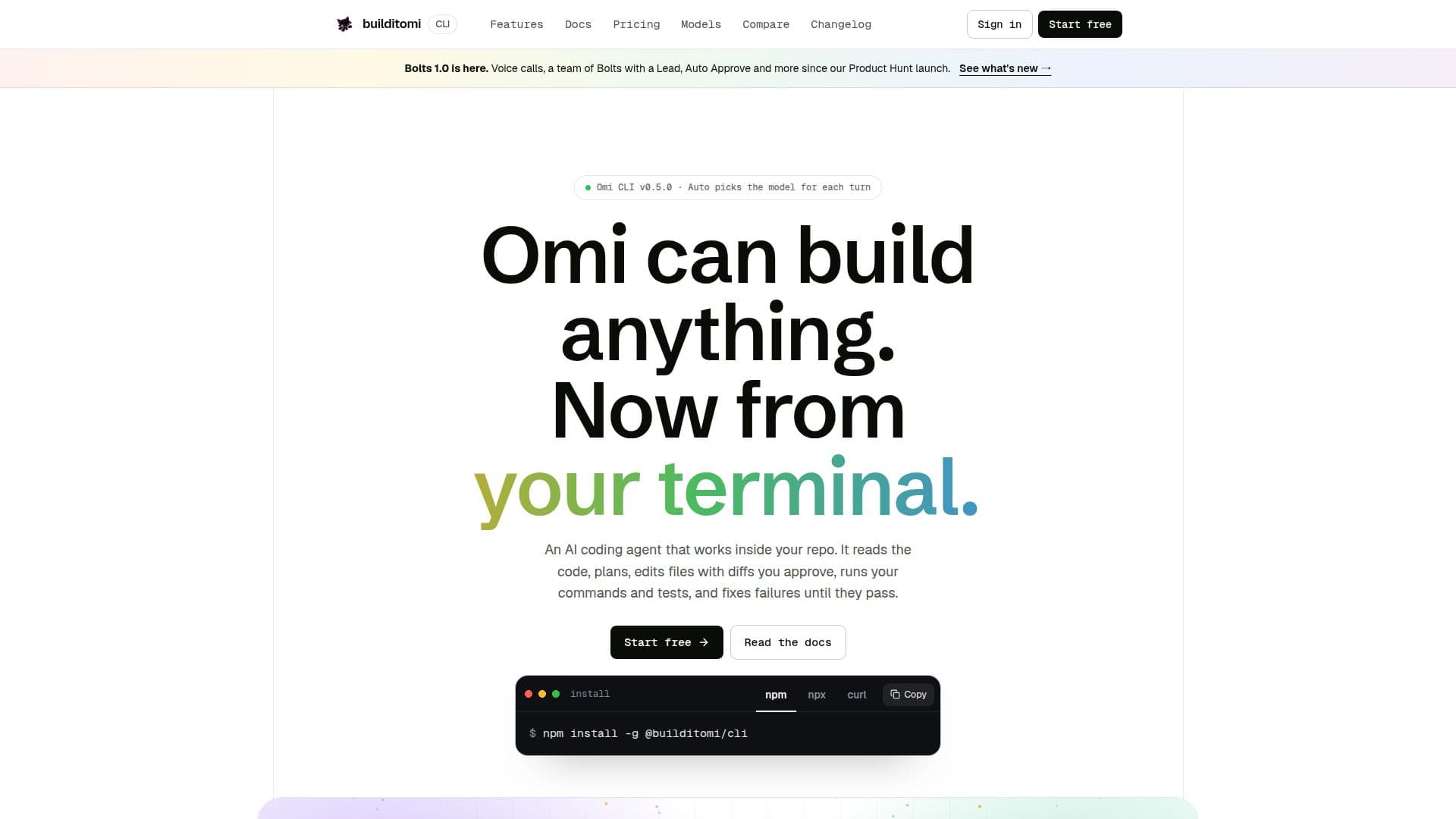
Omi CLI functions as an AI coding agent directly within your terminal, designed to streamline and automate various development tasks. It begins by thoroughly reading your codebase, understanding its structure and existing logic. Following this, Omi CLI formulates a step-by-step plan for the requested task, which you can review and approve.
Read More
A core capability of Omi CLI is its ability to edit files, presenting all proposed changes as colored diffs for your explicit approval. This ensures you maintain full control over modifications to your code. Beyond editing, the agent can execute commands, run tests, and iteratively fix any failures until the tests pass, effectively handling the debugging loop.
Omi CLI is Git-aware, understanding your repository's branch, changes, and recent commits, and can even draft commit messages for your approval. It supports resumable sessions, allowing you to pick up tasks exactly where you left off. Project memory, stored in OMI.md, helps the agent remember commands and conventions specific to your project.
The tool offers various modes, including 'ask' (default, asks before changes), 'auto-edit' (applies edits without asking but shows diffs), 'yolo' (runs everything without asking, suitable for sandboxed environments), and 'plan' (reads and plans only, making no changes). It integrates with 13 different models, including DeepSeek, Gemini, Gemma, gpt-oss, and GLM, with an 'Auto' mode that selects the best model for each turn.
Omi CLI also supports advanced features like subagents that edit in parallel within their own Git worktrees, background agents that continue working after you close the terminal, and cloud agents that run tasks on GitHub Actions. It includes built-in browser testing with headless Chrome, capable of interacting with web apps, reporting console errors, and taking screenshots. Users can also integrate local models via Ollama or LM Studio, and use their own API keys for services like OpenAI, Anthropic, Gemini, DeepSeek, and OpenRouter, which do not count against Omi limits.
Pricing includes a free tier with limited usage, refilled every 5 hours and weekly, and paid plans (Pro, Pro+, Max) offering increased usage and features. Plans are billed monthly or yearly, with yearly subscriptions providing two months free. Omi CLI is installed as a single npm package and is compatible with macOS, Linux (via WSL), and Windows, supporting usage over SSH, in containers, and CI environments.
- CategoryAI Coding Assistants
- Pricing ModelFreemium
- DeploymentCLI
- PlatformsmacOS, Linux, Windows (WSL)
Omi CLI's Core Features
AI Coding Agent in Terminal
Codebase Reading and Planning
File Editing with Diffs for Approval
Command Execution and Test Fixing
Git-Aware Operations
Resumable Sessions
Project Memory (OMI.md)
Parallel Subagents
Background and Cloud Agents
Built-in Browser Testing with Screenshots
Support for 13 AI Models (DeepSeek, Gemini, etc.)
Local Model Integration (Ollama, LM Studio)
Custom API Key Support (OpenAI, Anthropic)
Configurable Interaction Modes (Ask, Auto-edit, Yolo, Plan)
Undo and Rewind Functionality
Command Sandbox for Safety
VS Code Extension
How to use Omi CLI?
Install Omi CLI: Run `npm install -g @builditomi/cli` to install the package.
Sign In: Execute `omi login` and approve the code in your browser to link your account.
Give a Task: Navigate to any project folder and run `omi "your task description"` to start.
Approve Changes: Review proposed file edits as colored diffs and approve them before application.
Monitor Usage: Use `omi usage` to check your current plan limits and reset times.
Switch Models: Use `/model <model_name>` to select a specific AI model for your turns.
Omi CLI's Use Cases
- Automated Code Refactoring
- Test-Driven Development Assistance
- Parallel Code Editing
- Background Task Execution
- Cloud-Based Development
- Web Application Testing
- Codebase Exploration
- Git Workflow Automation
- Custom Command Creation