
Description
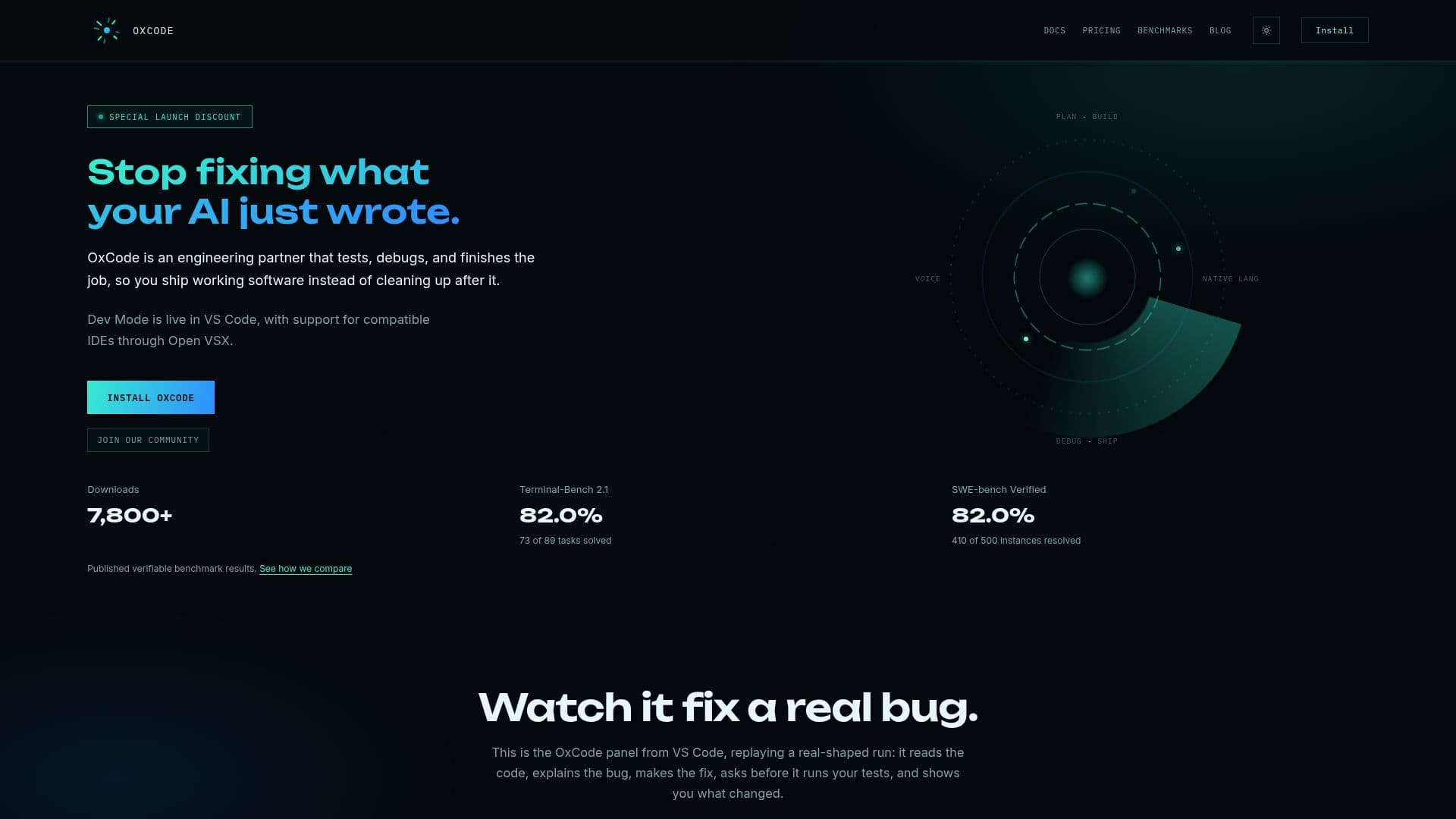
OxCode functions as an AI Software Engineer, designed to assist developers throughout the entire software development lifecycle. Unlike traditional AI coding tools that primarily focus on autocomplete or code generation, OxCode acts as an engineering partner, engaging in requirements gathering, planning, code understanding, debugging, testing, documentation, deployment, and continuous improvement.
Read More
The platform operates through distinct modes. Agent mode works through a task in a single conversation, exploring the codebase, editing files, running approved commands, testing, debugging, and verifying results. Plan mode, on the other hand, reads the code and proposes a plan without making changes, which can then be carried into Agent mode. These modes are part of Dev Mode, currently live in VS Code and compatible IDEs via Open VSX.
Key capabilities include managing sessions and queued messages, allowing users to steer, edit, or reorder tasks while they run. OxCode also supports skills and plugins, enabling users to install specialized instructions from a catalogue or third-party sources, with options for manual or automatic skill selection. It maintains local memory and context, storing project and global information as inspectable Markdown, summarizing long conversations to preserve relevant context.
Permission controls offer flexibility with Manual, Edit automatically, and Full access levels, including session or persistent command approvals. Actions outside the workspace, commands sending files out, and image generation always require explicit permission. The tool provides live execution and recovery features, showing command output, redacted logs, and controls to retry or continue when requests fail.
OxCode is built to support most modern languages, frameworks, and technology stacks, including web, mobile, backend, AI, blockchain, and desktop software workflows. It integrates with existing codebases and new projects, helping users understand, navigate, debug, modify, and extend software. While primarily for developers, it's also designed to assist founders, students, creators, and new builders in bringing ideas to working software. The platform is powered by OxCode.ai infrastructure, utilizing specialized systems and models selected for different engineering tasks, without requiring users to manage specific model names.
- CategoryAI Coding Assistants
- Pricing ModelFreemium
- DeploymentCloud
- PlatformsWeb, Windows, macOS
OxCode's Core Features
Agent Mode for task execution and verification
Plan Mode for code analysis and plan generation
Saved workspace conversations and independent chats
Queued messages with steering, editing, and reordering
Installable skills from catalogue or third-party sources
Automatic skill selection option
Local project and global memory storage
Context summarization for long conversations
Manual, Edit automatically, and Full access permission levels
Session or persistent command approvals
Live command output and redacted logs
Retry and Continue controls for failed requests
Support for modern programming languages and frameworks
Compatibility with existing and new codebases
Natural language chat interface for interaction
How to use OxCode?
Install OxCode: Install the OxCode - AI Software Engineer extension from the VS Code Marketplace or Open VSX for compatible IDEs.
Sign Up/Sign In: Open the OxCode panel in your editor and choose Sign up or Sign in to complete account creation via your browser.
Choose a Mode: Utilize Dev Mode, which includes Agent mode for task execution or Plan mode for code analysis and plan generation.
Interact with OxCode: Use the chat interface to plan features, ask technical questions, debug issues, or understand code.
Manage Permissions: Set permission levels (Manual, Edit automatically, Full access) and approve commands as needed.
Utilize Skills: Install specialized skills from the OxCode catalogue or third-party sources, or allow automatic skill selection.
Monitor and Recover: Observe live command output and use Retry or Continue controls if a connection or model request fails.
OxCode's Use Cases
- Feature Planning
- Codebase Understanding
- Code Writing
- Error Debugging
- Test Generation
- Project Deployment
- Issue Monitoring
- Learning While Building
- Code Review