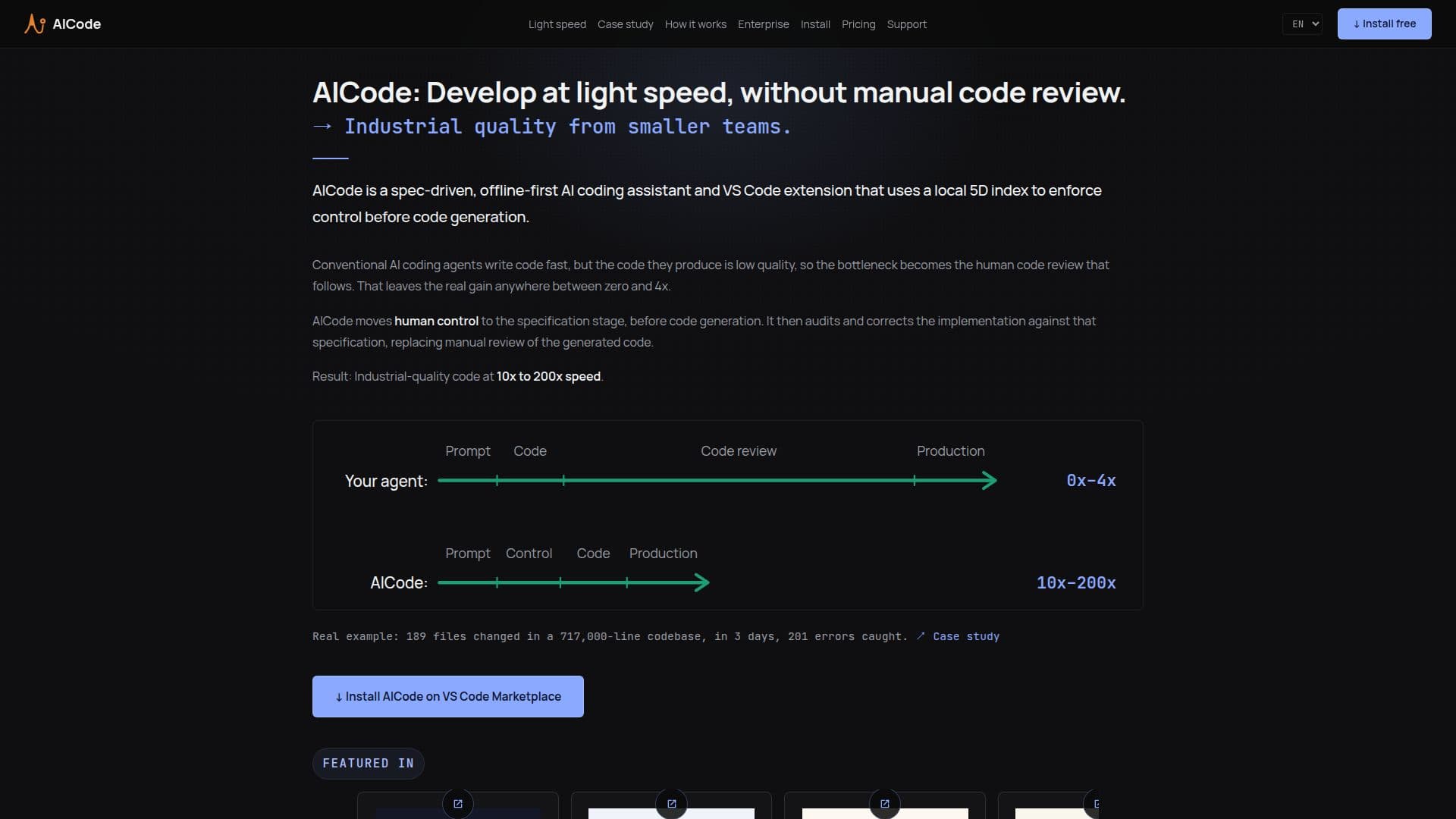
Description
AICode is an AI coding assistant that operates as a VS Code extension, designed to accelerate software delivery while maintaining high-quality standards. Unlike conventional AI coding agents that often produce low-quality code requiring extensive human review, AICode shifts control to the specification stage. This approach allows for human oversight before code generation, followed by AI verification of the implementation against the specifications.
Read More
The tool employs a unique five-dimensional index to understand the entire codebase in depth, even in the absence of documentation. This index includes project maps, lexical analysis, vector embeddings, symbols, and Git history, enabling AICode to audit and correct code iteratively until it meets the specified requirements.
AICode is particularly suited for large legacy codebases where uncontrolled changes can lead to widespread regressions. It operates offline, ensuring data sovereignty by keeping all code and indexes on the user's local machine. Users connect directly to OpenAI or Azure using their own API keys, ensuring privacy and security.
The tool is available for free evaluation for 30 days, with self-service licenses priced at $10 per user per month. It offers free use for individuals, small organizations, educational institutions, and non-profits. AICode also provides enterprise-ready features, including Azure private cloud compatibility and ticket-based support for business users.
AICode's workflow consists of five stages: Ideate, Specify, Refine, Code, and Verify. This structured approach ensures that architectural errors are caught early, reducing technical debt and enhancing code quality. The tool's intent-aware UX allows developers to express their needs naturally, with AICode orchestrating the relevant procedures seamlessly.
- CategoryAI Coding Assistants
- Pricing ModelFreemium
- DeploymentVS Code Extension
- PlatformsVS Code
AICode's Core Features
Spec-driven workflow
Five-dimensional codebase index
Offline-first operation
Local data sovereignty
Enterprise-ready features
Interactive ideation and specification
Iterative code verification
Free 30-day evaluation
How to use AICode?
Install: Open VS Code, search for AICode, and install the extension
Configure: Open settings and enter your API key
Index: Wait for project indexing to complete
Use: Start a new chat and describe your task
AICode's Use Cases
- Code Quality Assurance
- Legacy Codebase Management
- Data Sovereignty
- Developer Onboarding
- Enterprise Integration