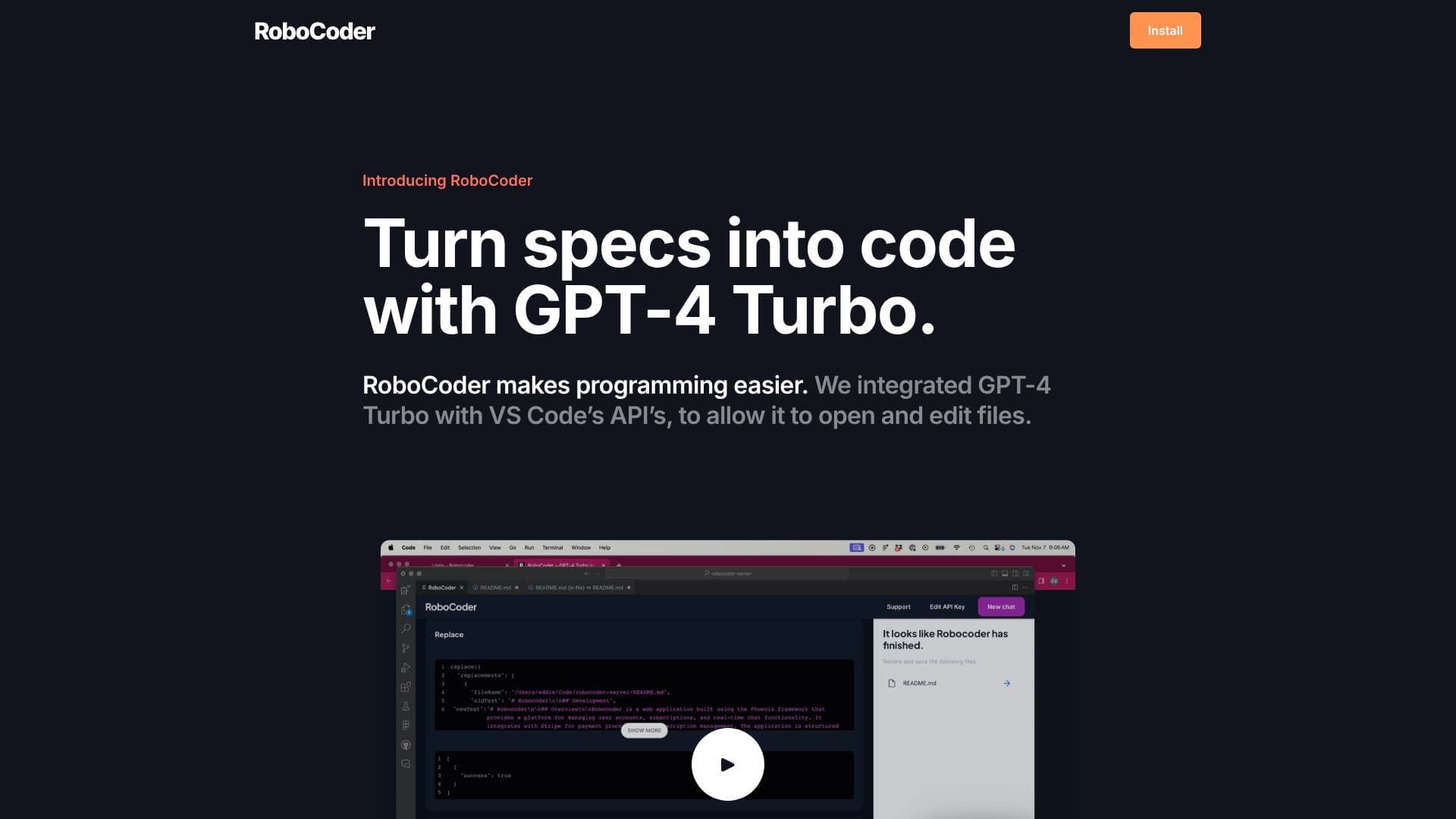
Description
RoboCoder is an AI-powered extension for Visual Studio Code that brings the advanced capabilities of GPT-4 Turbo directly into your coding workflow. The primary goal of RoboCoder is to make programming more accessible and efficient by enabling developers to generate code from natural language specifications. By integrating with VS Code's robust API, RoboCoder can seamlessly open and edit files, acting as an intelligent assistant throughout the development lifecycle.
Read More
This AI collaborator is designed to understand project requirements and translate them into functional code. Users can interact with RoboCoder to draft new code segments, refactor existing code, or even debug issues, all within the familiar interface of VS Code. The extension leverages the power of GPT-4 Turbo, a state-of-the-art language model, to provide context-aware and accurate code suggestions and generations.
RoboCoder offers a subscription-based model at $5 per month. A key feature is the ability for users to bring their own API key, allowing for direct communication with OpenAI's services. This provides flexibility and control over API usage and costs. The extension is targeted at software developers, programmers, and anyone involved in coding who seeks to enhance their productivity and streamline their development process.
Beyond its core functionality, RoboCoder aims to reduce the friction often associated with coding tasks. Whether it's boilerplate code generation, exploring different implementation approaches, or understanding complex logic, RoboCoder acts as a valuable partner. The integration within VS Code ensures that developers do not need to switch between multiple tools, maintaining focus and flow. This makes it an indispensable tool for modern software development teams and individual coders alike.
- CategoryAI Coding Assistants
- Pricing Model$5/mo
- DeploymentCloud
- PlatformsVisual Studio Code
RoboCoder's Core Features
Integrates GPT-4 Turbo directly into VS Code
Opens and edits files within the IDE
Generates code from natural language specifications
Acts as an AI collaborator for programming tasks
Supports direct communication with OpenAI API
Simplifies the programming process
Enhances developer productivity
Provides context-aware code suggestions
Facilitates code refactoring and debugging
Offers a familiar development environment integration
How to use RoboCoder?
Install: Obtain the RoboCoder VS Code extension.
Configure: Set up your OpenAI API key within the extension settings.
Specify: Provide natural language descriptions or requirements for the code you need.
Generate: Allow RoboCoder to generate or edit code based on your specifications.
Review: Examine the generated code for accuracy and functionality.
Iterate: Refine your prompts or specifications for further code development.
RoboCoder's Use Cases
- Code Generation
- Code Editing
- AI Programming Assistant
- Rapid Prototyping
- Learning and Exploration
- Boilerplate Reduction