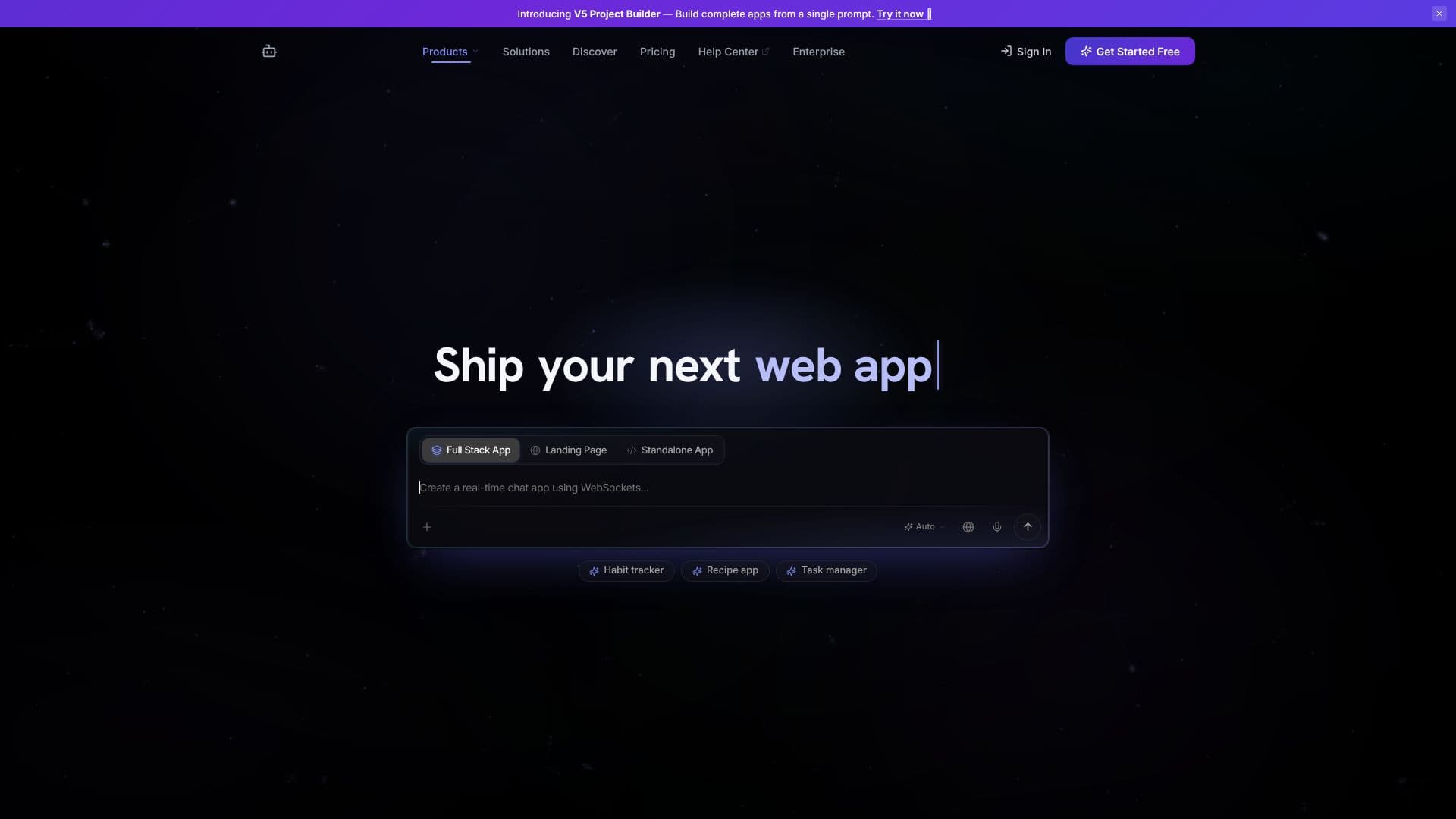
Description
CodePal serves as an advanced AI coding companion, equipped with a suite of tools to streamline the software development process. Supporting over 60 programming languages, it empowers developers to generate new code snippets, identify and fix bugs, refactor existing code for better performance and readability, and gain clear explanations of complex code segments. This comprehensive functionality aims to accelerate development cycles and improve code quality.
Read More
One of CodePal's standout features is its V5 Project Builder, which allows users to construct complete applications, including SaaS apps, web apps, marketplaces, AI tools, dashboards, MVPs, side projects, and landing pages, all from a single, detailed prompt. This capability significantly lowers the barrier to entry for app development, enabling individuals and teams to ship functional projects rapidly.
The platform showcases a growing community of users who have successfully built and deployed real applications using CodePal. Examples include a Fullstack App, a Landing Page, a standalone app like an Auto Habit Tracker, a Recipe App, and a Task Manager. The community-driven aspect highlights the practical applicability and effectiveness of CodePal in bringing diverse software ideas to life.
CodePal is designed for a wide range of users, from individual developers and hobbyists to small teams and startups looking to accelerate their product development. Its ability to handle complex app generation from a single prompt makes it particularly valuable for rapid prototyping and building minimum viable products (MVPs). The tool's versatility in code generation, debugging, and explanation also makes it an excellent resource for learning and improving coding skills across various languages.
- CategoryAI Coding Assistants
- DeploymentCloud
- PlatformsWeb
CodePal's Core Features
AI-powered code generation across 60+ languages
Tools for fixing and debugging code
Code refactoring capabilities for optimization
Code explanation for better understanding
V5 Project Builder for creating complete apps from a single prompt
Supports building various app types: SaaS, web apps, marketplaces, AI tools, dashboards, MVPs, side projects, landing pages
Enables rapid prototyping and MVP development
Community-driven examples of shipped applications
Facilitates learning and skill improvement in programming
How to use CodePal?
Define Project Requirements: Clearly outline the application or code you need to build.
Input Prompt: Enter a detailed prompt into CodePal's V5 Project Builder.
Generate Code: Allow CodePal to generate the initial code structure and logic.
Refine and Fix: Use CodePal's tools to debug, refactor, and improve the generated code.
Explain Code: Utilize explanation features to understand complex parts of the codebase.
Deploy Application: Implement and deploy your completed application.
CodePal's Use Cases
- Rapid Prototyping
- Code Generation
- Bug Fixing
- Code Refactoring
- Learning New Languages
- MVP Development
- Full Stack Development
- SaaS Application Building