
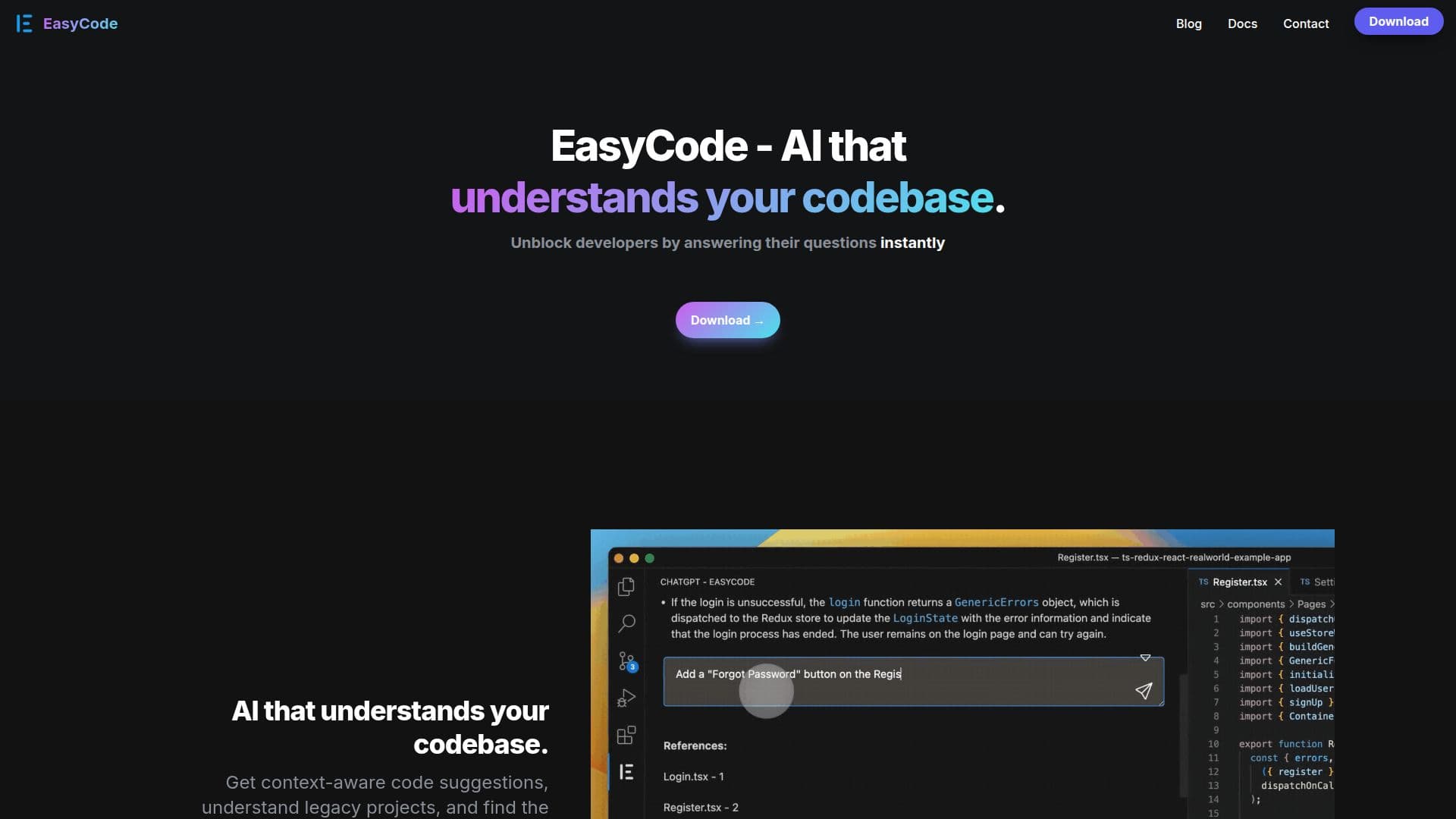
Description
EasyCode is an AI-driven tool designed to enhance developer productivity by understanding and interacting with codebases. It provides instant answers to programming questions, helping developers navigate and comprehend complex projects with ease. By integrating with popular IDEs, EasyCode offers context-aware code suggestions, making it easier to work with legacy projects and find relevant code snippets quickly.
Read More
Supporting over 15 programming languages, including Python, JavaScript, TypeScript, Go, and Ruby, EasyCode ensures that developers can work seamlessly across different environments. The tool is particularly beneficial for reducing developer fatigue by minimizing interruptions and maximizing workflow efficiency. It also aids in improving code quality by ensuring consistent coding styles and offering real-time feedback.
EasyCode facilitates enhanced collaboration among team members by providing better context and knowledge sharing. It is used by over 1.5 million developers worldwide, helping them speed up onboarding, ship new features faster, and migrate legacy code with ease. Additionally, EasyCode assists in increasing test coverage and troubleshooting errors, making it a valuable asset for learning new technologies.
Developed by Personabo Technologies Inc., EasyCode is available for free for personal use, making it accessible to individual developers and teams alike. Its integration with IDEs like VS Code and JetBrains further enhances its utility, providing a seamless experience for developers looking to boost their productivity.
- CategoryAI Coding Assistants
- Pricing ModelFreemium
- DeploymentCloud
- PlatformsIDE
EasyCode's Core Features
Instant answers to codebase questions
Context-aware code suggestions
Supports 15+ programming languages
Integrates with IDEs like VS Code
Improves code quality with real-time feedback
Enhances team collaboration
Facilitates onboarding and feature shipping
Increases test coverage and error troubleshooting
How to use EasyCode?
Configure: Set up EasyCode in your IDE
Use: Ask questions and receive instant answers
Optimize: Utilize context-aware suggestions
Collaborate: Share insights with team members
EasyCode's Use Cases
- Codebase Navigation
- Legacy Code Management
- Real-time Feedback
- Team Collaboration
- Developer Onboarding