
Description
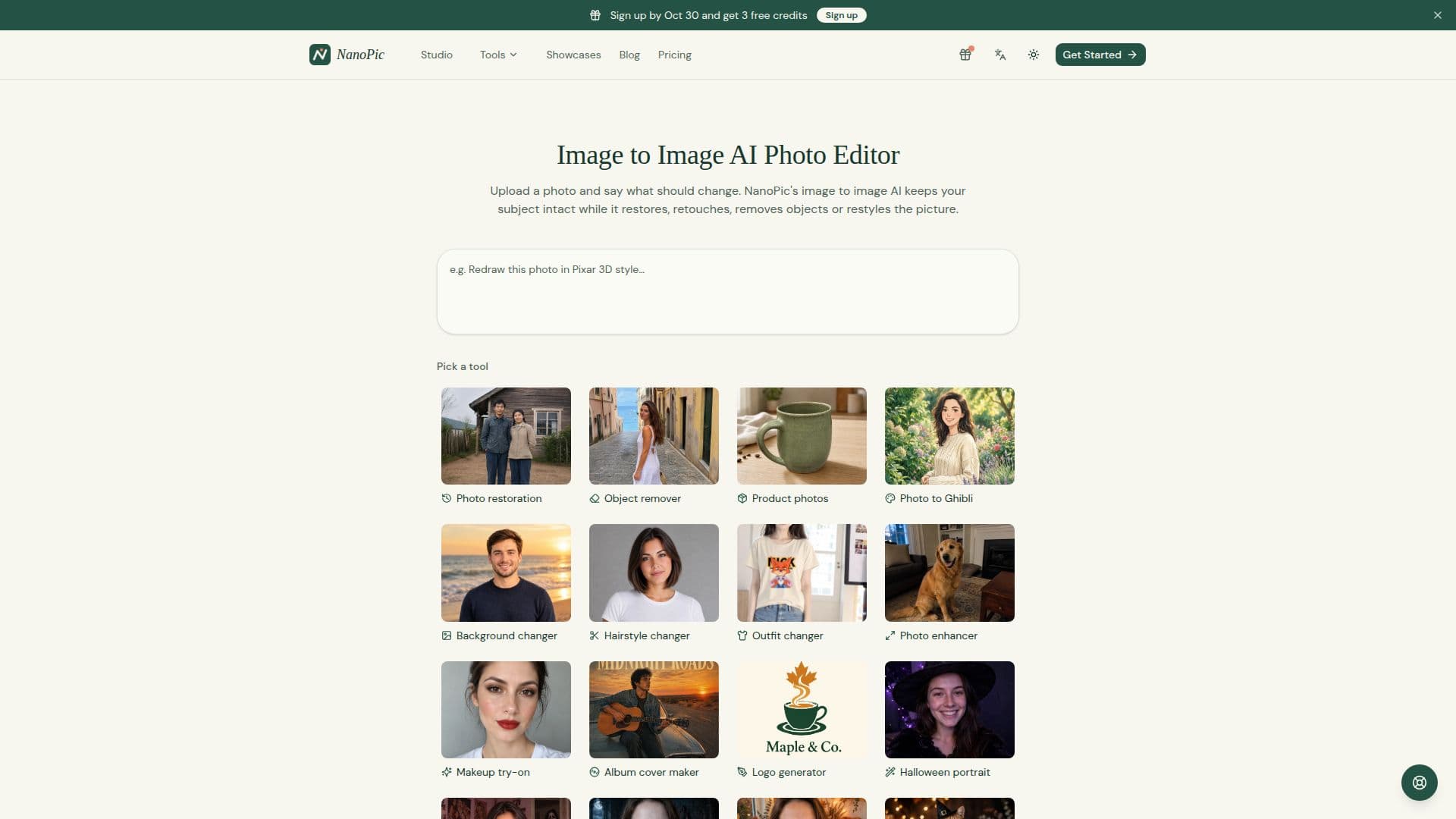
NanoPic is an innovative online AI photo editor designed to transform your images with ease. Users can upload a photo and provide a written instruction to receive an edited version of the image. Unlike text-to-image generators, NanoPic starts from your existing picture, ensuring that people, products, and layouts remain recognizable.
Read More
The platform offers a variety of editing capabilities, including restoring and colorizing old photos, removing unwanted objects or people, changing backgrounds, and even turning photos into anime or Pixar-style art. Users can also experiment with new hair colors, makeup, or outfits. NanoPic's AI agent remembers each step, allowing for continuous editing within a single conversation.
NanoPic is free to start, with sign-up promotions and daily check-ins providing free credits. Each credit typically allows for one image edit. Free-plan images carry a small watermark, which is removed upon purchasing a credit pack or subscription plan. The platform supports JPG and PNG files up to 10 MB, and users can choose from different AI models like GPT Image 2 and Nano Banana Pro for their edits.
The tool is ideal for individuals looking to enhance personal photos, content creators needing to refine product images, and businesses seeking to create professional visuals for marketing purposes. NanoPic provides a commercial license for images downloaded after purchasing credits, making it suitable for client work and advertisements.
Overall, NanoPic offers a user-friendly interface and a range of powerful editing tools, making it a valuable resource for anyone looking to enhance their photos with AI technology.
- CategoryAI Photo Editors
- Pricing ModelFreemium
- DeploymentCloud
- PlatformsWeb
NanoPic's Core Features
Image restoration and colorization
Object and person removal
Background swapping
Anime and Pixar-style transformations
Hair color and makeup changes
Continuous editing in one conversation
Free credits with sign-up and daily check-ins
Commercial license available with purchase
How to use NanoPic?
Upload: Add a JPG or PNG photo up to 10 MB
Describe: Write what changes you want
Edit: Choose an AI model or use the default
Download: Save the edited image or refine further
NanoPic's Use Cases
- Photo Restoration
- Object Removal
- Background Change
- Art Style Transformation
- Personal Styling