Description
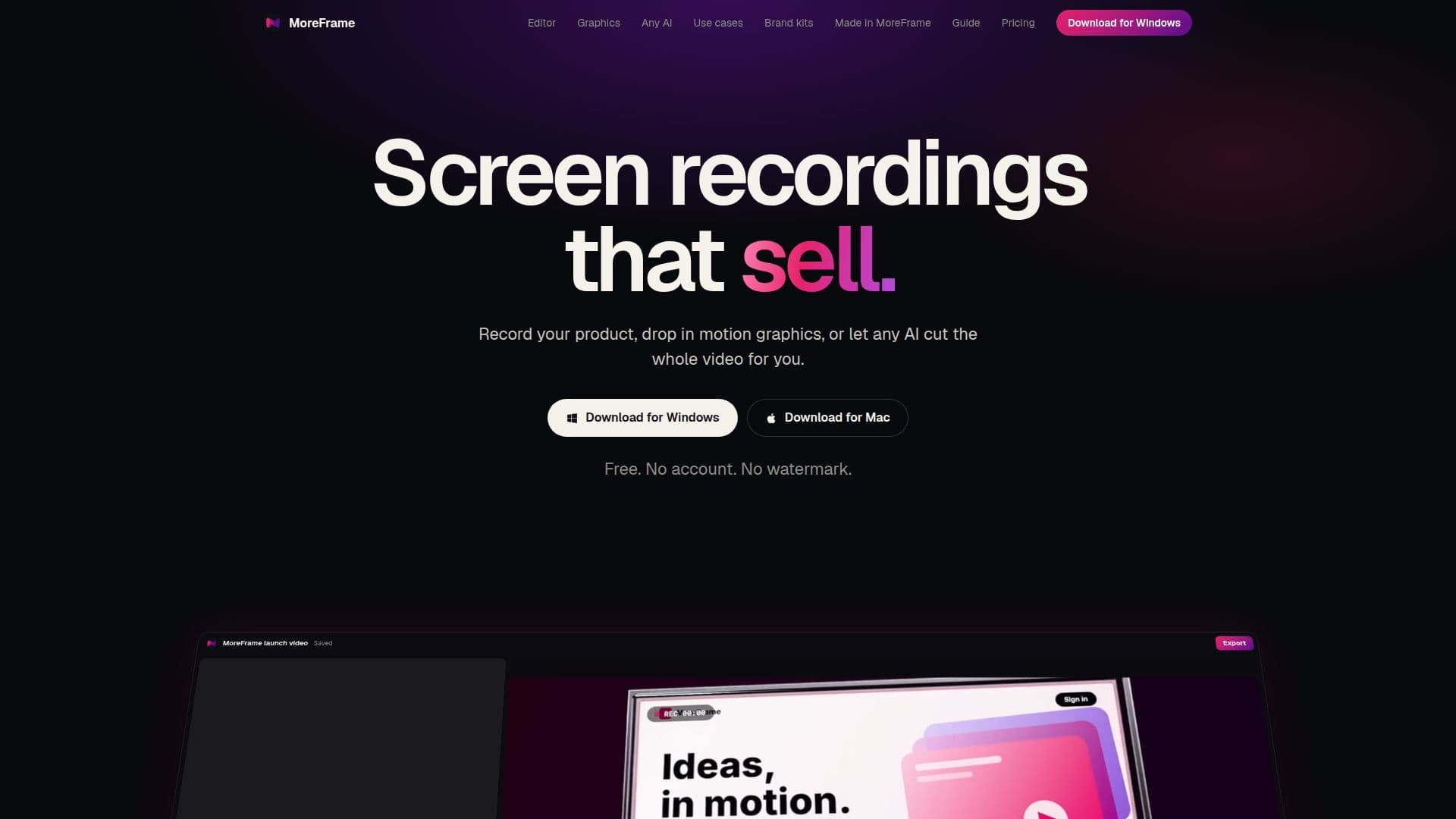
MoreFrame is a versatile screen recording and video editing application designed for both Mac and Windows users. It allows for the simultaneous recording of your screen and a second window, capturing each as its own distinct clip. The tool supports camera, microphone, and system audio recording, providing a complete capture solution for tutorials, product demonstrations, and walkthroughs.
Read More
The application features a robust timeline editor that supports cuts, speed adjustments, keyframes, and layers, enabling detailed control over video projects. Key editing features include Smart Zoom, which automatically follows clicks, and auto-captions with word animation, which can be generated locally or via an ElevenLabs key. MoreFrame also helps streamline the editing process by automatically removing silences, filler words, and retakes.
Users can enhance their videos with over 600 motion graphics, including titles, 3D elements, charts, and various transitions like film burn and light leaks. Animated characters, sound effects, and music are also available, with options for generated voice and music using an ElevenLabs key. Brand kits allow users to set logos, colors, fonts, and words for consistent branding across all projects. A built-in screenshot tool with device frames, markup, and blur functionality further extends its utility.
MoreFrame integrates AI capabilities, allowing any AI agent that speaks MCP (MoreFrame Control Protocol) to edit videos. This includes popular agents like ChatGPT through Codex, Claude, and Cursor, or a local model. The built-in AI assistant works with user-provided Anthropic or OpenAI keys. Multiple AI agents can work on different projects simultaneously in the background, ensuring efficient workflow without overwriting each other's work. The editor maintains smooth performance, even on complex projects with many clips, and supports 4K export at twice real-time speed.
Advanced features include 3D camera moves, masks, parenting, LUTs, and film looks. Audio tools allow for noise removal, ducking, beat cuts, and audio extraction. Users can set brand defaults for watermarks, safe zones, and loudness. Videos can be exported in 16:9, 9:16, and 1:1 aspect ratios from a single edit. The free version offers watermark-free export up to 1080p, while the Pro version unlocks 1440p and 4K export, along with animated WebP, SVG, and Lottie formats. MoreFrame is free forever on one computer, with Pro features available through monthly, yearly, or lifetime subscriptions.
- CategoryAI Video Editors
- Pricing ModelFreemium
- DeploymentCloud
- PlatformsMac, Windows
MoreFrame's Core Features
Record screen and a second window simultaneously
Capture camera, microphone, and system audio
Timeline editor with cuts, speed, keyframes, and layers
Smart Zoom automatically follows clicks
Auto captions with word animation and silence removal
600+ motion graphics, titles, 3D, charts, and transitions
Animated characters, sound effects, and music
Generated voice, music, and effects with ElevenLabs key
Brand kits for logos, colors, fonts, and words
Screenshot tool with device frames, markup, and blur
Built-in AI assistant with Anthropic or OpenAI key support
Any AI agent can edit over MCP (ChatGPT, Claude, Cursor)
Multiple AI agents edit projects in the background
4K export at 2x real-time speed
3D camera moves, masks, parenting, LUTs, and film looks
Noise removal, ducking, beat cuts, and audio extraction
Export 16:9, 9:16, and 1:1 from one edit
Watermark-free export up to 1080p (Free)
1440p and 4K export (Pro)
Animated WebP, SVG, and Lottie export (Pro)
How to use MoreFrame?
Install MoreFrame: Download and install the application on your Mac or Windows computer.
Allow Access: Grant necessary permissions for screen, audio, and camera recording.
Record Content: Start recording your screen and a second window in one take, capturing audio and video.
Edit on Timeline: Use the timeline editor to cut, adjust speed, add keyframes, and layer clips.
Enhance with Graphics: Drop in motion graphics, titles, 3D elements, and transitions from the library.
Apply Smart Features: Utilize Smart Zoom for automatic focus and auto-captions for text generation.
Integrate AI: Connect your AI agent (e.g., ChatGPT, Claude) via MCP to automate editing tasks.
Export Video: Export your finished video in desired resolutions and formats, with or without a watermark.
MoreFrame's Use Cases
- Product Demonstrations
- Software Walkthroughs
- Educational Content
- Marketing Videos
- Bug Reporting
- Social Media Content
- AI-Assisted Editing
- Brand Consistent Videos