Description
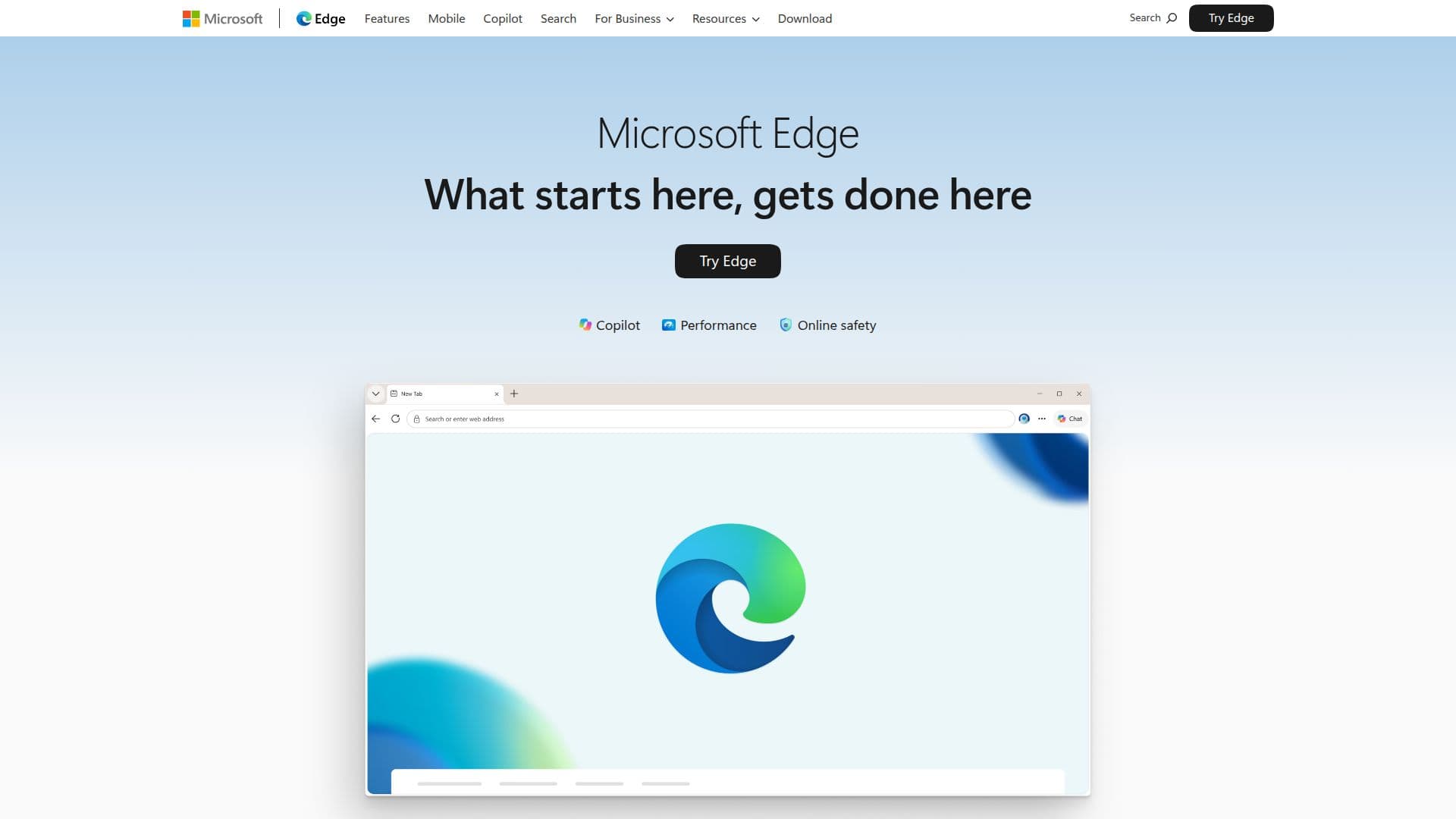
Microsoft Edge is a web browser developed by Microsoft, optimized for superior performance on Windows. It is designed to help users achieve more with built-in features and capabilities. One of the standout features is Copilot, an AI assistant that uses the context of open tabs to compare options, explain content, and complete tasks with personalized assistance. Copilot Vision allows users to explore their screen using voice commands, offering suggestions based on what is displayed.
Read More
Edge is built to start and stay fast, providing users with a focused browsing experience. It includes advanced security features to protect against online threats, such as phishing and malware attacks. The browser also offers a scareware blocker to guard against deceptive warnings and harmful downloads.
For productivity, Edge introduces new features every month, such as Workspaces for organizing tasks and tabs, and a split-screen feature for comparing pages side by side. The browser integrates seamlessly with Bing, enhancing search experiences with faster and more tailored results. Users can also earn Microsoft Rewards points by searching with Bing in Edge.
Edge supports cross-device synchronization, allowing users to sync passwords, favorites, and settings across Windows, macOS, iOS, and Android devices. It also provides access to free Microsoft 365 web apps like Word, Excel, and PowerPoint. The browser is equipped with an in-game browser for PC gaming, enabling access to guides and tips without leaving the game.
Overall, Microsoft Edge is designed to enhance productivity, online safety, and user experience with its AI-driven features and seamless integration with Microsoft services.
- CategoryBrowser & Web Automation
- Pricing ModelFree
- DeploymentCloud
- PlatformsWindows, macOS, iOS, Android
Microsoft Edge's Core Features
AI-powered Copilot for personalized assistance
Built-in security features for online safety
Scareware blocker to prevent deceptive warnings
Cross-device synchronization for seamless browsing
Integration with Microsoft 365 web apps
In-game browser for PC gaming
Monthly feature updates for enhanced productivity
Workspaces for organized browsing tasks
Split-screen feature for side-by-side page comparison
Enhanced Bing search experience
How to use Microsoft Edge?
Configure: Set up your preferences and settings
Use: Browse the web with enhanced features
Optimize: Utilize AI tools like Copilot for efficiency
Explore: Discover new features and updates monthly
Microsoft Edge's Use Cases
- Secure Browsing
- Productivity Enhancement
- Cross-Device Sync
- Gaming Integration
- Organized Browsing