


Description
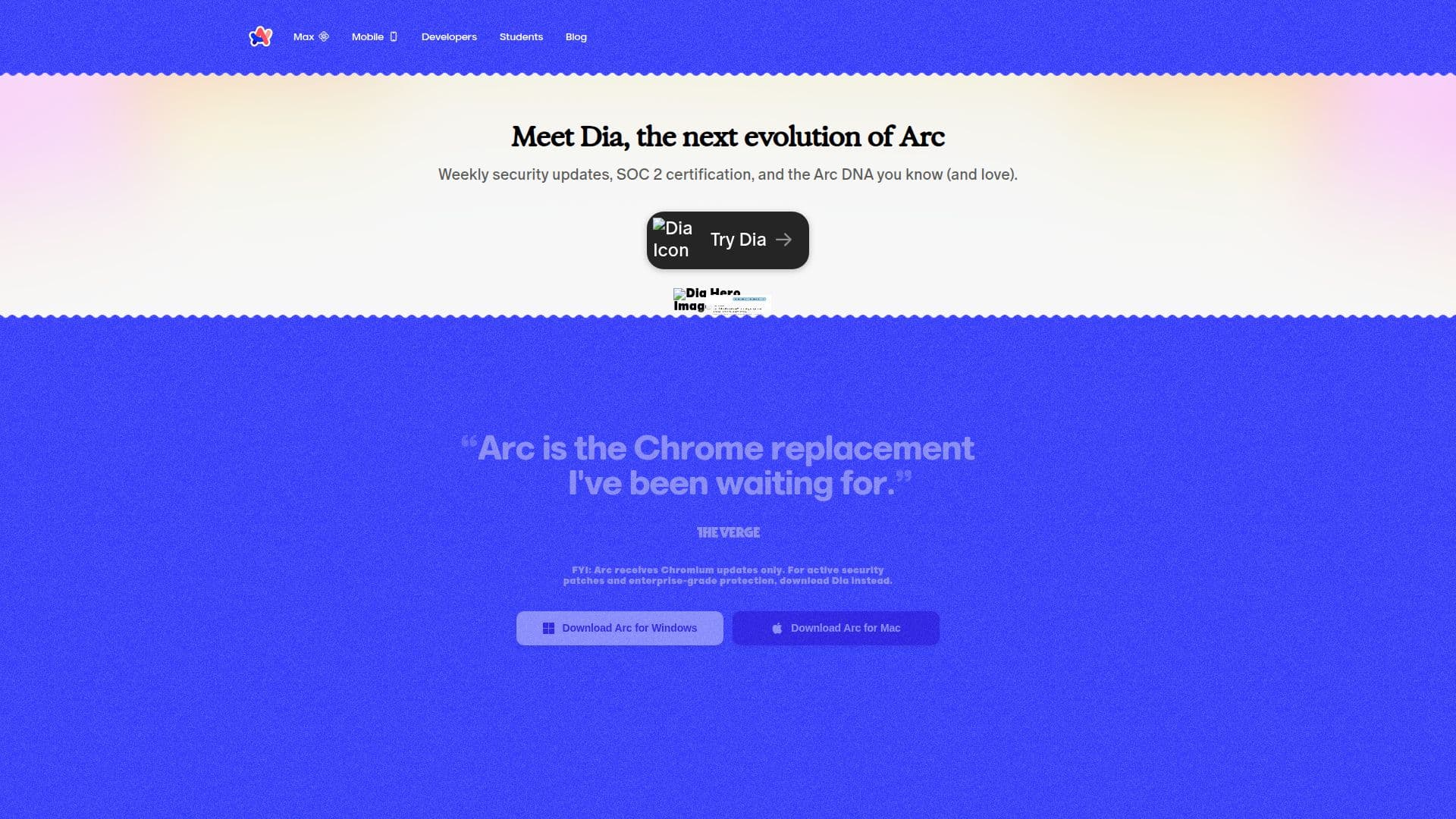
Arc Search is a browser developed by The Browser Company, designed to offer a more personal and distraction-free internet experience. It aims to replace traditional browsers like Chrome by providing a unique set of features that enhance productivity and user experience. Arc integrates seamlessly with popular apps such as Slack, Spotify, and Linear, allowing users to control music, use picture-in-picture for YouTube and Google Meet, and more.
The browser is based on Chromium, ensuring compatibility with Chrome extensions, and includes features like split screen, one-click account switching, and Developer Mode. Arc also offers AI-powered utilities that assist in organizing tabs and downloads, providing webpage summaries, and offering AI-generated search suggestions.
Privacy and security are paramount in Arc. The browser does not track visited websites or typed content, and it does not sell user data to third parties. It includes uBlock Origin for ad-blocking and ensures that no telemetry or crash report data is sent to Google. Arc is committed to keeping user data private and secure, with features like end-to-end encryption for sidebar sync and anonymized data collection for product improvements.
Arc Search is currently available for macOS, with plans to expand to Windows and Linux in the future. It targets users who value privacy, productivity, and a streamlined browsing experience. While it does not yet support multi-factor authentication, this feature is planned for future updates.
Arc Search Browser's Core Features
Chromium-based browser
Integration with Slack, Spotify, Linear
AI-powered utilities
Split screen feature
One-click account switching
Developer Mode
uBlock Origin ad-blocker
End-to-end encrypted sidebar sync
No telemetry data sent to Google
Anonymized data collection
How to use Arc Search Browser?
Download: Install Arc from the official website
Configure: Set up your preferences and integrations
Use: Browse with enhanced productivity features
Optimize: Utilize AI-powered tools for better organization
Arc Search Browser's Use Cases
- Enhanced Productivity
- Privacy-focused Browsing
- App Integration
- Developer Tools
- Ad-blocking