Description
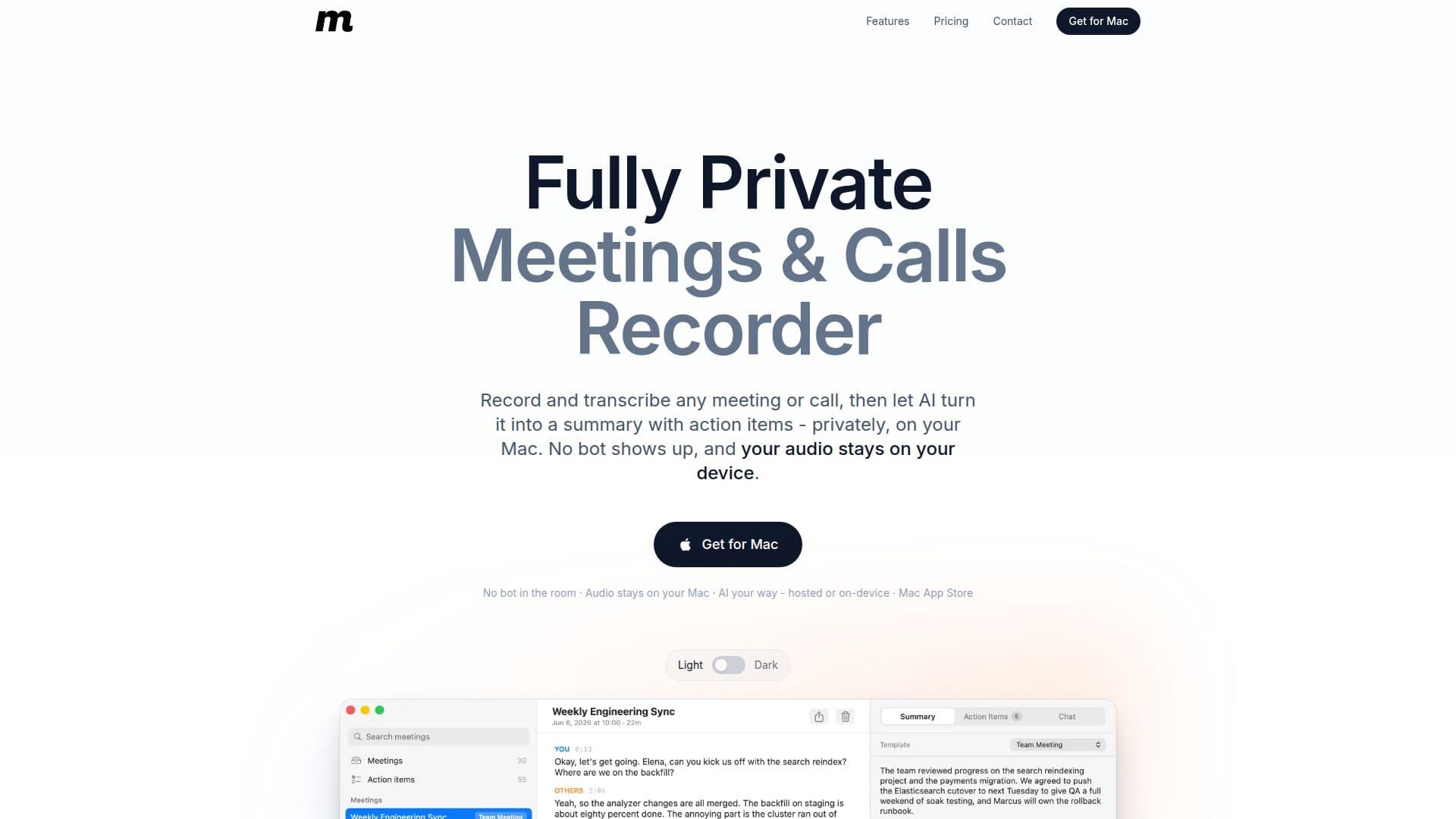
MeetingMemo is a privacy-first meeting and call recorder designed specifically for Mac users. It allows individuals and professionals to record, transcribe, and summarize every meeting without compromising confidentiality. A key differentiator is its commitment to privacy: no bot joins your calls, and all audio recording and transcription occur directly on your device, ensuring your sensitive conversations never leave your Mac.
Read More
The tool offers flexible options for AI summaries and action items. Users can choose to run AI processing fully on-device using models like Ollama, utilize MeetingMemo's hosted service (which operates with zero data retention), or connect their own cloud AI provider keys (supporting services like OpenAI, Anthropic, and Google Gemini). This flexibility ensures that users maintain control over where their data is processed, with only text ever being sent for cloud-based AI, and never the audio itself.
MeetingMemo captures both sides of a conversation cleanly, recording your microphone and system audio simultaneously. It labels your voice as "You" and others as "Others," providing clear two-sided transcripts without complex setup or virtual audio drivers. The transcription feature supports 99 languages using on-device engines like Apple SpeechTranscriber and WhisperKit, with transcripts appearing live as people speak.
Beyond recording and transcription, MeetingMemo includes features like "Chat With the Meeting," allowing users to ask questions about specific meeting transcripts. It also offers 18 built-in meeting templates for various scenarios (e.g., 1:1s, standups, sales calls) and integrates with your calendar to suggest recording and link notes, always asking for permission before starting. All recordings, transcripts, and action items can sync across your Macs via your private iCloud, or the app can function entirely offline.
MeetingMemo is ideal for legal, health, and regulated teams, or anyone handling confidential information who cannot upload calls to third-party servers. It provides a robust solution for professionals who need comprehensive meeting documentation while adhering to strict privacy requirements. The application is available with a 30-day free trial, followed by an annual subscription.
- CategoryAI Meeting Assistants
- Pricing ModelSubscription
- DeploymentOn-device
- PlatformsmacOS
MeetingMemo's Core Features
Fully private meeting and call recording on Mac
On-device audio recording and transcription
AI summaries and action items with flexible processing options
Supports on-device AI with Ollama or user's own cloud key
No bot joins calls; no notifications sent to participants
Captures both microphone and system audio for two-sided transcripts
On-device transcription in 99 languages (Apple SpeechTranscriber, WhisperKit)
"Chat With the Meeting" for querying specific transcripts
18 built-in meeting templates for various meeting types
Calendar integration for intelligent recording suggestions
Private iCloud sync across multiple Macs
Works fully offline for recording and transcription
Export meetings as Markdown, text, JSON, XML, or download audio
30-day free trial for all features
Family Sharing for up to 6 users
How to use MeetingMemo?
Install MeetingMemo: Download and install the application from the Mac App Store.
Grant Permissions: Allow MeetingMemo access to your microphone and calendar when prompted.
Start Recording: One minute before a scheduled call, MeetingMemo will ask if you want to record. Confirm to begin.
Transcribe Live: As the meeting progresses, speech is transcribed live on your Mac.
Generate Summaries: After the meeting, choose your AI summary preference (on-device, hosted, or your own key) to generate titles, summaries, and action items.
Chat with Meeting: Use the "Chat With the Meeting" feature to ask questions about the transcript.
Export or Sync: Export meeting data in various formats or sync across your Macs via iCloud.
MeetingMemo's Use Cases
- Confidential Meeting Recording
- Automated Meeting Summaries
- On-Device AI Processing
- Two-Sided Call Transcription
- Meeting Content Search
- Standardized Meeting Notes
- Offline Meeting Documentation
- Cross-Device Meeting Access