Description
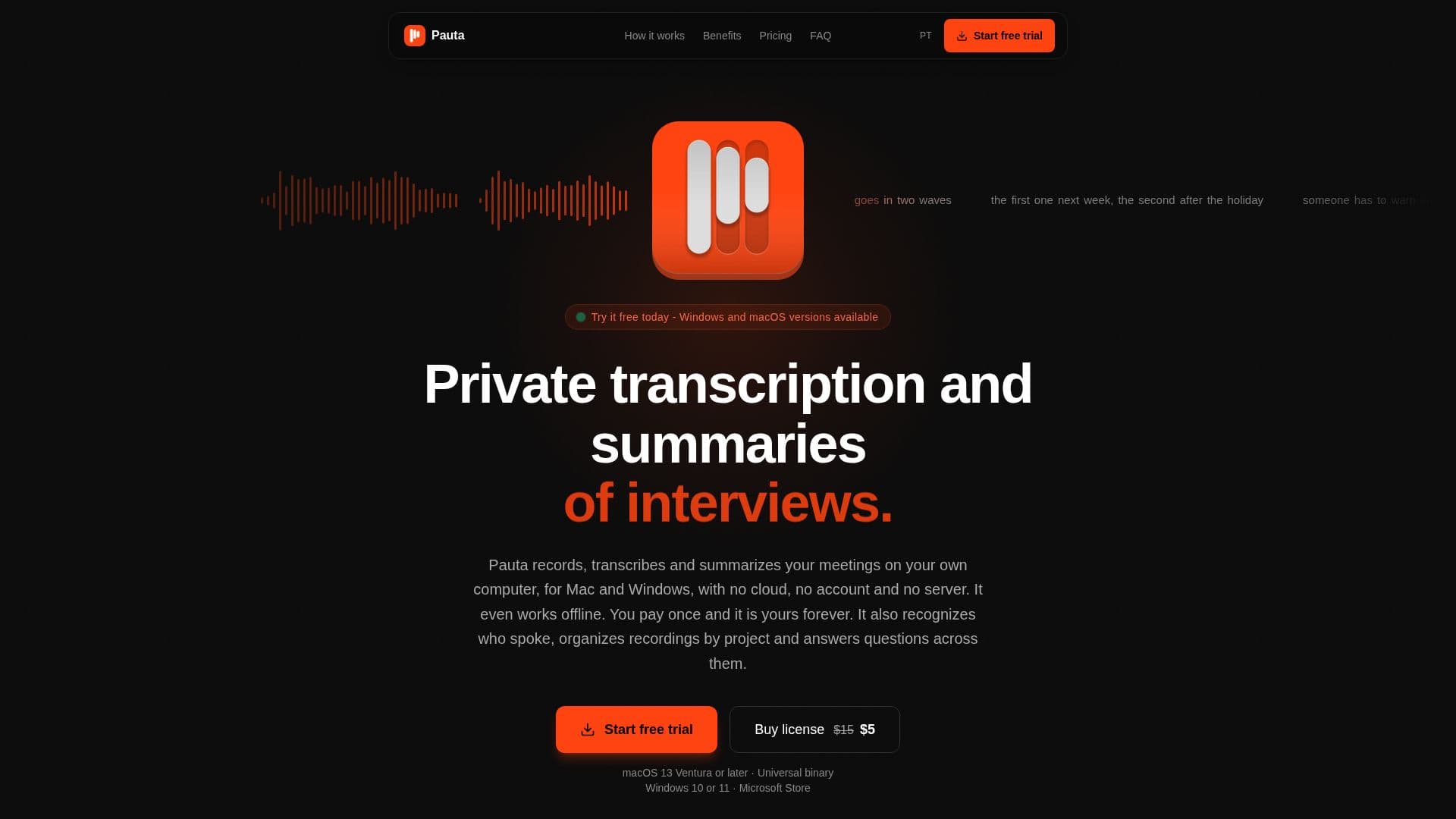
Pauta is a comprehensive desktop application designed for private and efficient meeting transcription and summarization on both Mac and Windows operating systems. It distinguishes itself by performing all core functions—recording, transcription, and summarization—directly on the user's computer, eliminating the need for cloud servers, external accounts, or subscription fees. This local processing capability means Pauta can operate entirely offline, with internet access only required for license validation, model downloads, and optional integration with third-party AI services like Claude or ChatGPT for summarization.
Read More
The application captures audio from the microphone or system, making it compatible with popular conferencing tools like Zoom, Google Meet, and Microsoft Teams without adding a bot to the call. Pauta also supports transcribing any other audio played on the computer, such as online classes, interviews, appointments, and videos. A key feature is its ability to recognize and separate speakers, learning names over time to improve accuracy in future meetings.
Users can organize recordings into projects, each maintaining a cumulative summary and enabling AI-powered conversations across all associated recordings. This allows users to ask questions about decisions or tasks discussed across multiple meetings within a single project, with answers drawn from all relevant transcripts and summaries. Pauta offers a lifetime license with a single payment, covering all future updates and major versions, and allows activation on up to two computers.
Privacy is a core tenet of Pauta, as recordings, transcripts, and summaries never leave the user's device unless explicitly sent to an external AI provider for summarization. The application is available for macOS 13 Ventura or later (Apple Silicon and Intel) and Windows 10 and 11 (x64 and ARM64), with the Windows version installing and updating via the Microsoft Store. A free 7-day trial is available without requiring a credit card.
- CategoryAI Meeting Assistants
- Pricing ModelOne-time purchase
- DeploymentDesktop Application
- PlatformsmacOS, Windows
Pauta's Core Features
Local transcription and summarization on your computer
No bot required for meetings
Works offline for recording, transcribing, and summarizing
No cloud servers or account needed for core functions
One-time payment for a lifetime license with free updates
Speaker recognition and learning capabilities
Project-based organization for recordings
AI conversation and Q&A across multiple meetings within a project
Transcribes any system audio or microphone input
Supports Zoom, Google Meet, Microsoft Teams, and other calls
Deactivate old computers to free up license slots
Integrates with Claude or ChatGPT for summaries (optional, uses your API key)
Default local Qwen model for summaries without cloud connection
Obsidian Sync for notes and project organization
Available for Mac (macOS 13+) and Windows (Windows 10/11)
How to use Pauta?
Download Pauta: Get the application for Mac or Windows from the official website.
Start Free Trial: Use Pauta free for 7 days without a credit card to evaluate its features.
Record Audio: Initiate recording for meetings, videos, or any system audio via the application.
Transcribe & Summarize: Pauta automatically transcribes and summarizes the audio locally on your computer.
Organize into Projects: Create projects to group related recordings and access cross-meeting summaries and AI conversations.
Activate License: Purchase a lifetime license and activate it using the serial key provided via email.
Pauta's Use Cases
- Meeting Transcription
- Lecture & Class Notes
- Interview Documentation
- Video Content Transcription
- Personal Voice Notes
- Project Knowledge Base
- Decision Tracking
- Offline Transcription