Description
Cluinn is a dedicated Mac application designed to enhance productivity through advanced AI dictation and a robust meeting assistant. It seamlessly converts spoken words into text within any Mac application, offering features like speech cleanup and tone adjustment based on the active app. This ensures accurate and contextually appropriate transcription for various writing tasks.
Read More
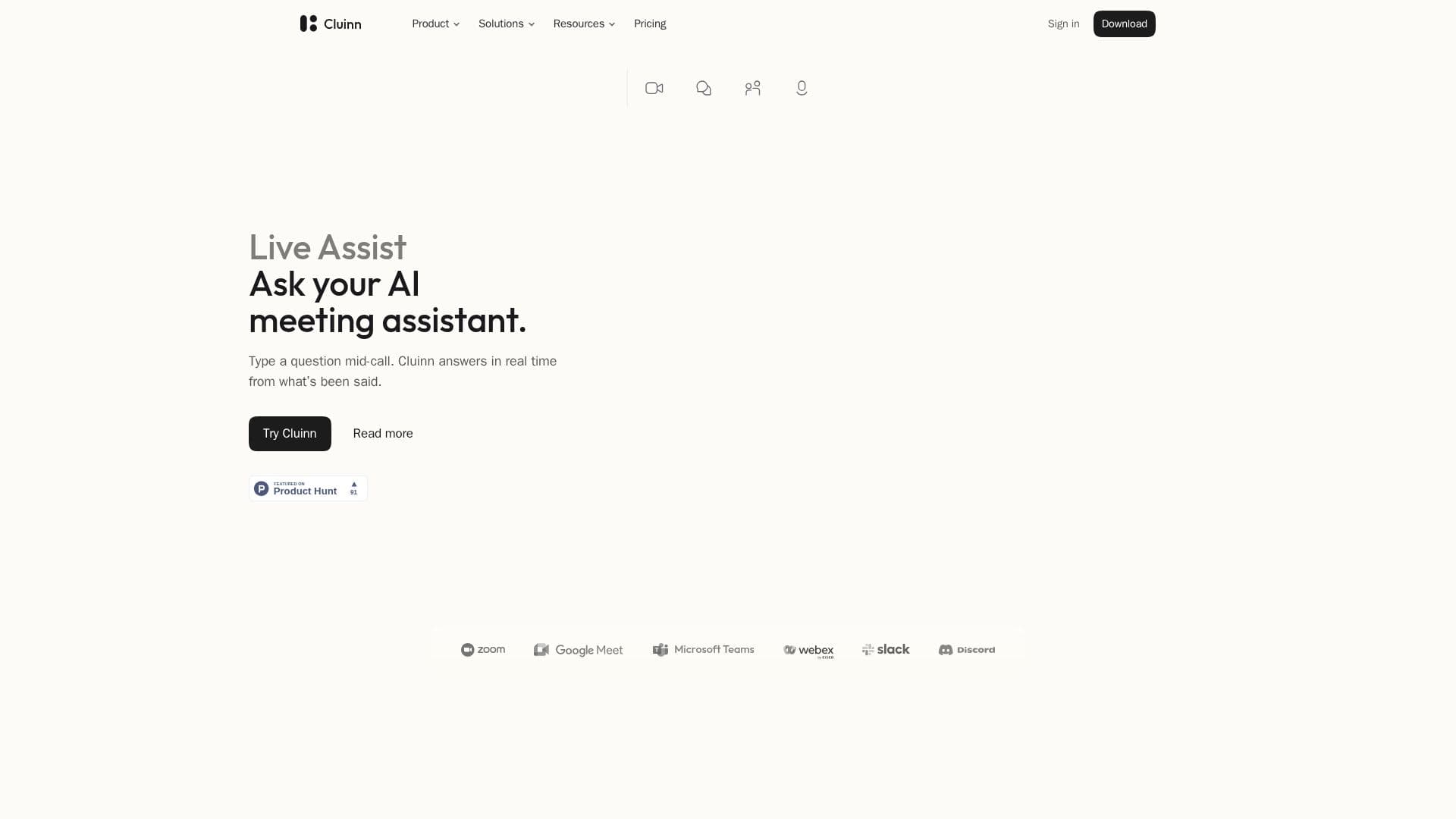
Beyond dictation, Cluinn excels as a meeting assistant. It integrates with major platforms such as Zoom, Google Meet, Webex, GoTo Meeting, Whereby, Slack huddles, Discord, and Microsoft Teams (browser version), automatically opening a Calls bar when a meeting begins. During live calls, users can ask questions and receive real-time answers based on the conversation history. The Smart Cards feature flags unanswered questions, indicating how long ago they were asked, ensuring critical points are addressed.
After a call, Cluinn provides a detailed debrief, listing action items, reminders, and key points. Users can chat with the AI about saved calls, search through transcripts, and even export AI answers as PDFs (Pro plan feature). The integrated AI communication coach, 'Coach,' helps users develop better communication habits by analyzing saved calls against set goals, offering insights and suggestions for improvement.
Cluinn prioritizes user privacy and data security. Audio is transcribed locally on Apple silicon Macs whenever possible, and never stored on Cluinn's servers. Only text is retained, either locally on the Mac or in an optional encrypted backup on Cluinn's servers. The application does not join meetings as a bot, ensuring a discreet presence. It supports 35 languages with 39 regional variants, plus an auto-detection setting. Cluinn is compatible with Apple silicon Macs (M1 or later) running macOS 12 Monterey or later, and offers both monthly and annual subscription options with a free trial period.
- CategoryAI Meeting Assistants
- Pricing ModelFreemium
- DeploymentCloud
- PlatformsmacOS
Cluinn's Core Features
AI dictation for any Mac app
Speech-to-text transcription with cleanup
Real-time answers during live calls
Automatic action item generation post-call
AI communication coach for call improvement
Live transcript display during meetings
Smart Cards to flag unanswered questions
Support for 35 languages (39 regional variants)
Automatic language detection for dictation
Personas for dictation tone and style
Snippets and custom dictionary for dictation
Integration with major meeting platforms (Zoom, Google Meet, Teams, etc.)
Encrypted backup for transcripts and notes (optional)
Offline dictation capability on qualifying Macs
Smart translation for dictation
How to use Cluinn?
Download and Install: Download the Cluinn app from the official website and install it on your Apple silicon Mac.
Sign In and Choose Plan: Sign in with your email or Google account and select either the Basic or Pro plan, or start a free trial.
Start Dictation: Open any Mac app, place your cursor, and begin speaking; Cluinn will transcribe your speech to text.
Initiate Meeting Assistant: Start a call in a supported meeting app (e.g., Zoom), and the Calls bar will automatically open; press Start.
Ask Questions Mid-Call: Type questions into the Calls bar during a live meeting to receive real-time answers based on the conversation.
Review Post-Call Debrief: After a meeting, access the debrief to view action items, reminders, and key points.
Utilize AI Coach: Set a communication goal in the Coach section to receive feedback and suggestions based on your saved calls.
Manage Settings: Customize dictation language, personas, hotkeys, and privacy settings within the app.
Cluinn's Use Cases
- Meeting Transcription
- Real-time Meeting Assistance
- Communication Coaching
- General Dictation
- Action Item Tracking
- Multilingual Text Input
- Customized Text Output
- Sales Call Analysis
- Research and Note-Taking
- Content Creation