Description
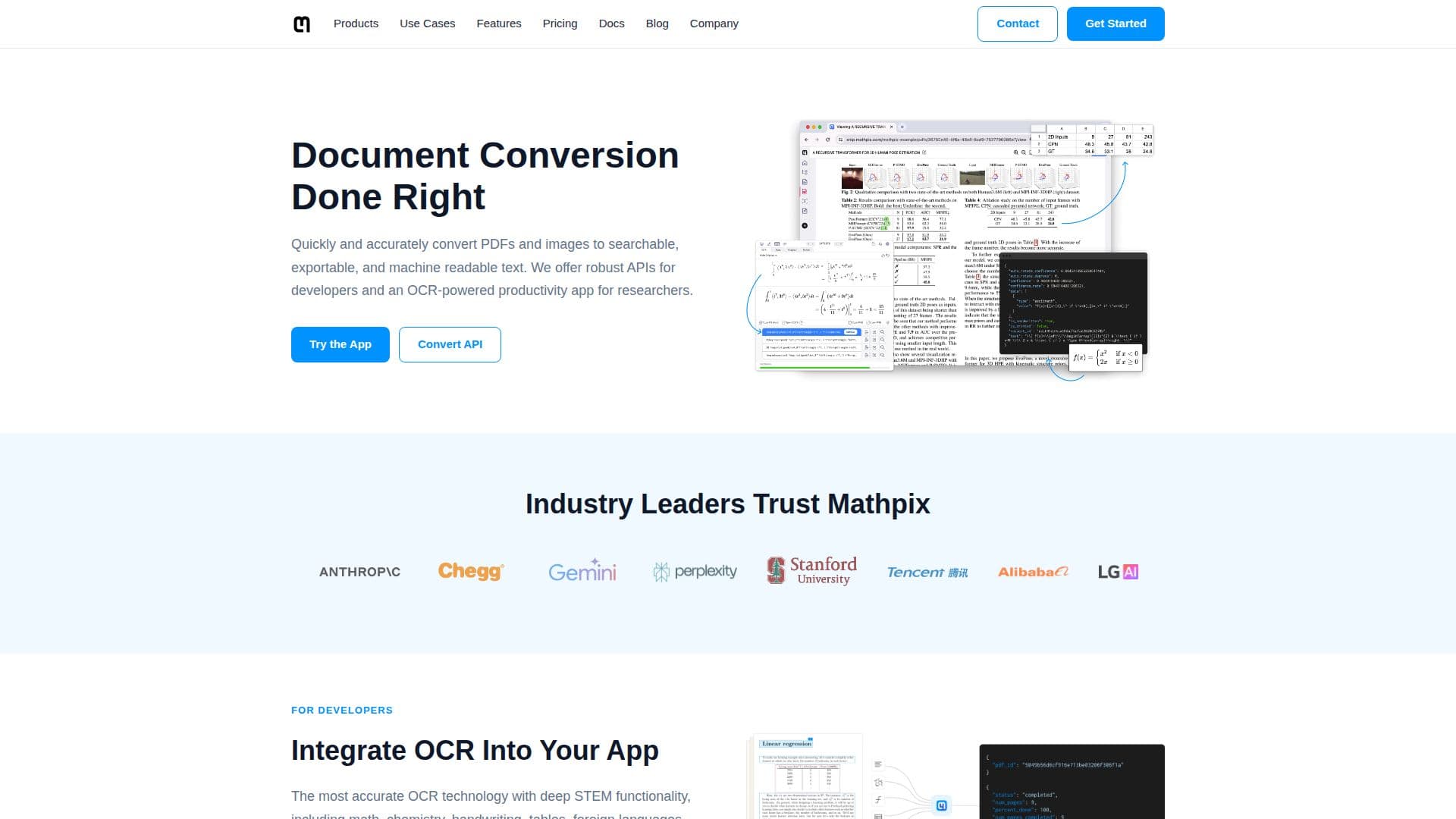
Mathpix builds AI-powered document conversion technology that turns PDFs and images into searchable, exportable, machine-readable text. Founded in 2016, its OCR is designed for STEM content, accurately recognizing math equations, chemical structures, handwriting, tables, code blocks, and multi-language text, and converting them to formats such as LaTeX, DOCX, Overleaf, Markdown, Excel, and ChemDraw.
Read More
For researchers, Mathpix offers Snip, a Markdown and AI-powered collaborative editing environment with image and PDF conversion tools, and a desktop Snipping Tool that lets users OCR content from their screen and copy math and chemistry to the clipboard with a single keyboard shortcut. The Snip apps are available on Mac, Windows, Linux, iOS, Android, and Web.
For developers and enterprises, Mathpix provides a Convert API for extracting math, text, and handwriting at scale, a high-throughput Files API for asynchronous processing of up to 200,000 documents per request with cloud storage integrations, a Python SDK, and a Secure Conversion Service with dedicated infrastructure. The company is SOC 2 Type 2 certified and processes millions of pages per hour.
- CategoryAI Document & PDF Tools
- Pricing ModelFreemium
- DeploymentCloud, Desktop app
- PlatformsWeb, Windows, macOS
Mathpix's Core Features
AI OCR for math, chemistry, handwriting, tables, and code
Convert images and PDFs to LaTeX, DOCX, Markdown, Excel, and ChemDraw
Snip collaborative Markdown editing environment for researchers
Desktop Snipping Tool that OCRs screen content to the clipboard
Convert API for extracting math, text, and handwriting at scale
Files API for high-throughput, asynchronous document processing
Python SDK and Mathpix Markdown for technical documents
Secure Conversion Service with dedicated, SOC 2 Type 2 infrastructure
How to use Mathpix?
Choose a tool: Use the Snip app for personal work or the API for developer integration.
Capture content: Screenshot an equation, upload an image, or submit a PDF.
Convert: Let Mathpix OCR the content into LaTeX, Markdown, DOCX, or another format.
Export or copy: Paste the result to your clipboard or export the converted document.
Scale up: Use the Convert or Files API to process large document libraries.
Mathpix's Use Cases
- Digitize handwritten notes
- Extract equations for writing
- Convert research PDFs
- Build training data
- Integrate OCR into apps