Description
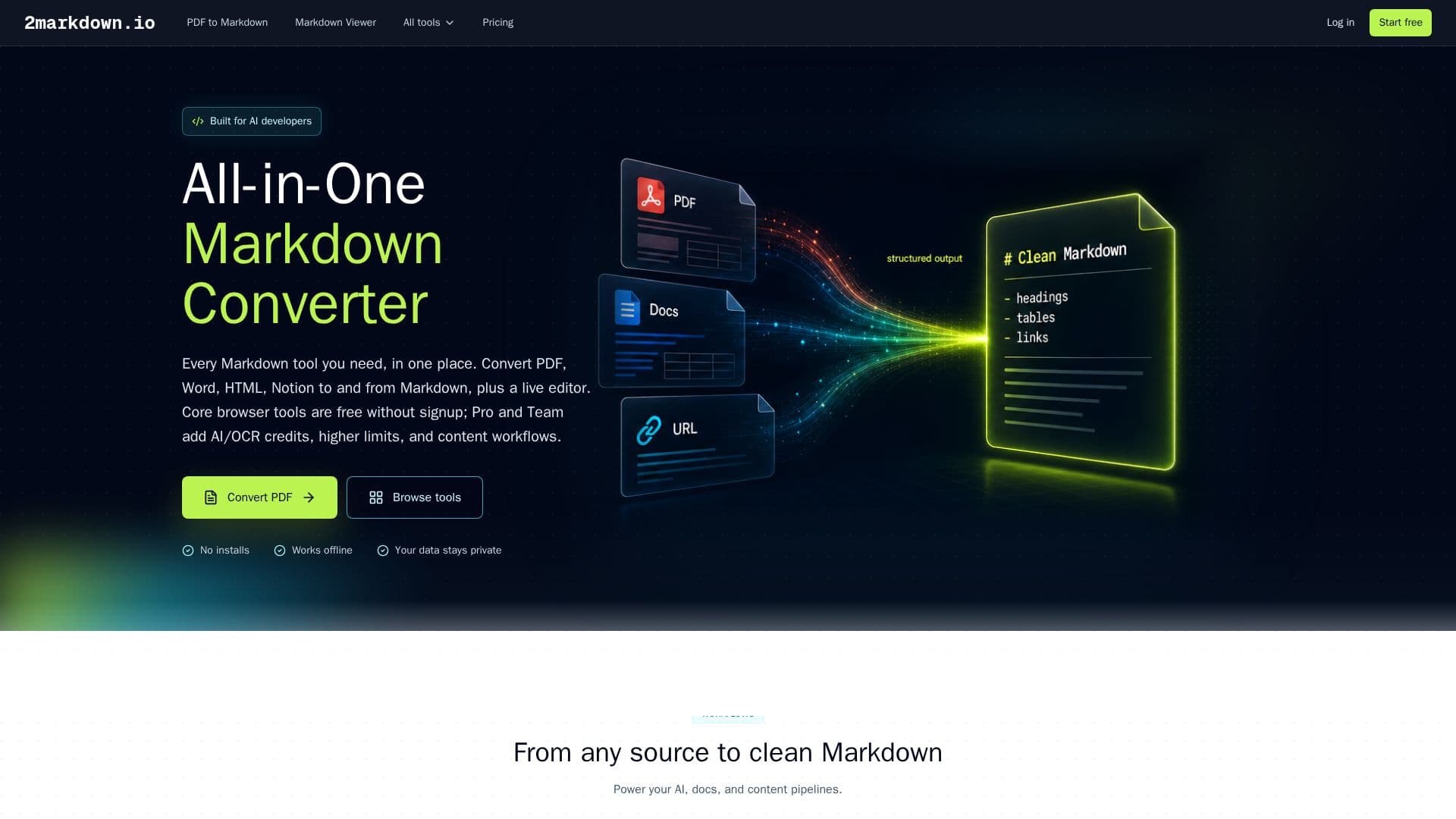
2markdown is an online Markdown converter and viewer that bundles 37 tools for converting files, links, and platform content to and from Markdown. It handles PDF, Word (DOCX), HTML, CSV, JSON, Excel, EPUB, LaTeX, RTF, and more, and includes a live Markdown Viewer that lets users read, edit, preview, and export Markdown directly in the browser.
Read More
Core browser-side tools are free and require no signup, with conversions running locally on the user's device whenever the format allows. For scanned PDFs and complex documents, an opt-in AI/OCR mode processes files with explicit consent and does not retain data after conversion. The Markdown Viewer supports CommonMark and GitHub Flavored Markdown, plus LaTeX math via KaTeX, footnotes, task lists, and tables, rendered in real time.
The tool is built for people working with structured knowledge and AI: converting source documents into clean Markdown for RAG pipelines, preparing token-efficient prompts for Claude or ChatGPT, and migrating notes into tools like Obsidian and Notion. It also supports converting public content links from platforms including YouTube, Bilibili, Twitter/X, TikTok, Reddit, and LinkedIn.
2markdown is an independent product built by a developer based in Singapore. Free Basic access includes browser-side tools and 25 AI/OCR credits per month, while paid Pro and Team plans add more credits, higher content-link limits, ad-free usage, and team seats.
- CategoryAI Document & PDF Tools
- Pricing ModelFreemium
- DeploymentCloud
- PlatformsWeb
2markdown's Core Features
37 tools to convert files, links, and platform content to and from Markdown
Live Markdown viewer and editor with real-time preview
Browser-side conversion that keeps files on the user's device
Opt-in AI/OCR mode for scanned PDFs and complex documents
CommonMark and GitHub Flavored Markdown, LaTeX math, footnotes, task lists, and tables
One-click export to PDF, HTML, DOCX, or .md
Public content link conversion for YouTube, Bilibili, Twitter/X, TikTok, Reddit, LinkedIn, and more
Notion and Google Docs Markdown workflows
How to use 2markdown?
Choose a tool: Pick a converter or open the live Markdown Viewer.
Add your source: Upload a file, paste text or HTML, or provide a public content link.
Convert: Run the browser-side conversion, or opt in to AI/OCR mode for scanned or complex files.
Preview: Open the result in the Markdown Viewer to check and refine formatting.
Export: Download the Markdown or export to PDF, HTML, DOCX, or another format.
2markdown's Use Cases
- Build a RAG knowledge base
- Better AI prompts
- Migrate notes
- Publish anywhere
- Convert public content