Description
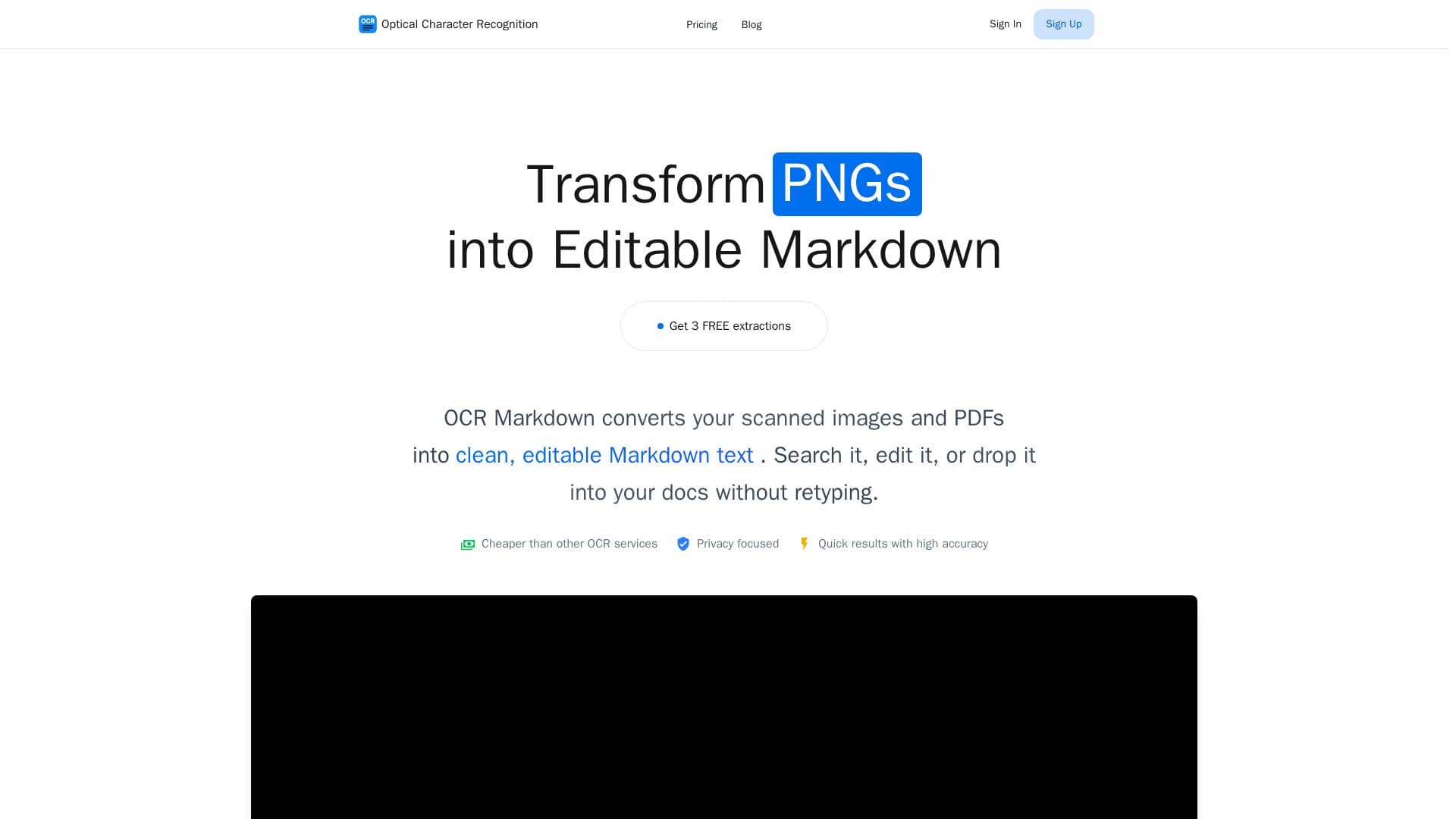
OCR Markdown (OCRMD) is an OCR tool that transforms scanned documents, image files, and non-selectable PDFs into clean, editable Markdown. Instead of retyping, users can search, edit, or drop the extracted Markdown straight into their documents, with tables, math, and images preserved.
Read More
The workflow is simple: upload an image or PDF, the OCR engine extracts and formats the text, then the user edits and uses the Markdown along with any associated images. A free tier runs entirely in the browser with client-side image OCR and PDF-to-Markdown for PDFs that already contain a text layer, requiring no account and keeping processing local. The premium tier uses AI recognition with roughly 90 to 99% accuracy, handling PDFs and images, extracting math, tables, and images with formatting, and storing documents in a searchable library that users can organize and search later.
OCR Markdown uses a credit-pack model, with credits valid for two years from purchase, and offers 3 free premium extractions on signup. It is operated by MerginIT e.U. in Austria and also links to a set of related free developer utilities.
- CategoryAI Document & PDF Tools
- Pricing ModelFreemium
- DeploymentCloud
- PlatformsWeb
OCR Markdown's Core Features
OCR to clean, editable Markdown
Free client-side image OCR in the browser
PDF-to-Markdown for PDFs with a text layer
Premium AI recognition at ~90-99% accuracy
Math, table, and image extraction with formatting
Searchable stored document library
No account required for free tools
Credit packs valid for two years
How to use OCR Markdown?
Upload: Add your image or PDF document.
Process: The OCR engine extracts and formats the text, tables, math, and images.
Edit and use: Download and use the Markdown content and associated images.
OCR Markdown's Use Cases
- Scan to Markdown
- PDF text extraction
- Math and tables
- Searchable document library