Description
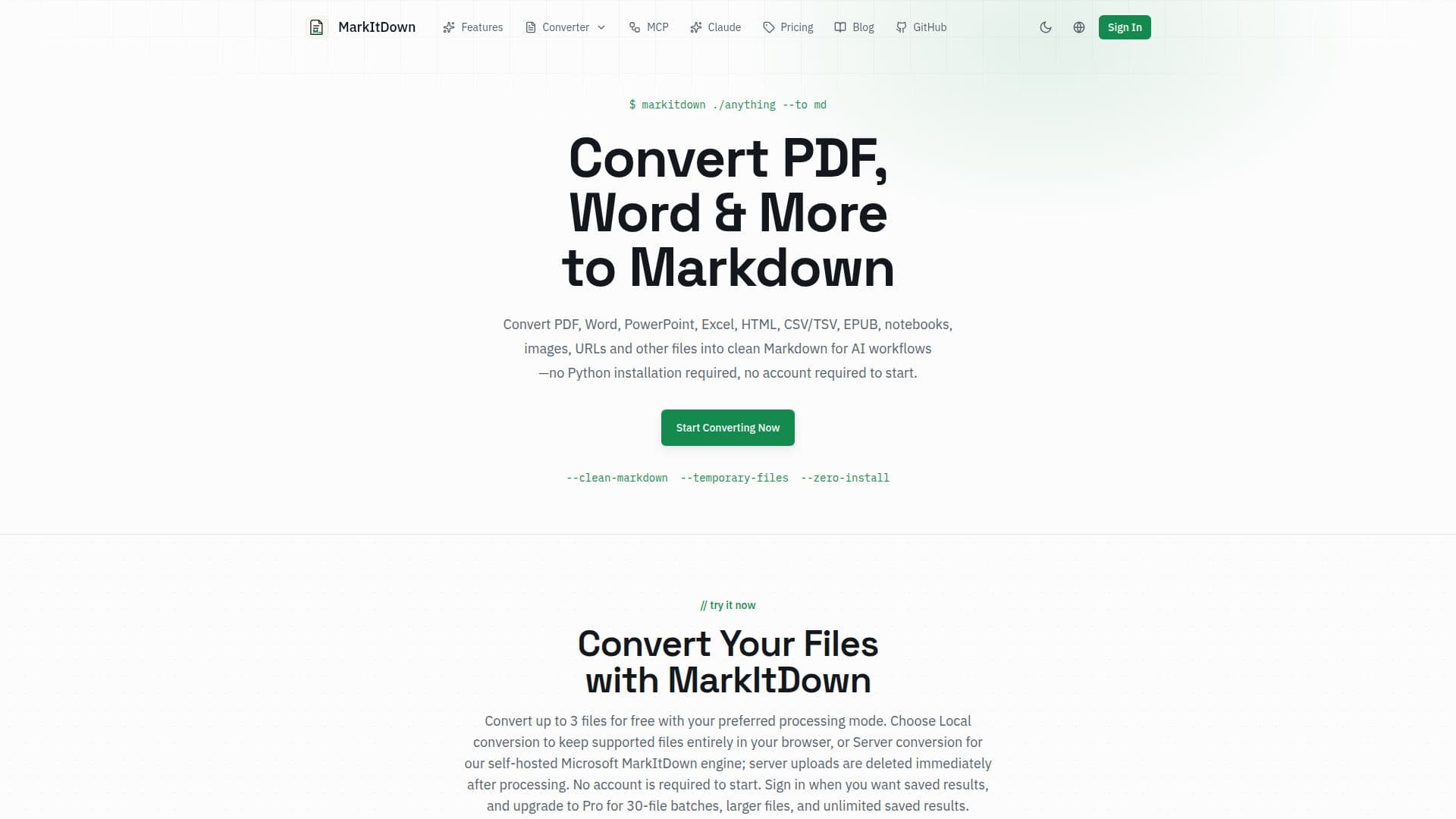
MarkItDown is an online converter that turns documents into clean, structured Markdown, the format AI tools understand best. It began as Microsoft's open-source MarkItDown utility; this site is an independent service inspired by that project that self-hosts the library behind a simple web workflow, so no Python installation and no account are required to start.
Read More
The converter supports a wide range of inputs, including PDF, DOCX, PPTX, XLS/XLSX, HTML/HTM, TXT/MD, CSV/TSV, JSON, XML, EPUB, IPYNB, public URLs, and PNG/JPG/WebP images through OCR. It preserves document structure such as headings, tables, lists, links, and inline formatting, and for scanned PDFs it offers built-in AI OCR that reconstructs content as Markdown, including tables and math equations converted to LaTeX.
You can choose local conversion that keeps supported files entirely in your browser or fast server conversion through the self-hosted engine, where uploaded source files are written only to temporary storage and deleted immediately after conversion. Converted output is ready to feed directly into RAG pipelines, LLM prompts, vector databases, knowledge bases, documentation sites, and Git-based editing workflows.
The free tier handles up to 3 files per batch, files up to 20MB, and 10 OCR pages per month with no account required to start, while a Pro plan raises limits to 100MB files, 30-file batches, unlimited saved results, and 500 OCR pages per month.
- CategoryAI Document & PDF Tools
- Pricing ModelFreemium
- DeploymentCloud
- PlatformsWeb
MarkItDown's Core Features
Converts PDF, DOCX, PPTX, XLS/XLSX, HTML, CSV/TSV, JSON/XML, EPUB, and IPYNB to Markdown
Image OCR for PNG, JPG, and WebP files
Built-in AI OCR for scanned PDFs with tables and LaTeX math
Local in-browser conversion or fast server conversion
Preserves headings, tables, lists, links, and inline formatting
Output optimized for LLM prompts, RAG pipelines, and vector databases
Convert public URLs and paste CSV/TSV tables directly
Temporary processing with source files deleted immediately after conversion
How to use MarkItDown?
Upload your file: Select or drag and drop a supported source file, or paste a public URL or CSV/TSV table.
Choose a mode: Pick local conversion to keep files in your browser, or server conversion for the self-hosted engine.
Convert to Markdown: The parser identifies headings, tables, lists, and other structure and produces clean Markdown.
Preview and download: Review the output, then download the .md file ready for AI processing or save it to your workspace.
MarkItDown's Use Cases
- RAG pipeline ingestion
- LLM prompt preparation
- Scanned document conversion
- Documentation and knowledge bases
- Git-based content workflows