Description
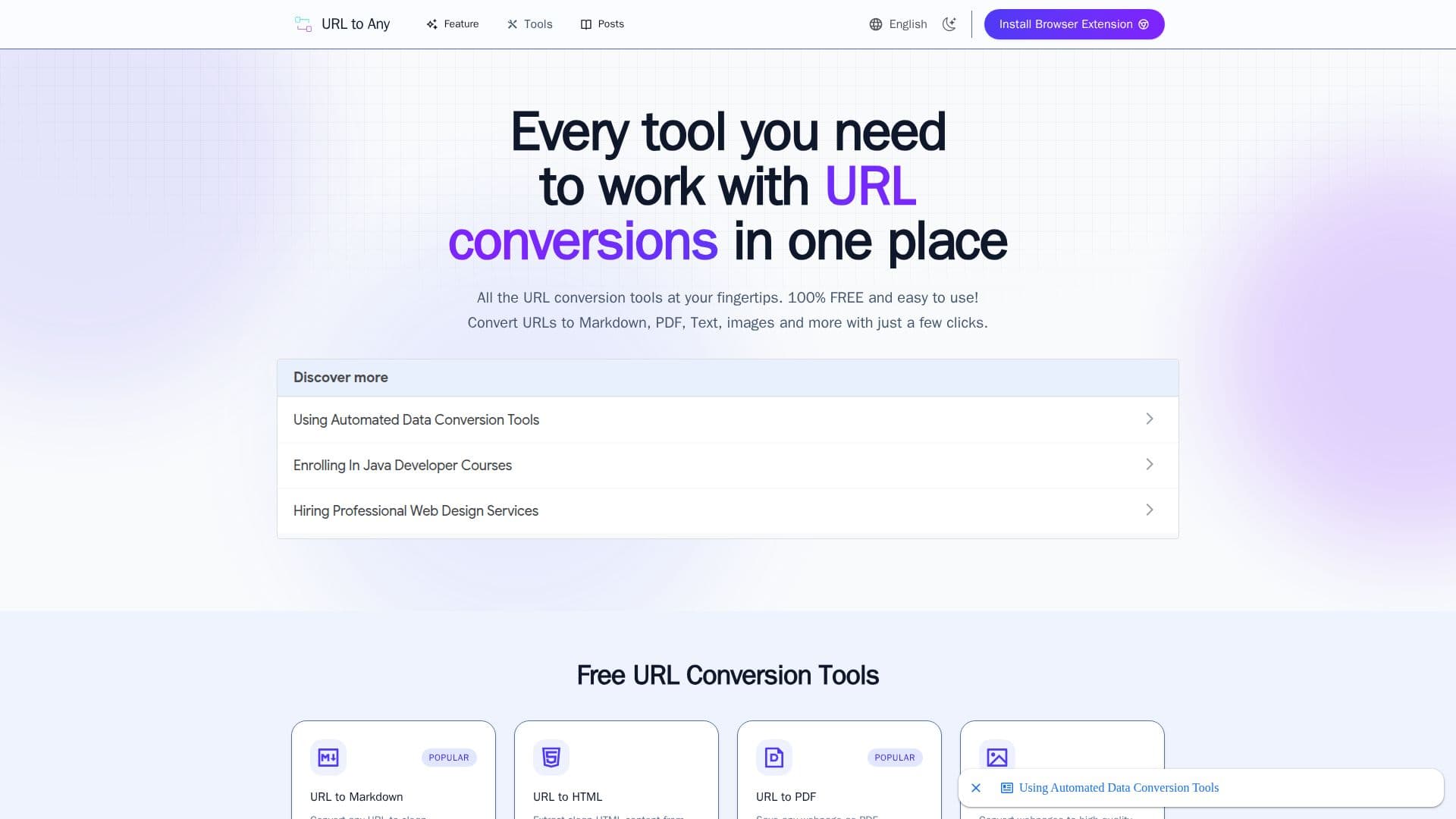
URL to Any is a free web-based toolkit for converting and working with web content. Users paste a URL and transform the page into a range of formats with a few clicks, including clean Markdown, HTML, PDF, images (PNG, JPEG, WebP), plain text, JSON, XML, MP3, and QR codes. Processing happens in the cloud with no software installation, and results are formatted and ready to copy.
Read More
Beyond format conversion, the suite includes utilities such as an AI summarizer that analyzes a webpage and produces a concise summary with real-time streaming, a URL extractor that lists all URLs from a site as TXT and CSV, a bulk URL opener, meta tag and heading extractors for SEO and Open Graph analysis, URL-to-IP resolution, and encode/decode tools supporting URL, Base64, HTML entities, JWT, Hex, Unicode, Binary, and ROT13 formats.
The Markdown converter is aimed at documentation, note-taking, research capture, and building knowledge bases in tools like Obsidian and Notion, and preserves links in standard Markdown syntax. The AI summarizer suits articles, blog posts, research papers, and news content, working best with English text.
All tools are 100% free with no registration, hidden fees, or subscriptions. Processing is done securely in the cloud, and the site states it does not store the content of converted pages or personal information. Only publicly accessible pages can be converted, so content behind logins or paywalls is not supported.
- CategoryAI Document & PDF Tools
- Pricing ModelFree
- DeploymentCloud
- PlatformsWeb
URL to Any's Core Features
Convert URLs to Markdown, HTML, PDF, and images
Extract plain text, JSON, and XML from webpages
Generate QR codes and MP3/podcast output from a URL
AI summarizer with real-time streaming results
URL extractor exporting all links as TXT and CSV
Meta tag and heading extractors for SEO analysis
Encode and decode across 8+ formats including Base64 and JWT
100% free with no registration required
How to use URL to Any?
Pick a tool: Choose the conversion or utility you need, such as URL to Markdown or the AI summarizer.
Enter a URL: Paste the address of the publicly accessible page.
Process: The tool converts or analyzes the page in seconds in the cloud.
Copy or download: Copy the formatted result or download the converted file.
URL to Any's Use Cases
- Documentation and notes
- Web data for AI
- Quick content summaries
- Saving and sharing pages