Description
Snippai redefines the snipping tool experience by integrating advanced Artificial Intelligence capabilities directly into the image capture process. This innovative tool allows users to not only capture parts of their screen but also to extract and process information embedded within those captured images. Its core functionality revolves around intelligent analysis, making it a powerful asset for students, developers, researchers, and anyone working with visual information.
Read More
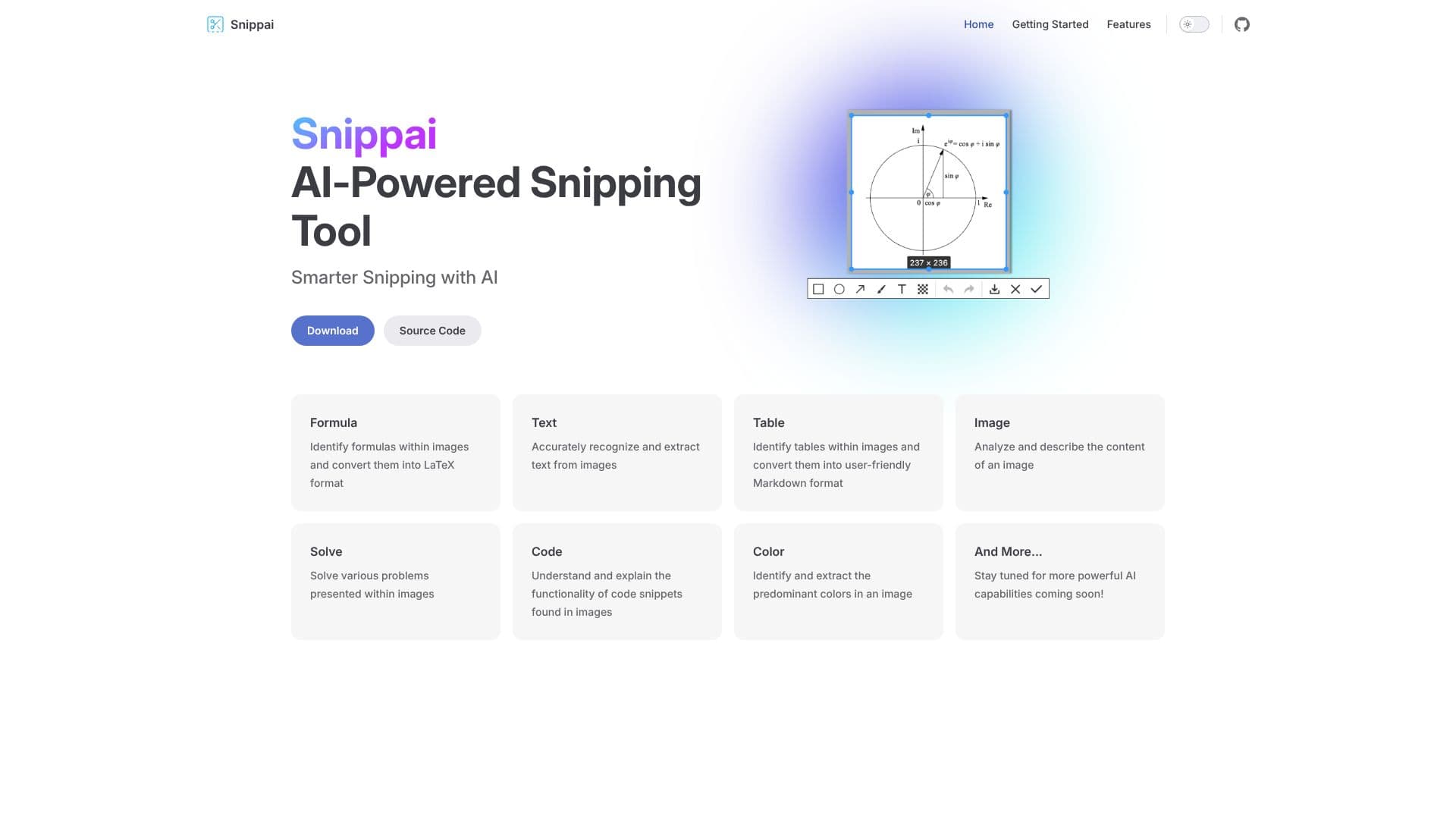
The tool offers a suite of specialized AI features designed to streamline workflows and enhance productivity. For academic and scientific users, Snippai can accurately identify mathematical and scientific formulas within images and convert them into LaTeX format, eliminating the tedious manual transcription process. Developers and technical writers will find value in its ability to recognize and extract text from images with high precision, as well as to understand and explain the functionality of code snippets captured from various sources.
Snippai also excels at data extraction and organization. It can identify tables within images and convert them into user-friendly Markdown format, simplifying data management and integration into documents or databases. Beyond structured data, the AI can analyze and describe the content of any image, providing context or generating alt text. Furthermore, it can identify and extract the predominant colors present in an image, which can be useful for design, branding, or analytical purposes.
The vision for Snippai extends beyond its current features, with a commitment to continuously add more powerful AI capabilities. This ensures that the tool remains at the forefront of AI-driven productivity solutions. Snippai is designed for anyone who frequently interacts with visual information and seeks to automate extraction, analysis, and conversion tasks, thereby saving time and reducing errors. Its intuitive design aims to make these complex AI functions accessible to a broad user base.
- CategoryComputer Vision Tools
- Pricing ModelOpen Source
- DeploymentDesktop
- PlatformsWindows, macOS, Linux
Snippai's Core Features
AI-powered image analysis for data extraction
Formula identification and conversion to LaTeX
Accurate text recognition from images
Table detection and conversion to Markdown
Image content analysis and description
Code snippet explanation
Dominant color extraction from images
Continuous development of new AI features
How to use Snippai?
Capture Image: Use Snippai to capture the desired portion of your screen.
Select Feature: Choose the specific AI analysis you need (e.g., Formula, Text, Table).
Process Data: Snippai's AI will analyze the image based on your selection.
Extract & Convert: Obtain the extracted data in the desired format (LaTeX, Markdown, text description, etc.).
Utilize Output: Copy, save, or integrate the processed information into your projects.
Snippai's Use Cases
- Formula Extraction
- Text Extraction
- Table Conversion
- Image Description
- Code Explanation
- Color Analysis
- Research Assistance
- Documentation Creation