
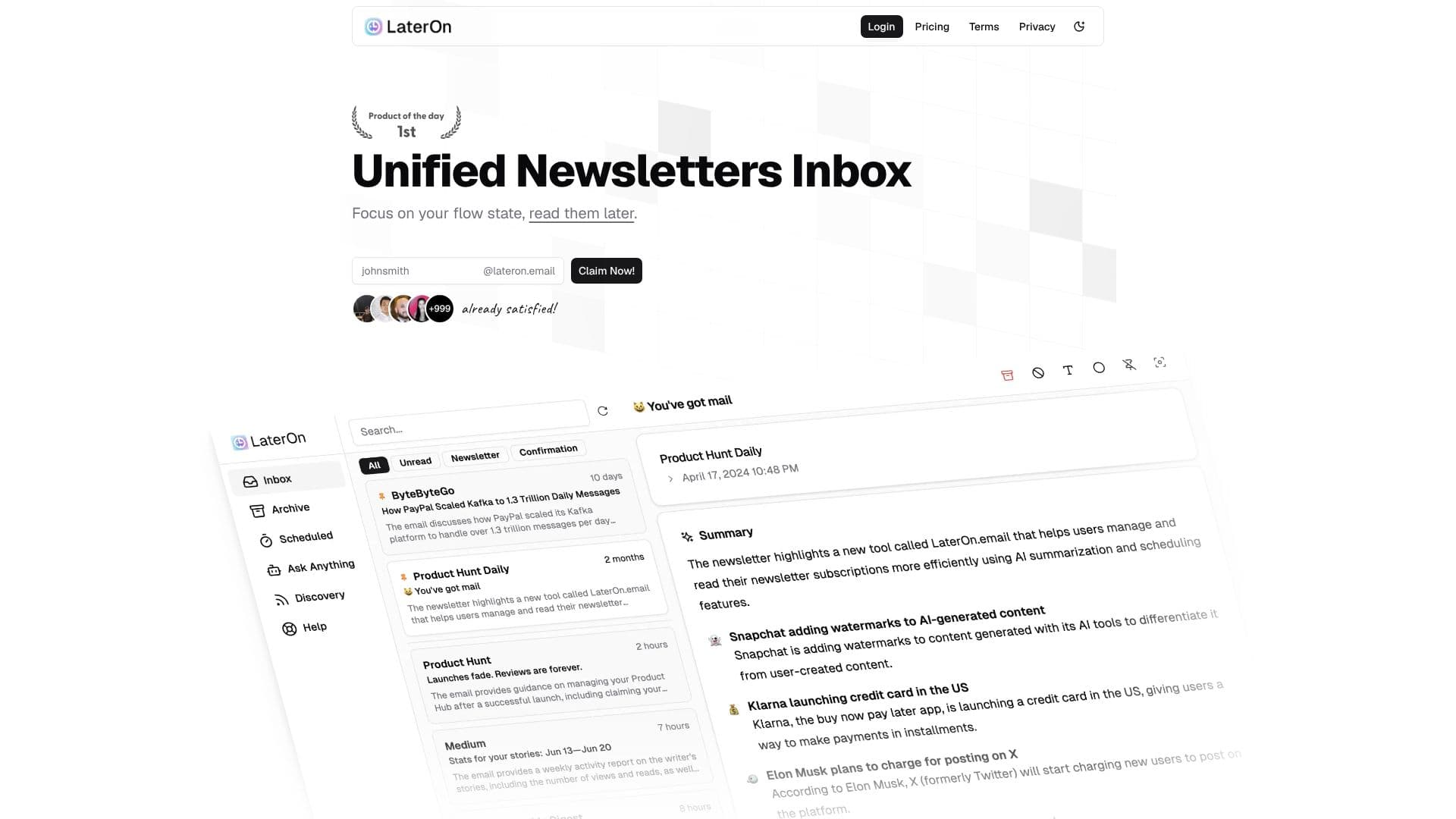
Description
LaterOn describes itself as the agentic email platform. It began as a newsletter reader that collected and summarized subscriptions into a single digest; its v2 rebuild turns the same mailbox into a system that can act on email rather than just organize it.
Read More
A workflow starts with a trigger, plain-language instructions, and a goal that ends it. The agent matches incoming email against that description, replies in the user's writing style, and chases an unanswered thread once before letting it go. When a message needs a human call, such as a price, a refund, a legal question, or an upset sender, the agent stops, marks the thread "needs you," and explains why in one sentence. Workflows start paused, can be set to draft-only, and carry hard caps per conversation and per day, with every send logged with its reason.
Beyond workflows, LaterOn puts a summary on every incoming email, newsletters included, and lets users "ask your mail anything" to get answers pulled from across the mailbox with citations back to the source emails. It offers suggested replies written in the user's own style and a "verify with AI" check that flags whether a message looks genuine or suspicious. The platform also builds a memory of facts such as prices, policies, and people, and reuses them in later replies.
Users can start with a free @uselateron.com address, forward mail from an existing provider, or connect a domain they already own. LaterOn also includes calendar and booking pages, and an MCP server and API so tools such as Claude can work a user's mail, calendar, and workflows through one token. It offers a free one-month trial, then four paid plans billed monthly: Lite at $8 for AI summaries and one live workflow, Starter at $16 adding "ask your mail anything" and up to five workflows, Premium at $24 (its most popular plan) adding auto-reply and follow-up on up to 15 workflows plus a custom sending domain, and a Business tier starting at $110 for on-premise or private-cloud deployment, zero data retention, and unlimited workflows.
- CategoryAI Email Assistants
- Pricing ModelFreemium
- DeploymentCloud
- PlatformsWeb
LaterOn's Core Features
Runs agentic email workflows described in plain language rather than rule-based filters
Replies to matched emails in the user's own writing style
Follows up once on a silent thread, then stops on its own
Hands a thread back to the user with a one-sentence reason when it is unsure
Summarizes every incoming email, including newsletters
Answers questions across a mailbox with citations to the source emails
Flags suspicious or fraudulent-looking emails with a "verify with AI" check
Connects through an MCP server and API so other AI tools can work the mailbox
How to use LaterOn?
Create your address: Sign up for a @uselateron.com address or connect your own domain.
Describe a job: Write the trigger, instructions, and goal for a task you answer often.
Let it run paused: Review what the agent would send before turning on live replies.
Set guardrails: Cap replies per day and mark topics that must be handed back to you.
Check the inbox: Use email summaries and "ask your mail anything" to catch up fast.
Upgrade as needed: Move to a higher plan for more workflows, credits, or storage.
LaterOn's Use Cases
- Customer support replies
- Newsletter digesting
- Meeting and booking coordination
- Fraud and phishing checks