
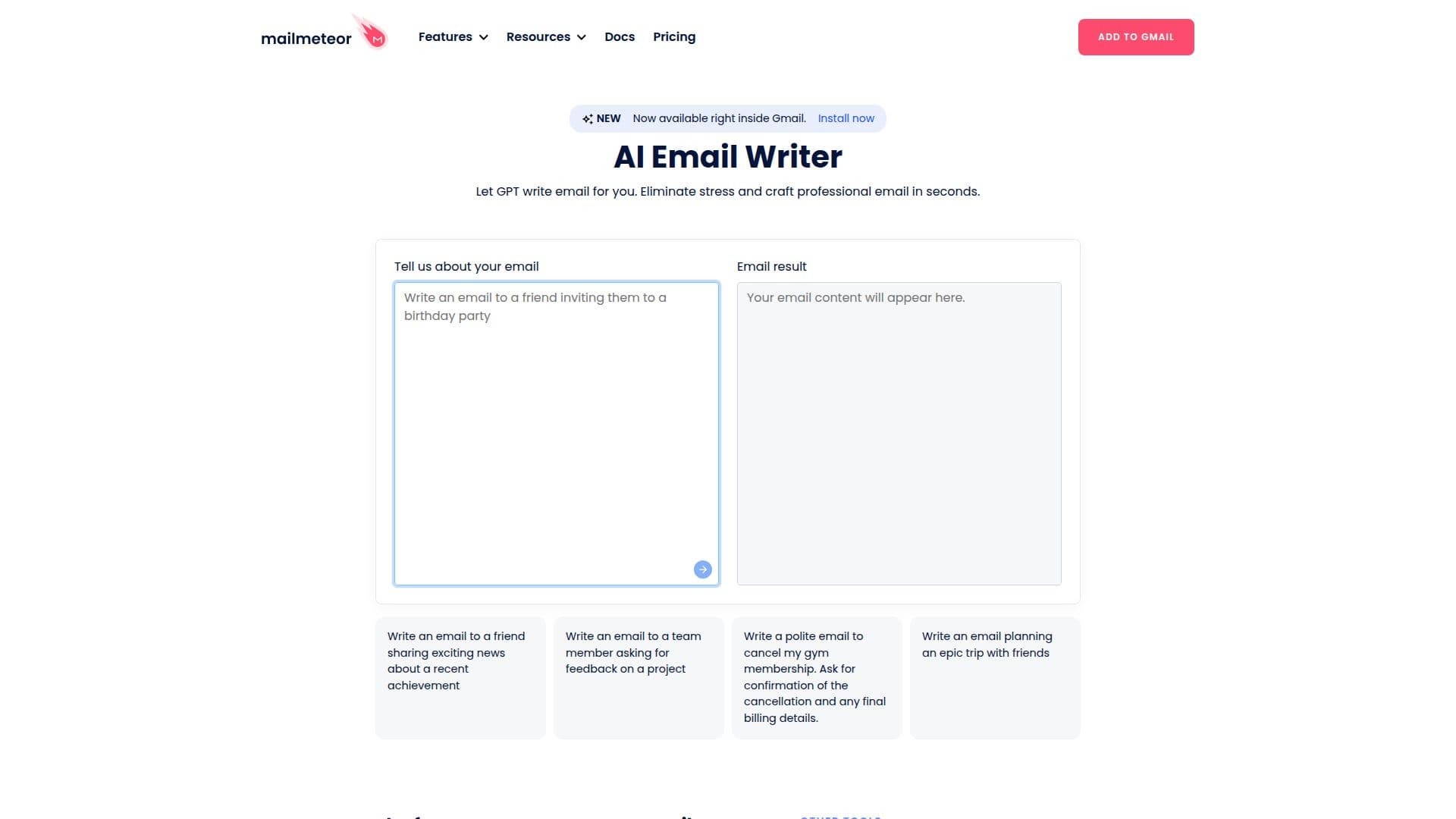
Description
Mailmeteor AI Email Writer is a tool designed to help users draft professional emails quickly and efficiently using AI technology. It leverages large language models (LLMs) to generate email content based on the context and intent provided by the user. This tool is particularly useful for creating emails for business and personal use cases, such as cold outreach, sales emails, follow-ups, meeting requests, customer support replies, internal announcements, networking, and job applications.
Read More
Users can specify the tone, length, and language of the email directly in their prompts, allowing for a high degree of customization. The AI Email Writer supports multiple languages, including English, Spanish, French, and German. It is a free tool that does not require sign-up, credit card information, or usage quotas, making it accessible to a wide range of users.
The AI Email Writer is purpose-built for email, offering pre-tuned outputs for subject lines, greetings, and sign-offs, which distinguishes it from general AI chatbots. While the generated content is usually ready to send with minor edits, users are advised to proofread for specific facts or context that the AI might miss.
Mailmeteor AI Email Writer is integrated with Gmail and Outlook, allowing users to easily copy and paste drafts into their email clients. It also offers additional features like email sorting and prioritization, making it a comprehensive tool for managing email communications. However, it is recommended to avoid using AI-generated content for sensitive emails where nuance and privacy are critical.
- CategoryAI Email Assistants
- Pricing ModelFreemium
- DeploymentCloud
- PlatformsWeb
Mailmeteor AI Email Writer's Core Features
Generates professional emails using AI
Supports multiple languages
Customizable tone and length
No sign-up required
Integrates with Gmail and Outlook
Pre-tuned for email scenarios
Free to use with no quotas
AI-driven email sorting and prioritization
How to use Mailmeteor AI Email Writer?
Configure: Set your email preferences
Use: Enter your email context and intent
Optimize: Adjust tone and length as needed
Send: Copy and paste into your email client
Mailmeteor AI Email Writer's Use Cases
- Cold Outreach
- Follow-ups
- Customer Support
- Internal Announcements
- Networking
- Job Applications
- Meeting Requests
- Thank-you Notes