
Description
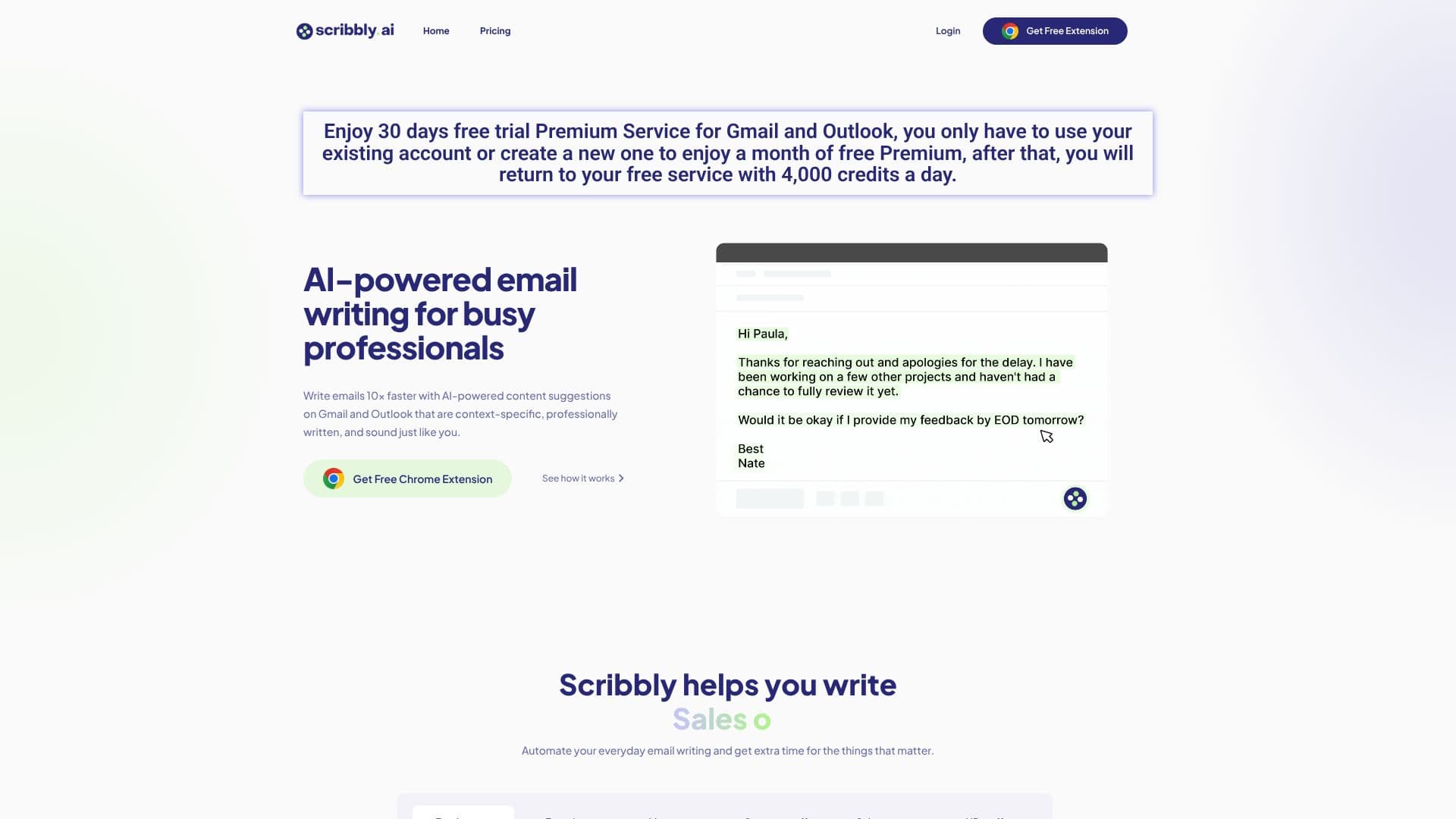
Scribbly offers an AI-powered solution designed to revolutionize email writing for busy professionals across various roles. By integrating with Gmail and Outlook, Scribbly provides context-specific, professionally written email suggestions that mimic the user's unique tone, enabling them to compose emails up to 10 times faster.
Read More
The tool is built to automate everyday email writing tasks, freeing up valuable time for users to focus on more critical aspects of their work. Whether you are a freelancer, founder, manager, support staff, sales representative, or HR professional, Scribbly can help streamline your communication.
For sales professionals, Scribbly assists in closing more deals by crafting tailored emails that align with individual sales styles. Managers can elevate their team's communication efficiency with AI-generated emails. Support staff can scale customer care efforts by providing personalized and efficient support. HR professionals can handle tasks faster, allowing more focus on team development.
Scribbly's process is straightforward: select an email to reply to, choose an intention for your response, and then edit and send the AI-generated draft. Alternatively, users can provide context to guide Scribbly in writing emails from scratch. The platform emphasizes its focus on professional email writing, distinguishing itself from generic AI models that may produce informal or varied outputs.
Scribbly offers a free Chrome extension and a free trial for its premium service. The free plan provides 4,000 credits per day, while the premium service offers unlimited emails. The company prioritizes user privacy, stating that all email information is immediately deleted after processing and that Scribbly does not store email data or have access to users' email content.
- CategoryAI Email Assistants
- Pricing ModelFreemium
- DeploymentBrowser Extension
- PlatformsGmail, Outlook
Scribbly AI Email Writing's Core Features
AI-powered email content suggestions
Context-specific email generation
Professional writing style
Personalized tone matching
Integration with Gmail
Integration with Outlook
Chrome extension available
Free plan with daily credits
Premium plan with unlimited emails
Streamlines email writing process
Automates everyday email tasks
Assists in sales outreach
Enhances team communication
Scales customer support emails
Facilitates HR communications
How to use Scribbly AI Email Writing?
Install Chrome Extension: Download and install the Scribbly Chrome extension.
Select Email or Input Mode: Choose an email to reply to or select 'Input Mode' for new emails.
Choose Intention: Select the desired response intention for your email.
Generate & Edit: Review the AI-generated email draft, make necessary edits, and polish.
Send Email: Finalize your email and send it directly from your inbox.
Scribbly AI Email Writing's Use Cases
- Sales Email Generation
- Team Communication
- Customer Support
- HR Communications
- Freelancer Productivity
- Founder Outreach