Description
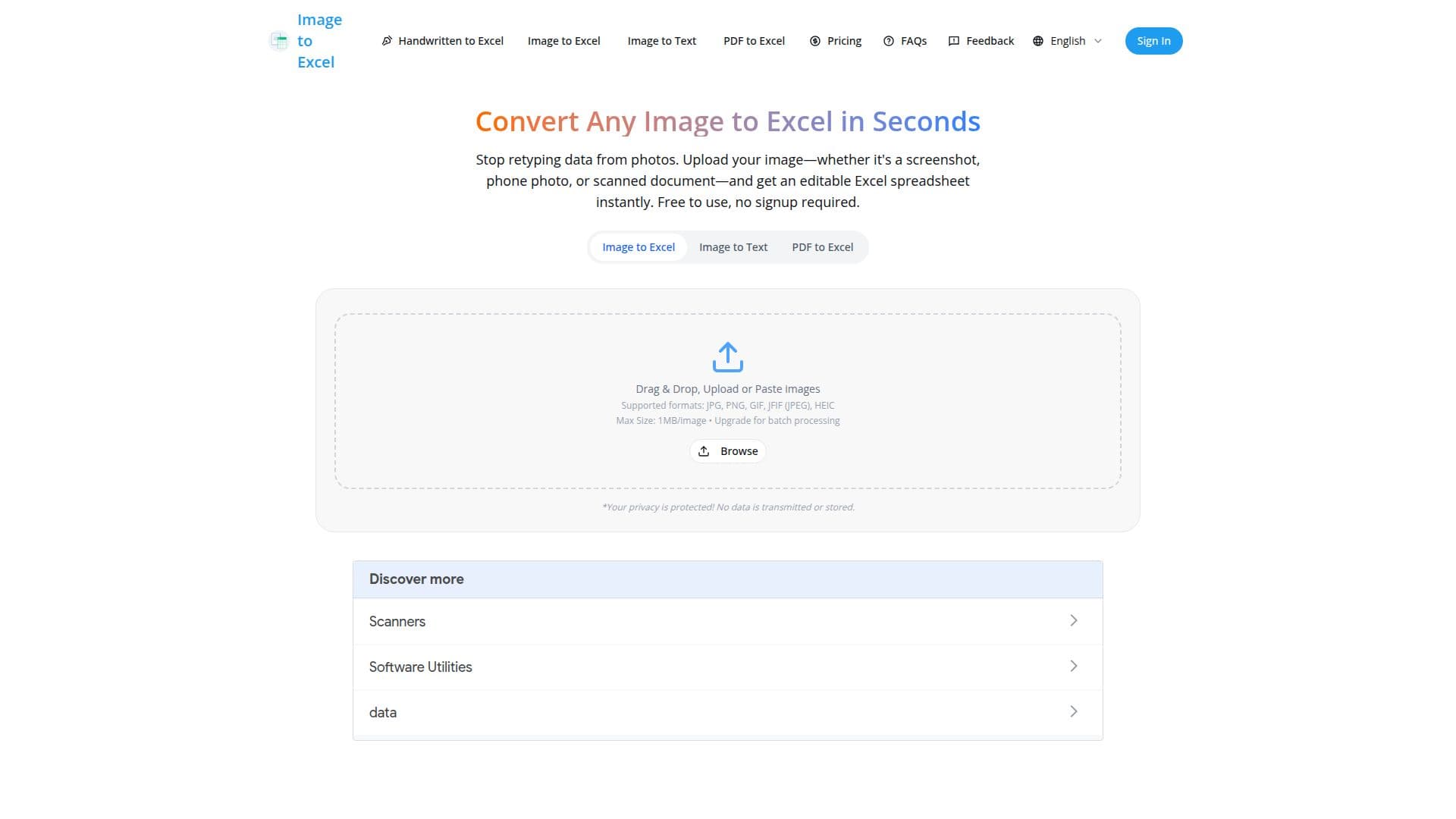
Image to Excel is an online tool that converts images of tables into editable Excel spreadsheets. Users upload a screenshot, phone photo, or scanned document and receive a formatted .xlsx file in seconds, without retyping data by hand. The core converter is free to use with no signup required.
Read More
The tool relies on AI-powered OCR that the site says reaches 99%+ accuracy on printed documents and 90–95% on clear handwriting. It is designed to be layout-agnostic, extracting data from photos taken at angles, screenshots with shadows, and slightly blurry images while preserving the original table structure. Automatic preprocessing corrects for rotation and lighting.
Supported input formats include JPG, PNG, WebP, HEIC, GIF, BMP, and TIFF, along with PDF files. Files are processed with AES-256 encryption and deleted immediately after download; the site states it is SOC 2 Type 2 certified and GDPR compliant. Paid plans add batch processing of up to 50 images, higher file-size limits, and API access.
- CategoryAI Spreadsheet Tools
- Pricing ModelFreemium
- DeploymentCloud
- PlatformsWeb
Image to Excel's Core Features
AI-powered OCR that extracts tables from images to Excel
Preserves original row and column structure
Handles messy phone photos, screenshots, and angled shots
Recognizes handwritten text as well as printed documents
Batch processing of up to 50 images with paid plans
Supports JPG, PNG, WebP, HEIC, GIF, BMP, TIFF, and PDF inputs
AES-256 encryption with files deleted after download
REST API for converting images to Excel programmatically
How to use Image to Excel?
Upload your image: Drag and drop or paste a JPG, PNG, or PDF of your table.
AI extracts the data: The OCR automatically detects tables, columns, and rows.
Download Excel file: Get a formatted .xlsx file ready to open in Excel or Google Sheets.
Image to Excel's Use Cases
- Invoice to Excel
- Bank statement converter
- Screenshot to spreadsheet
- Receipt scanning
- Research table extraction