Description
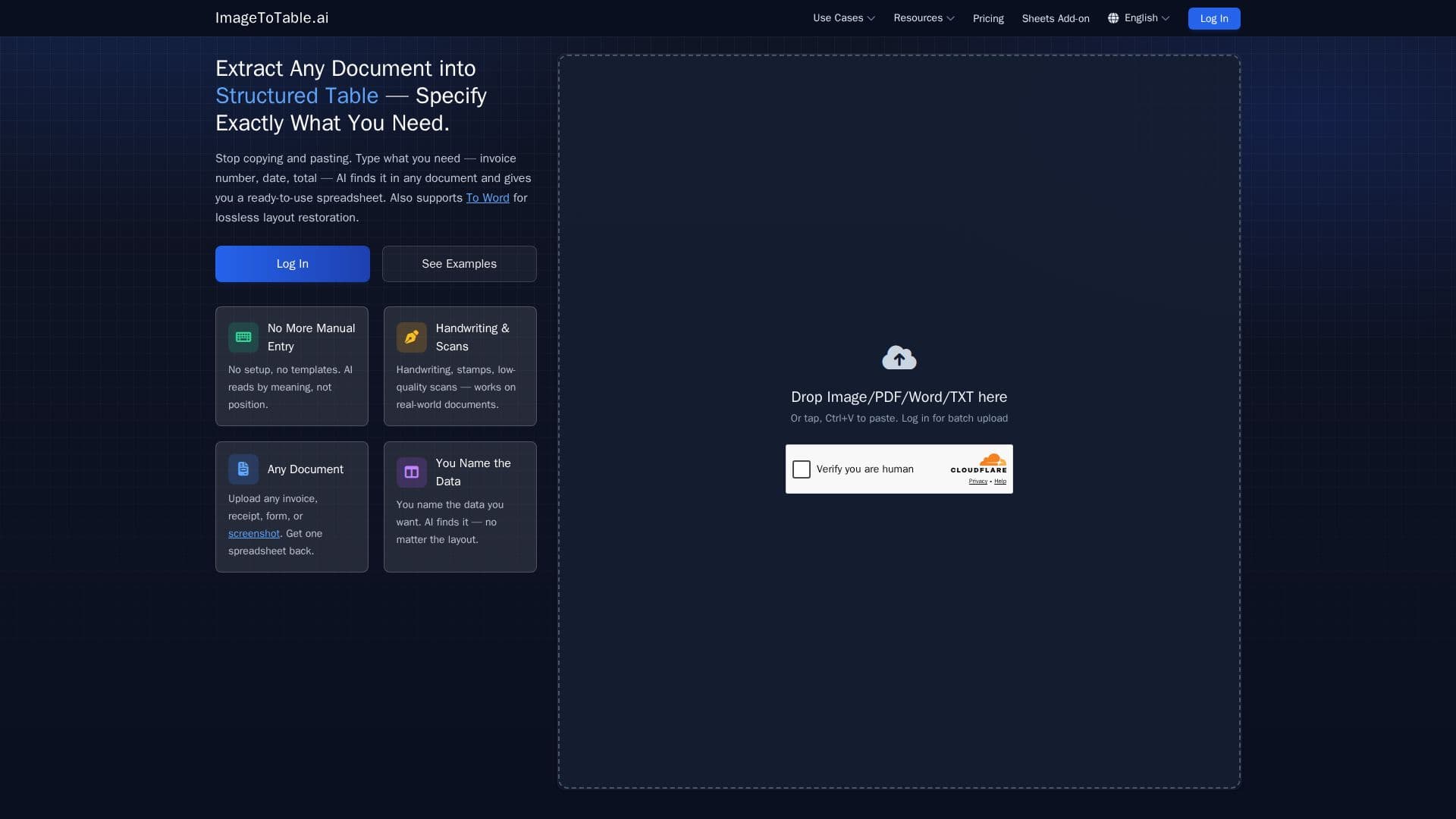
ImageToTable.ai is an AI-powered tool designed to convert any document into a structured table. Users can specify the data they need, such as invoice numbers, dates, or totals, and the AI extracts this information from images, PDFs, or scanned documents into a structured Excel table. The platform supports a variety of document types, including invoices, receipts, forms, and even handwriting. It offers features like custom column extraction, batch document processing, and handwriting recognition. Users can upload documents in formats like PDF, JPG, PNG, and more, and export the results to Excel, CSV, JSON, or Word. The tool is designed to eliminate manual data entry, offering a free tier with a daily quota and pay-as-you-go pricing for additional usage. ImageToTable.ai also provides a Google Sheets Add-on for direct integration and a REST API for automated workflows. Data security is a priority, with encrypted transfers and storage, and options for automatic deletion of uploaded files. The AI's ability to understand document structure and context makes it superior to traditional OCR tools, accurately interpreting messy layouts and non-standard formats.
ImageToTable.ai's Core Features
Custom Column Extraction
Image to Excel Conversion
PDF to Structured Table
Handwriting Recognition
Batch Document Processing
Auto Layout Restoration to Word
Export to Excel, CSV, JSON
Google Sheets Add-on
REST API Access
Data Security and Privacy
How to use ImageToTable.ai?
Upload Document: Drop in any image, PDF, or screenshot.
Define Columns: Type the column names you want to extract.
Process: AI extracts and fills data into a structured table.
Export: Download your structured data in Excel, CSV, or JSON.
ImageToTable.ai's Use Cases
- Invoice Processing
- Receipt Management
- Form Digitization
- Bank Statement Analysis
- Resume Screening