
Description
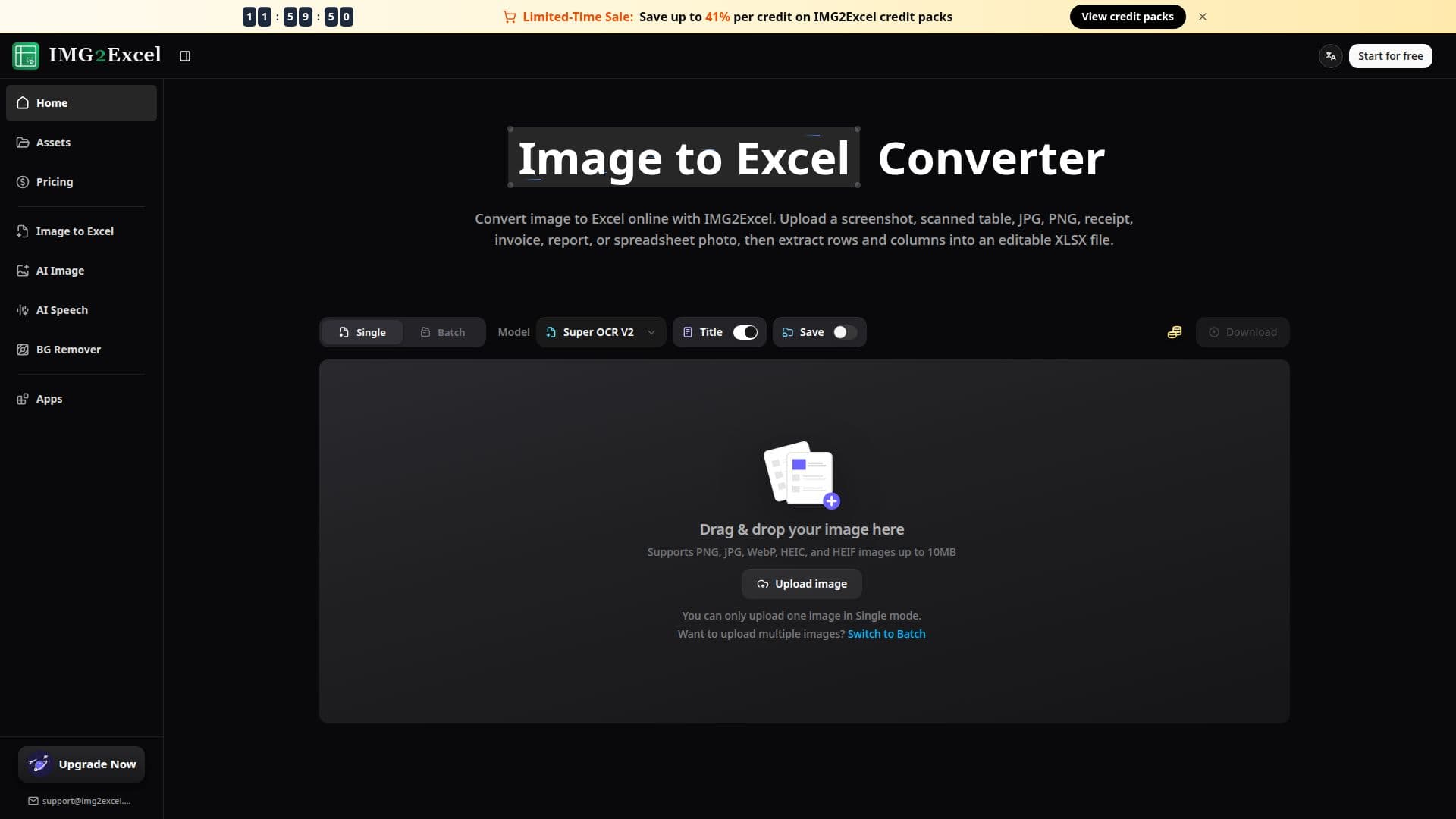
IMG2Excel is an online image-to-Excel converter that turns table data trapped inside images into editable spreadsheets. You upload a screenshot, scanned table, receipt, invoice, report, or spreadsheet photo, and its AI-powered OCR extracts the rows and columns and lets you download a clean, editable XLSX file, avoiding minutes of manual retyping per page.
Read More
The converter automatically detects table structure, rows, columns, labels, and numbers while preserving the original layout inside Excel cells. It supports common image formats including JPG, JPEG, PNG, WebP, HEIC, and HEIF up to 10MB, and offers batch conversion so you can process multiple images at once. Before downloading, you can preview the extracted rows to catch missing cells or recognition errors and rerun OCR if the output needs improvement. The multilingual OCR recognizes text across dozens of languages.
The exported XLSX files are fully editable and can be opened in Microsoft Excel, imported into Google Sheets, or used in other spreadsheet apps. IMG2Excel runs entirely in the browser with nothing to install and works on any operating system or mobile device.
Uploaded and converted files are stored encrypted and deleted within 24 hours unless saved to Assets, keeping sensitive business and financial data private. You can try one conversion without logging in, then earn free credits after signing in, with credit packs (1 credit per image) available for higher volume. The wider platform also offers AI image generation, speech generation, and a background remover.
- CategoryAI Spreadsheet Tools
- Pricing ModelFreemium
- DeploymentCloud
- PlatformsWeb
IMG2Excel's Core Features
AI-powered OCR extraction of tables from images
Automatic row, column, and table-structure detection with layout preserved
Editable XLSX output that opens in Excel and Google Sheets
Support for JPG, PNG, WebP, HEIC, and HEIF up to 10MB
Batch conversion of multiple images at once
Instant preview and OCR retry before download
Multi-language OCR across dozens of languages
Browser-based with encrypted files auto-deleted within 24 hours
How to use IMG2Excel?
Upload your image: Add a screenshot, scanned table, receipt, invoice, report, or spreadsheet photo containing the data.
Preview extracted rows: IMG2Excel detects the table structure and shows a preview so you can catch any recognition errors.
Download editable XLSX: Export the cleaned result as an Excel file you can open, edit, sort, and share.
IMG2Excel's Use Cases
- Data entry automation
- Finance and accounting
- Business analysis
- Research and study
- Batch table recovery