Description
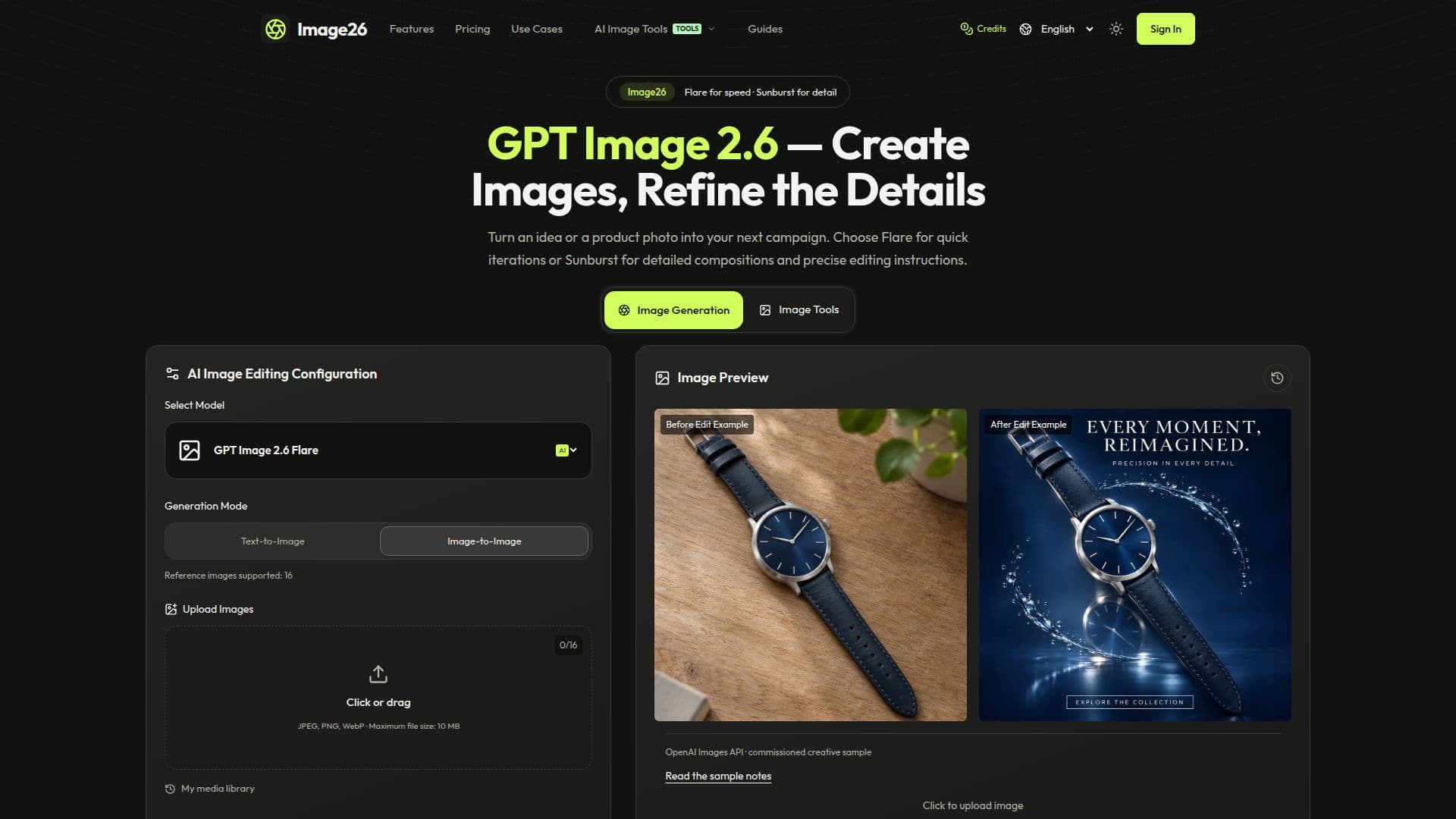
GPT Image 2.6 is a comprehensive online platform designed for AI image generation and photo editing, enabling users to bring their visual concepts to life. The tool allows for the creation of new images from written prompts or the refinement of existing photographs through detailed editing instructions. It caters to a wide range of creative projects, including product marketing campaigns, editorial portraits, social media graphics, posters, infographics, and landscape illustrations.
Read More
The platform offers two primary models, Flare and Sunburst, each optimized for different creative needs. Flare prioritizes quick iterations, making it suitable for rapid prototyping and exploring various visual directions. Sunburst, on the other hand, focuses on fine details and editing consistency, ideal for projects requiring precise control and high fidelity. Users can choose the model that best fits their creative brief, ensuring optimal results for their specific tasks.
Key capabilities of GPT Image 2.6 include image editing, where users can describe changes to objects, settings, or visual styles within a photo. The text-to-image feature allows for generating entirely new visuals from a written brief, specifying subject, composition, lighting, and mood. Additionally, the platform provides specialized tools such as an AI Image Upscaler for enlarging visuals, an AI Background Remover for creating cutouts, an Image Expander for widening compositions, and an AI Style Transfer for applying new visual styles to existing images.
The workflow is designed for clarity and control. Users start by uploading an image or entering a written idea, then describe the desired changes while identifying areas to preserve. The editor displays the credit cost for selected models and settings upfront, allowing users to manage their budget effectively. A task status tracker helps monitor the progress of each request, with credits refunded for confirmed failed generations. This transparent approach ensures users have a clear understanding of the process and costs involved.
GPT Image 2.6 supports various output settings, including Auto, 1K, 2K, and 4K resolutions, along with different aspect ratios and the option to generate up to four images per batch. It accepts static JPEG, PNG, or WebP images up to 10 MiB for uploads. The platform emphasizes the importance of clear instructions and careful review of results, especially for details like faces, lettering, and product features, as pixel-for-pixel preservation is not guaranteed. It also guides users on preparing effective prompts and understanding how edits might affect surrounding details.
Pricing is structured around credit volumes, with all public plans offering access to the same image models and tools. Plans range from Starter, suitable for occasional edits, to Studio, designed for ongoing image production. This flexible pricing model allows users to choose a credit allowance that aligns with their creative workload, without compromising on feature access.
- CategoryAI Image Generators
- Pricing ModelFreemium
- DeploymentCloud
- PlatformsWeb
GPT Image 2.6's Core Features
AI Image Generation from Text Prompts
AI Photo Editing with Reference Images
Product Marketing Template Library
Image Editing for Objects, Settings, and Styles
AI Image Upscaler for Enlarging Visuals
AI Background Remover for Cutouts
Image Expander for Wider Compositions
AI Style Transfer for New Visual Styles
Two Image Models: Flare (quick iterations) and Sunburst (fine details)
Transparent Credit Cost Display Before Generation
Task Status Tracking and Credit Refund for Failed Requests
Support for JPEG, PNG, WebP Image Uploads (up to 10 MiB)
Multiple Output Resolutions (1K, 2K, 4K)
Adjustable Aspect Ratios and Batch Image Generation
Creation History and Image Downloads
How to use GPT Image 2.6?
Start with Idea or Reference: Upload a photo or begin with a written idea, using a clear reference for important details.
Describe the Change: Explain what to modify and what to preserve, identifying the area, then review model, settings, and credit cost.
Generate and Compare: Submit the request, compare the result with your original, refine instructions if needed, and download the best version.
Explore Templates: Utilize product marketing templates to find visual directions, customize prompts, and create new campaigns.
Utilize Specialized Tools: Open focused tools for specific operations like enlargement, background removal, expansion, or style transfer.
Review and Refine: Check faces, lettering, and product details in the output, making adjustments to your brief for optimal results.
GPT Image 2.6's Use Cases
- Product Campaign Concepts
- Portraits and Editorial Scenes
- Social Media Graphics
- Posters and Infographics
- Landscapes and Illustrations
- Graphics for Different Markets
- Image Editing
- Text to Image Generation
- Image Upscaling
- Background Removal