Description
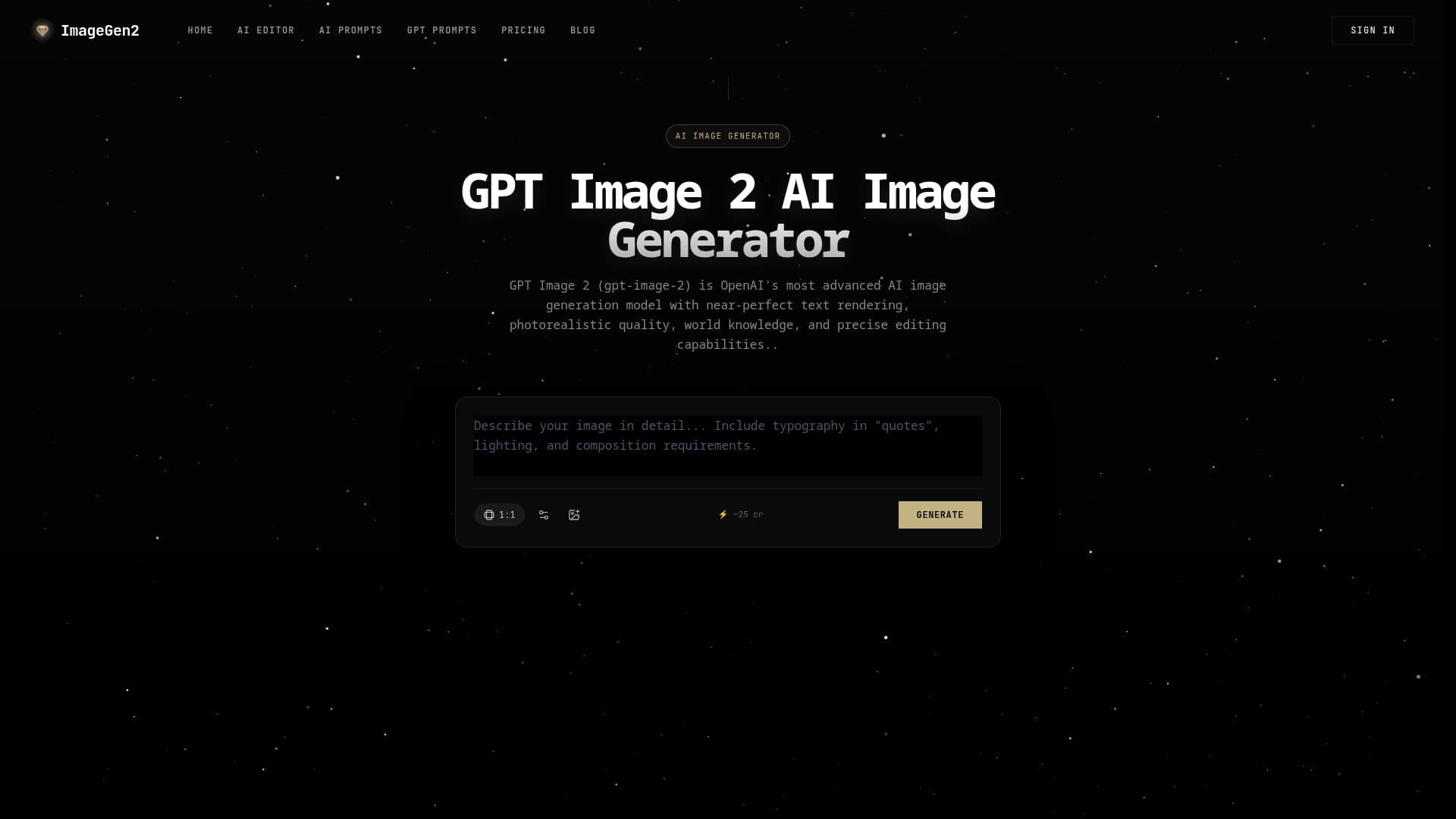
ImageGen2 is an online AI image generator and editor built around OpenAI's GPT Image 2 model. It produces photorealistic images with near-perfect text rendering and supports precise editing, aimed at professional design and creative work. The service is pay-per-use with free starter credits and no subscription required, though monthly subscription plans are also available.
Read More
The platform handles both generation and editing workflows. For generation, it creates infographics, logos, UI mockups, photorealistic scenes, and marketing visuals with accurate, readable text. For editing, users can upload up to five reference images for compositing, style transfer, and visual guidance, then describe changes such as adjusting lighting, changing clothing, translating in-image text, removing objects, or compositing scenes while preserving the parts they want unchanged.
GPT Image 2 incorporates world knowledge for contextual understanding of real places, events, and cultural references. Users can choose low, medium, high, or auto quality settings and output in PNG, JPEG, or WebP. Pricing offers one-time credit packs valid up to 12 months or monthly refill subscriptions, with the same balance usable across GPT Image 2, Nano Banana Pro, Seedream, Gemini, and other supported models. Images generated with paid credits are suitable for commercial use.
- CategoryAI Image Generators
- Pricing ModelFreemium
- DeploymentCloud
- PlatformsWeb
ImageGen2's Core Features
GPT Image 2 powered image generation
Near-perfect in-image text rendering
Photorealistic quality with world knowledge
Text-to-image and image-to-image editing
Up to 5 reference images for compositing and style transfer
Quality settings (low, medium, high, auto) and multiple output formats
Shared credit balance across multiple image models
Pay-per-use credits with no required subscription
How to use ImageGen2?
Write a detailed prompt: Describe the subject, style, composition, and lighting, putting any text in quotes.
Add reference images (optional): Upload up to 5 images and describe how they relate for editing or style transfer.
Choose quality and format: Select a quality setting and output format (PNG, JPEG, or WebP).
Generate and iterate: Create the image, then make incremental adjustments one change at a time.
ImageGen2's Use Cases
- Marketing visuals
- Product photography
- UI and mockups
- Image editing
- Localization