
Description
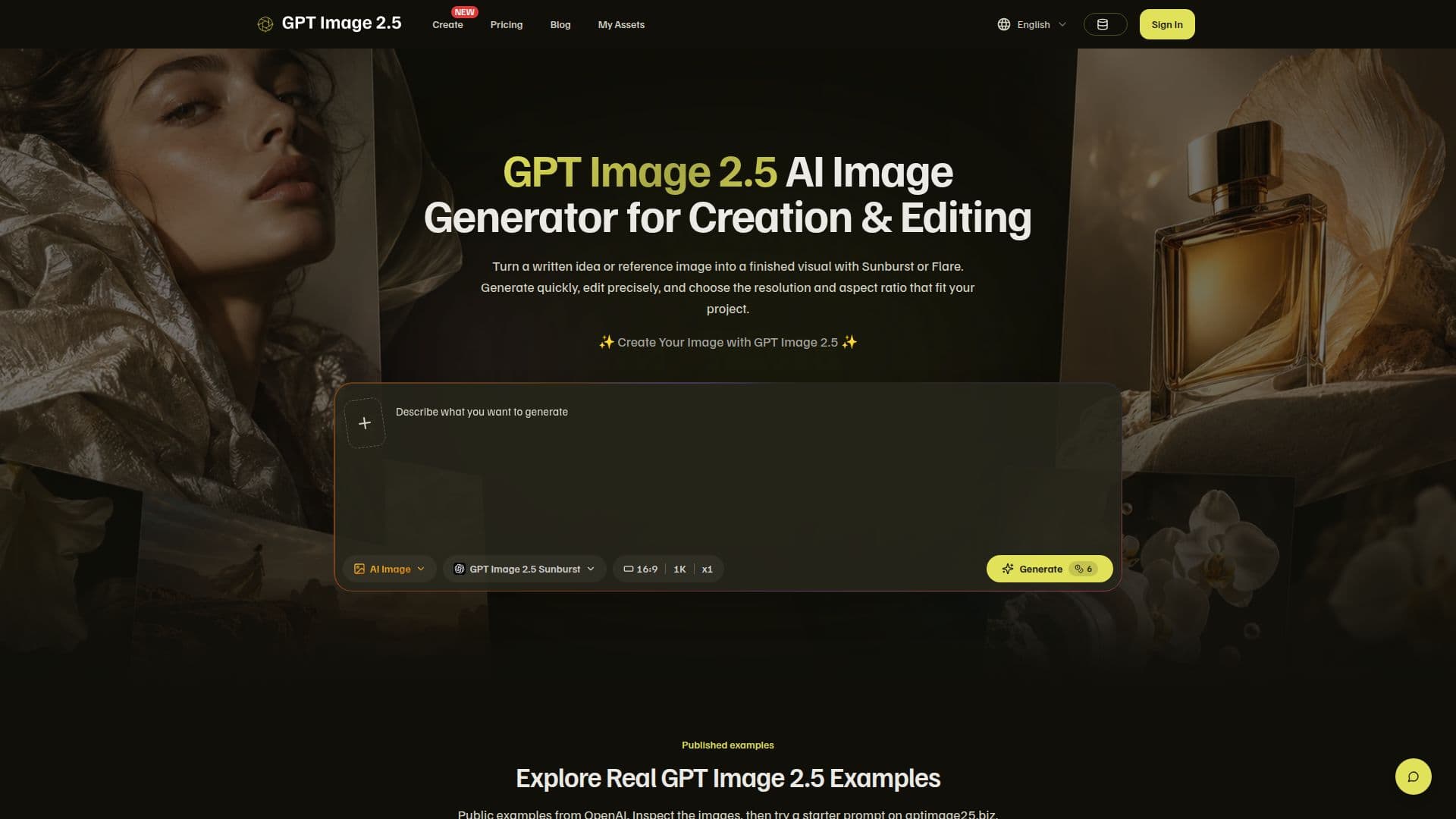
GPT Image 2.5 AI Image Generator is a versatile tool designed to transform written ideas or reference images into polished visuals. It offers two model variants, Sunburst and Flare, to cater to different creative needs. Sunburst is ideal for precise image editing, while Flare is suited for fast, everyday image generation. Users can start with a text prompt or guide the result using reference images, choosing the resolution and aspect ratio that best fit their project.
Read More
The platform supports a range of output resolutions, including 1K, 2K, and 4K, and allows users to select from various aspect ratios such as square, portrait, landscape, and ultrawide. This flexibility ensures that the final image is tailored to the intended placement, reducing the need for additional editing.
GPT Image 2.5 offers a seamless workflow, enabling users to create and edit images without switching tools. The generator is independent and not affiliated with OpenAI, although it utilizes advanced AI technology to deliver high-quality results. Users can choose from different subscription plans, each providing a set number of credits per month, which are used for image generation tasks.
The platform is user-friendly, requiring no specialist design experience. Users can describe the desired scene, subject, and style in plain language, and refine their prompts or references based on the generated output. GPT Image 2.5 also offers a refund policy for subscription credits under specific conditions, ensuring customer satisfaction.
Overall, GPT Image 2.5 is a powerful tool for creators looking to produce professional-quality images quickly and efficiently. Its combination of precision, speed, and ease of use makes it a valuable asset for various industries and creative roles.
- CategoryAI Image Generators
- Pricing ModelFreemium
- DeploymentCloud
- PlatformsWeb
GPT Image 2.5 AI Image Generator's Core Features
Text-to-image creation
Reference image editing
Sunburst for precise edits
Flare for fast generation
Resolution selection up to 4K
Aspect ratio control
Prompt-based iteration
Independent from OpenAI
How to use GPT Image 2.5 AI Image Generator?
Configure: Set creative direction and choose model variant
Use: Write a prompt or add references
Generate: Select resolution and aspect ratio, then generate
Optimise: Review and refine the output as needed
GPT Image 2.5 AI Image Generator's Use Cases
- Portrait Creation
- Poster Design
- Presentation Slides
- Social Media Content
- Custom Stickers