Description
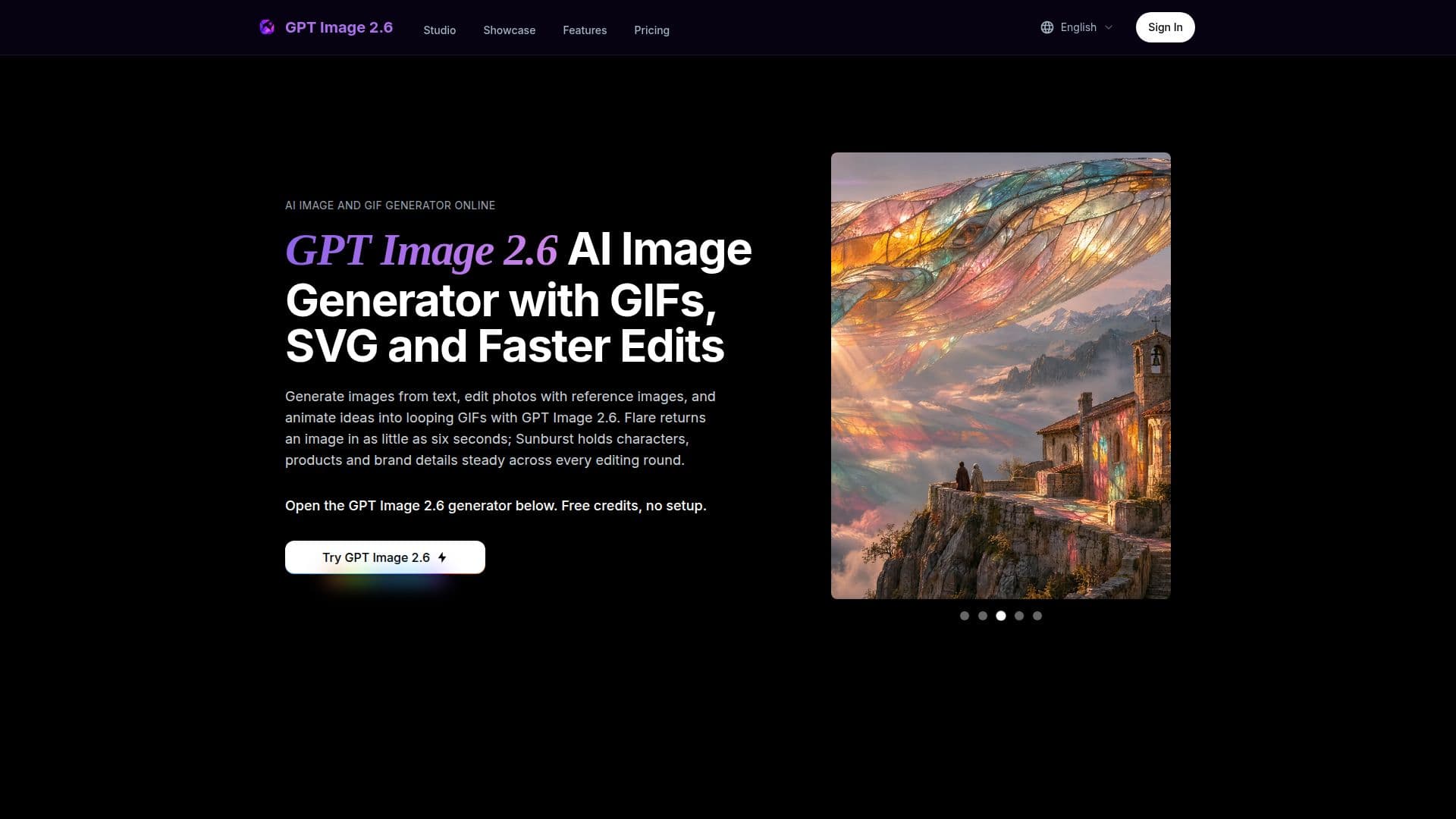
GPT Image 2.6 is an advanced online AI image generator and photo editor, powered by OpenAI's Images 2.6 model. This platform allows users to create high-quality images from text prompts, edit existing photos using reference images, and produce animated looping GIFs and scalable SVG vector files. It integrates the Flare and Sunburst models, offering distinct advantages for speed and quality.
Read More
Flare is optimized for rapid generation, capable of producing low-quality drafts in as little as six seconds, making it ideal for quick explorations and initial layouts like posters and product shots. Sunburst, on the other hand, is the quality-focused model, excelling at rendering intricate details and maintaining consistency of characters, products, and brand marks across extensive editing sequences. Users can start with Flare for brainstorming and switch to Sunburst for final, high-fidelity outputs.
The generator supports various resolutions, including 1K, 2K, and 4K, along with multiple aspect ratios such as 1:1, 16:9, 9:16, 4:3, 3:4, 3:2, 2:3, and 21:9. It also features an automatic aspect ratio option. For animated GIFs, it can generate 2 to 64 frames with durations between 20 and 2,000 milliseconds. SVG vector output provides editable shapes without embedded bitmaps, perfect for logos and icons that need to scale without blur.
Key new capabilities in GPT Image 2.6 include image markup for precise, localized edits, where users can circle a region and specify changes, leaving the rest of the image untouched. A complexity control setting allows users to dictate the level of planning the model undertakes before rendering, ranging from low for quick fixes to high for detailed, crowded scenes. The platform also supports up to 16 reference images per request for image-to-image generation.
While browsing examples does not require an account, new users receive starter credits. Credits are consumed based on resolution, with 1K being the most economical and 4K the most credit-intensive. Unused credits do not expire. Paid plans offer bundled credits, private generation, a commercial license, and priority support for professional users. The platform is designed for ease of use, requiring no API key or complex setup.
- CategoryAI Image Generators
- Pricing ModelFreemium
- DeploymentCloud
- PlatformsWeb
GPT Image 2.6's Core Features
Generate images from text prompts
Edit photos using reference images
Create looping animated GIFs (2 to 64 frames)
Export SVG vector files with editable shapes
50% faster image generation compared to previous version
Flare model for six-second low-quality drafts
Sunburst model for consistent character and brand details across edits
Markup-guided editing for precise regional changes
Complexity control setting for rendering detail
Supports 1K, 2K, and 4K resolutions
Multiple aspect ratios: 1:1, 16:9, 9:16, 4:3, 3:4, 3:2, 2:3, 21:9
Automatic aspect ratio option
Accepts up to 16 reference images per request
Free starter credits for new accounts
Credits never expire
How to use GPT Image 2.6?
Access Generator: Open the GPT Image 2.6 generator on the website.
Input Prompt: Enter a text prompt describing the desired image, GIF, or SVG.
Add References (Optional): Upload up to 16 reference images for photo editing or style guidance.
Configure Settings: Adjust resolution (1K, 2K, 4K), aspect ratio, complexity, and choose between Flare (speed) or Sunburst (quality) models.
Apply Markup (Optional): For precise edits, mark areas on a reference image and describe changes in the prompt.
Generate Output: Run the generation process and review the resulting image, GIF, or SVG.
Download File: Download the finished output in your chosen format.
GPT Image 2.6's Use Cases
- Advertising Campaigns
- Product World Scenes
- Posters and Event Art
- Logos and Vector Marks
- Reaction GIFs for Social
- Animated Mascots
- Photo Editing with Markup
- Sketch to Character Conversion