


Description
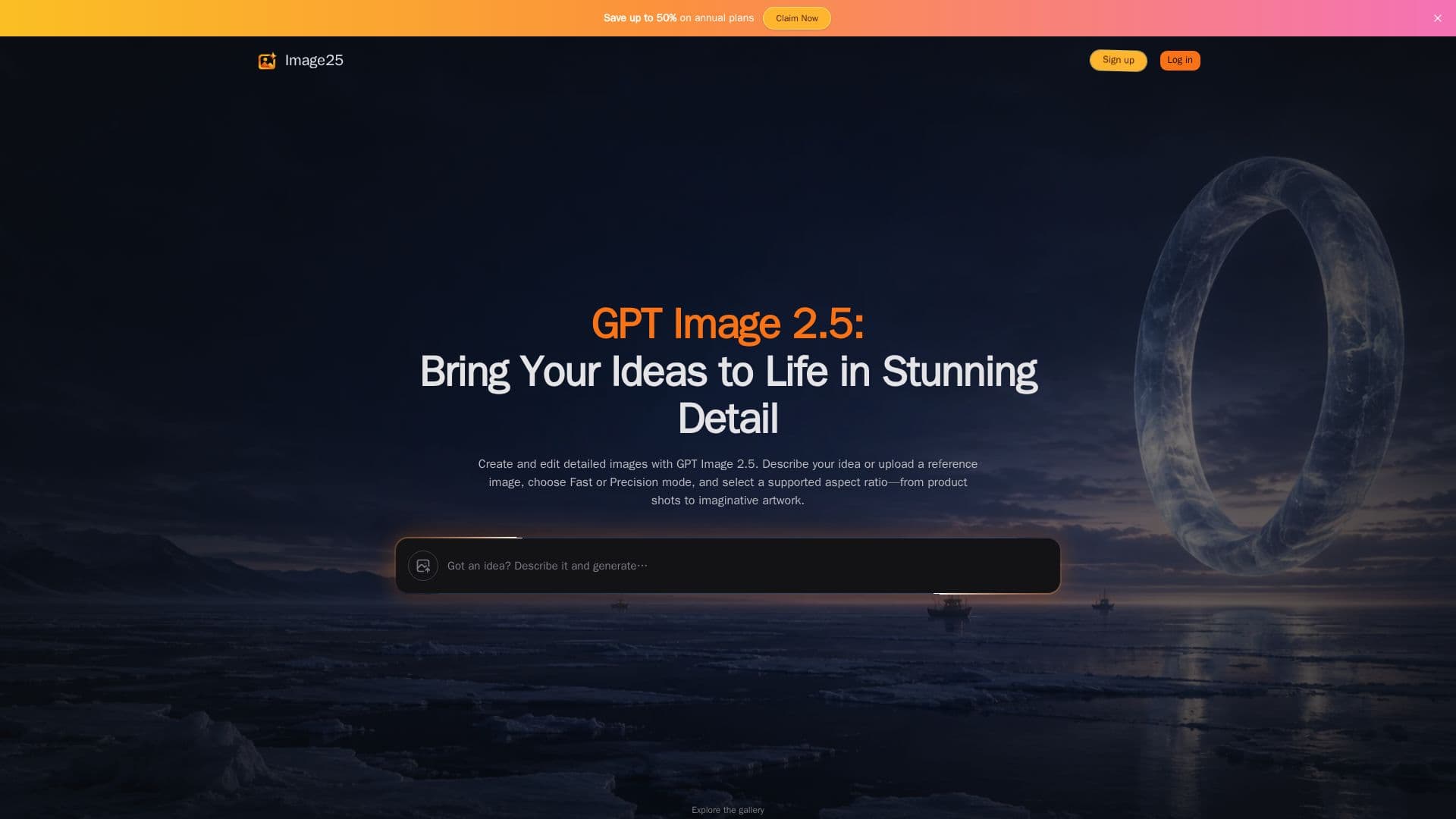
Image25 serves as an intuitive online interface for leveraging the GPT Image 2.5 model to create and modify images. The platform allows users to transform textual descriptions into visual content or refine existing images using reference uploads. It is designed to bring creative ideas to life with stunning detail, catering to needs in art, content creation, design, and business.
Read More
Users can explore a wide range of creative possibilities, from generating photographic scenes with believable lighting and specific illustration styles to developing early product concepts and original character designs. The text-to-image creation process enables experimentation with different visual styles and compositions, helping users find the right aesthetic for their projects.
Image25 offers two distinct generation modes: Flare (Fast) and Sunburst (Precision). Flare is the default mode, providing quick results starting at 10 credits per medium-quality image. Sunburst, available with any paid plan or credit pack, renders finer details for images requiring more careful rendering, starting at 15 credits per medium-quality image. Both modes support various creative controls, including multiple quality options (Auto, Low, Medium, High, X High, Max) and aspect ratios (1:1, 3:2, 2:3, 4:3, 3:4, 16:9, 9:16, 21:9, auto). Additionally, users can choose between auto, transparent, or opaque backgrounds and utilize up to 16 reference images per generation, with each adding 5 credits.
The platform operates on a credit-based system. New accounts registering with Google sign-in or Gmail receive free starter credits, while subscriptions provide a monthly allowance. Generated images are stored privately for varying durations depending on the account type: 14 days for free accounts, as long as a subscription is active, 90 days after a subscription ends, and 12 months after the last credit-pack purchase. This ensures users can review and manage their creations.
Beyond general image generation, Image25 also features specialized tools like the AI Halloween Costume Generator and Family Halloween Costume Ideas. These tools allow users to preview costumes on their own photos or generate original models, offering a fun and practical application of the image generation capabilities for seasonal events and creative planning.
- CategoryAI Image Generators
- Pricing ModelFreemium
- DeploymentCloud
- PlatformsWeb
Image25's Core Features
Text-to-Image Generation: Create images from detailed text prompts.
Reference Image Uploads: Use up to 16 reference images to guide generation or editing.
Multiple Quality Options: Choose from Auto (Low), Low, Medium, High, X High, and Max quality settings.
Aspect Ratio Selection: Generate images in various aspect ratios including 1:1, 16:9, and 9:16.
Two Generation Modes: Select between Flare (Fast) for quick results and Sunburst (Precision) for finer detail.
Background Options: Set backgrounds as Auto, Transparent, or Opaque.
Credit-Based System: Pay per generation with transparent credit costs.
Free Starter Credits: New Google/Gmail sign-ups receive 20 free credits.
Subscription Plans: Monthly credit allowances with Basic, Pro, and Max tiers.
One-Time Credit Packs: Purchase additional credits without a subscription.
Private Image Storage: Generated images are stored privately for specified durations.
Prompt and Settings Retention: Generator settings persist after each run for iterative refinement.
AI Halloween Costume Generator: Preview costumes on personal photos or generated models.
Family Halloween Costume Ideas: Apply themed costumes to group photos.
Safety Checks: Prompts, uploads, and results undergo safety checks.
How to use Image25?
Sign Up/Sign In: Register or log in to Image25, preferably with Google or Gmail for free starter credits.
Enter Prompt: Type a detailed text description of the image you want to create.
Configure Settings: Choose a generation mode (Flare or Sunburst), quality level, aspect ratio, and background option.
Upload Reference Images (Optional): Add up to 16 reference images to guide the AI, if desired.
Generate Image: Review the credit cost and click to generate your image.
Review and Refine: Inspect the generated image, then download it or adjust your prompt/settings for another attempt.
Manage Credits: Monitor your credit balance and purchase a plan or credit pack as needed.
Image25's Use Cases
- Digital Art Creation
- Product Photography
- Ad Creative Generation
- Character Design
- Content Illustration
- Halloween Costume Preview
- Fantasy Worldbuilding
- Social Media Visuals
- Marketing Material
- Personalized Avatars


