
Description
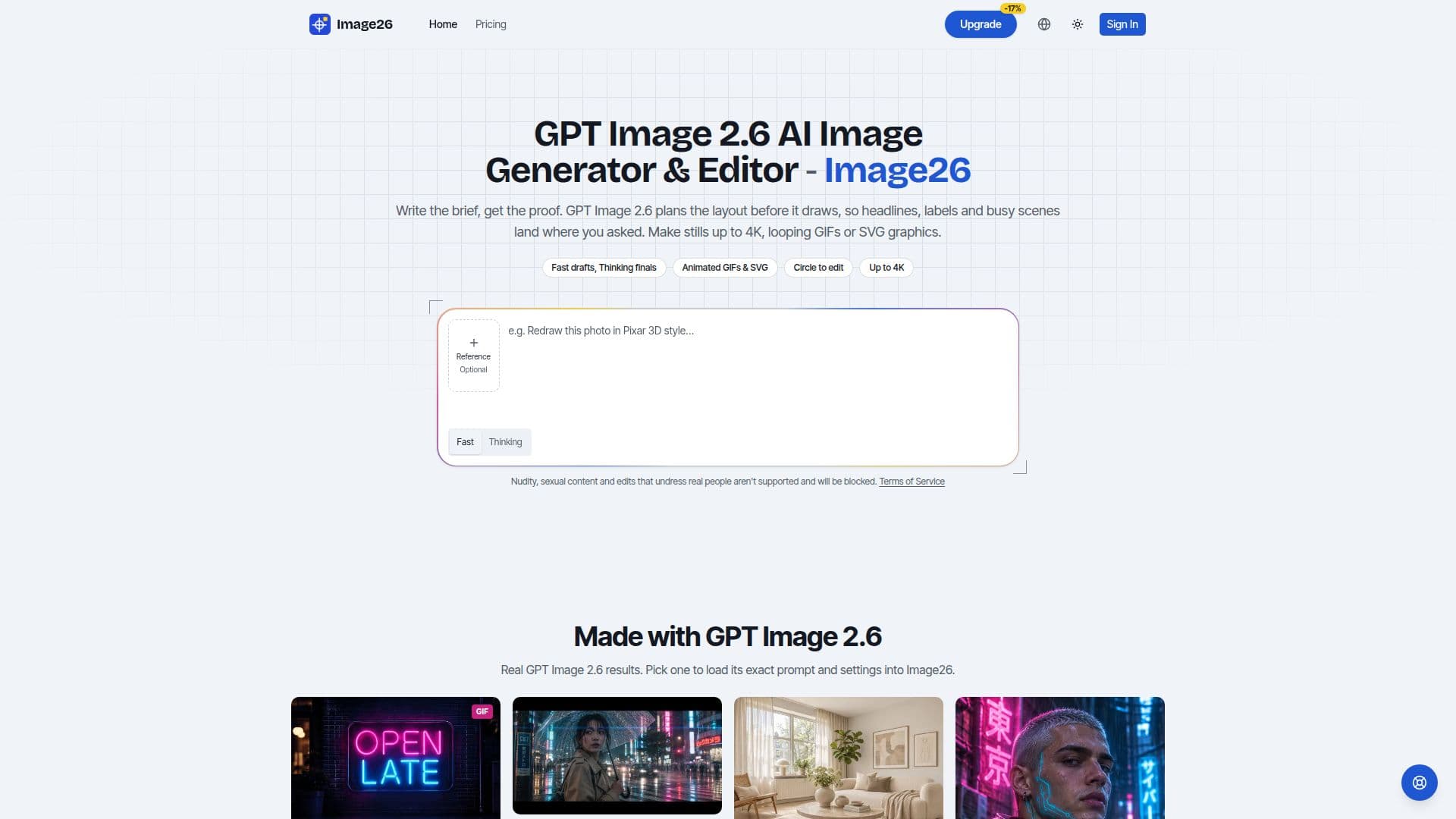
Image26 is an online platform that leverages OpenAI's GPT Image 2.6 model to provide advanced image generation and photo editing capabilities. Users can generate new images by simply writing a description, or upload existing photos and articulate the changes they wish to make. The platform is built on GPT Image 2.6, which was released in November 2026 and is known for powering ChatGPT Images 2.6. This model offers two distinct modes: 'Fast' (based on OpenAI's Flare for speed, up to 50% faster than 2.5) for quick idea exploration and everyday images, and 'Thinking' (based on Sunburst for fine detail and consistency) for complex layouts, small details, and precise edits. Both modes cost the same, and users can switch between them at any time.
Read More
Key features of Image26 include the ability to render images up to 4K resolution, generate looping GIFs for simple animations, and create SVG graphics ideal for logos, icons, and badges that maintain sharpness at any size. The platform also introduces a 'circle-to-edit' markup feature, allowing users to specify areas for modification within an uploaded photo by circling them and describing the desired change. Image26 supports fifteen aspect ratios, from panoramas to tall strips, and can automatically select the best size and ratio based on the prompt.
For those needing to incorporate text, GPT Image 2.6 handles headlines and short labels effectively, with users advised to put exact wording in quotes for accuracy. The tool can also combine multiple reference photos in a single request, useful for scenarios like virtual try-ons or style consistency. Image26 operates on a credit-based system, offering free credits for new accounts to generate a first image. Subsequent generations require credits from paid plans or packs. Commercial use of created images is included with paid plans, though users are encouraged to review OpenAI's usage policies for large-scale publishing. Image26 is an independent service and is not affiliated with OpenAI, accessing GPT Image 2.6 through third-party model platforms.
- CategoryAI Image Generators
- Pricing ModelFreemium
- DeploymentCloud
- PlatformsWeb
Image26's Core Features
GPT Image 2.6 AI Image Generation
Photo Editing by Description
Fast and Thinking Generation Modes
Up to 4K Image Resolution Output
Looping GIF Generation
SVG Graphics Creation
Circle-to-Edit Markup for Precise Edits
Text Handling for Headlines and Labels
Multiple Reference Photo Combination
Fifteen Aspect Ratios Supported
Credit-Based Pricing Model
Free Credits for New Accounts
Commercial Use License with Paid Plans
Access to GPT Image 2.5 Model
How to use Image26?
Write the brief: Describe your desired image or upload a photo for editing, adding reference images if needed.
Choose speed or depth: Select 'Fast' for quick drafts or 'Thinking' for detailed, precise results. Set quality and size.
Generate image: Review the credit cost displayed and proceed with generation.
Refine the proof: If needed, circle specific areas on the generated image or re-attach it as a reference to describe further changes.
Image26's Use Cases
- Poster and Banner Design
- Logo and Brand Identity
- Thumbnail and Cover Maker
- Infographic Generation
- Sticker Pack Creation
- Comic and Storyboard Maker
- Old Photo Restoration
- Product Try-Ons