Description
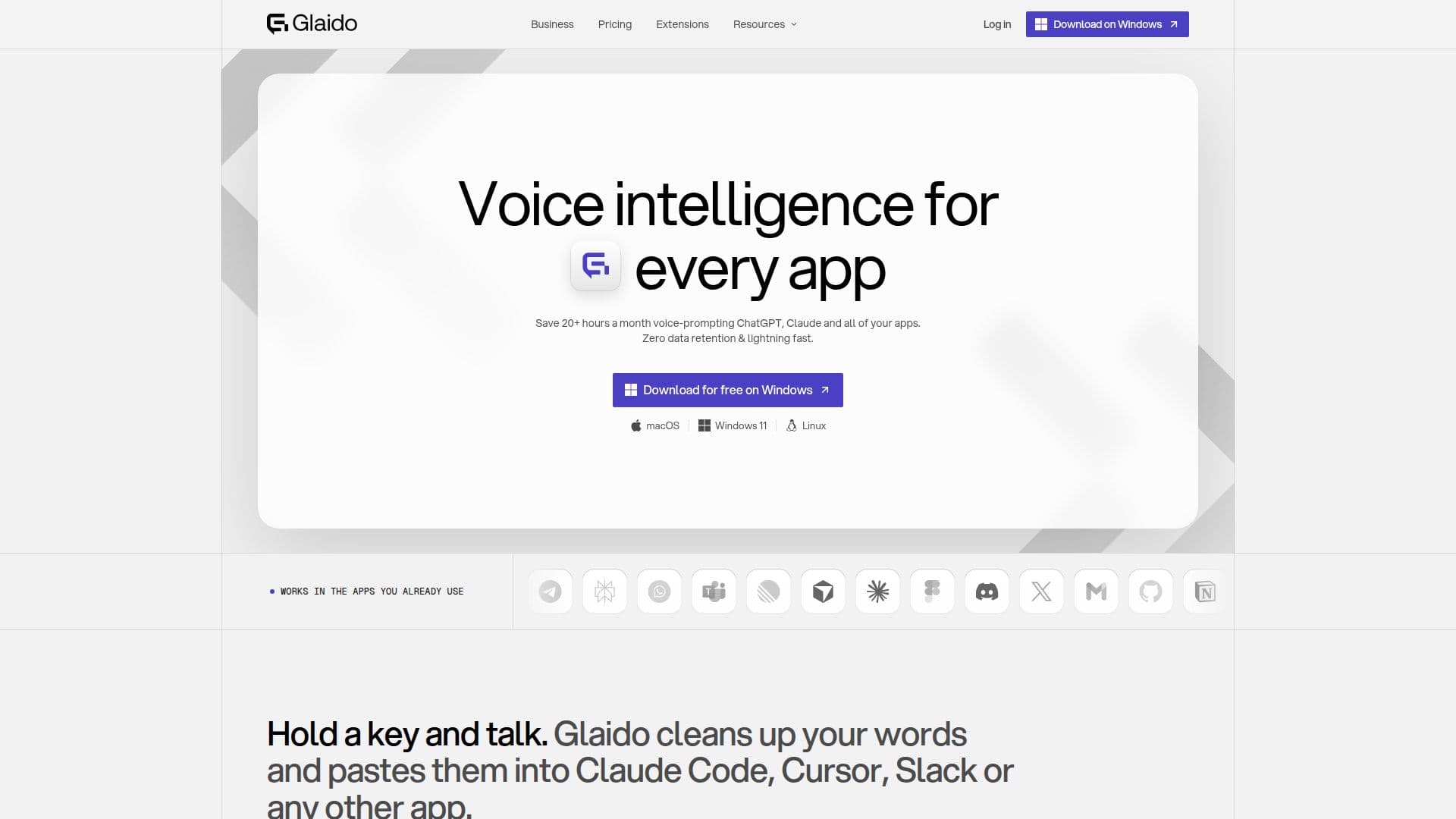
Glaido is an advanced voice dictation application engineered to transform how users interact with their digital devices. It enables fast, accurate, and private voice-to-text conversion across virtually any application, from email clients like Gmail to coding environments like Cursor and communication platforms such as Slack. The core functionality revolves around a simple hotkey: users hold a key, speak naturally, and Glaido processes their words into clean, formatted text that appears instantly wherever the cursor is.
Read More
One of Glaido's primary benefits is its remarkable speed, allowing users to dictate at up to 150 words per minute, which is significantly faster than traditional typing. This capability is enhanced by AI-powered context understanding and auto-editing features that refine spoken input into ready-to-send text, eliminating common dictation errors and awkward phrasing. The tool supports over 100 languages, making it accessible to a global user base, and offers custom dictionaries for specific names or technical terms, ensuring consistent accuracy.
Privacy is a cornerstone of Glaido's design. It operates with zero data retention, meaning dictations are processed securely on the user's device, and audio is used to transcribe text then immediately discarded without being saved to a database. Glaido is ISO/IEC 27001:2022 certified and GDPR compliant, providing robust security and privacy assurances. It is available for macOS, Windows 11, and 64-bit Linux, ensuring broad compatibility across different operating systems.
Beyond dictation, Glaido integrates several utility features that enhance productivity. These include a Color Picker for screen color extraction, Clipboard History to recall copied items, Text Snippet Expansion for quick insertion of predefined text, a Processes manager to monitor and control system resources, and a Keep Awake function to prevent sleep mode. These small applications are built directly into Glaido, reducing the need for multiple separate tools.
Users can customize formatting rules for different applications, ensuring that dictated text matches the desired style, whether it's a relaxed tone for Slack or a polished format for email. Glaido offers a free tier with a limit of 2,000 words per week, and a Pro subscription for unlimited dictation, prioritized processing, and early access to new features. An Enterprise plan is also available for teams, offering SSO, dedicated data processing, and API access.
- CategoryAI Transcription Tools
- Pricing ModelFreemium
- DeploymentCloud
- PlatformsmacOS, Windows 11, Linux
Glaido's Core Features
AI-powered voice dictation
Contextual understanding for clean text
Works in any application (Gmail, Slack, Cursor, Claude Code)
Dictation speed up to 150 WPM
Supports over 100 languages
Custom dictionaries for names and tech terms
Custom formatting rules per app
Zero data retention and private by design
ISO/IEC 27001:2022 certified and GDPR compliant
Available for macOS, Windows 11, and 64-bit Linux
Includes Color Picker utility
Includes Clipboard History utility
Includes Text Snippet Expansion utility
Includes Processes manager utility
Includes Keep Awake utility
How to use Glaido?
Install Glaido: Download and install the Glaido application on your macOS, Windows 11, or Linux device.
Configure Hotkey: Set up your preferred hotkey within Glaido to activate dictation.
Start Dictating: Hold the designated hotkey and speak naturally into your microphone in any application.
Review and Edit: Glaido will instantly convert your speech into clean, formatted text at your cursor's location.
Customize Settings: Add custom dictionary entries for specific terms or configure formatting rules for different apps.
Utilize Productivity Tools: Access built-in utilities like Clipboard History or Text Snippet Expansion as needed.
Glaido's Use Cases
- Voice Prompting AI Models
- Email Composition
- Slack Communication
- Coding with Voice
- Data Entry in Xero
- Gaming Assistance
- Meeting Notes
- Document Creation
- Multilingual Dictation