Description
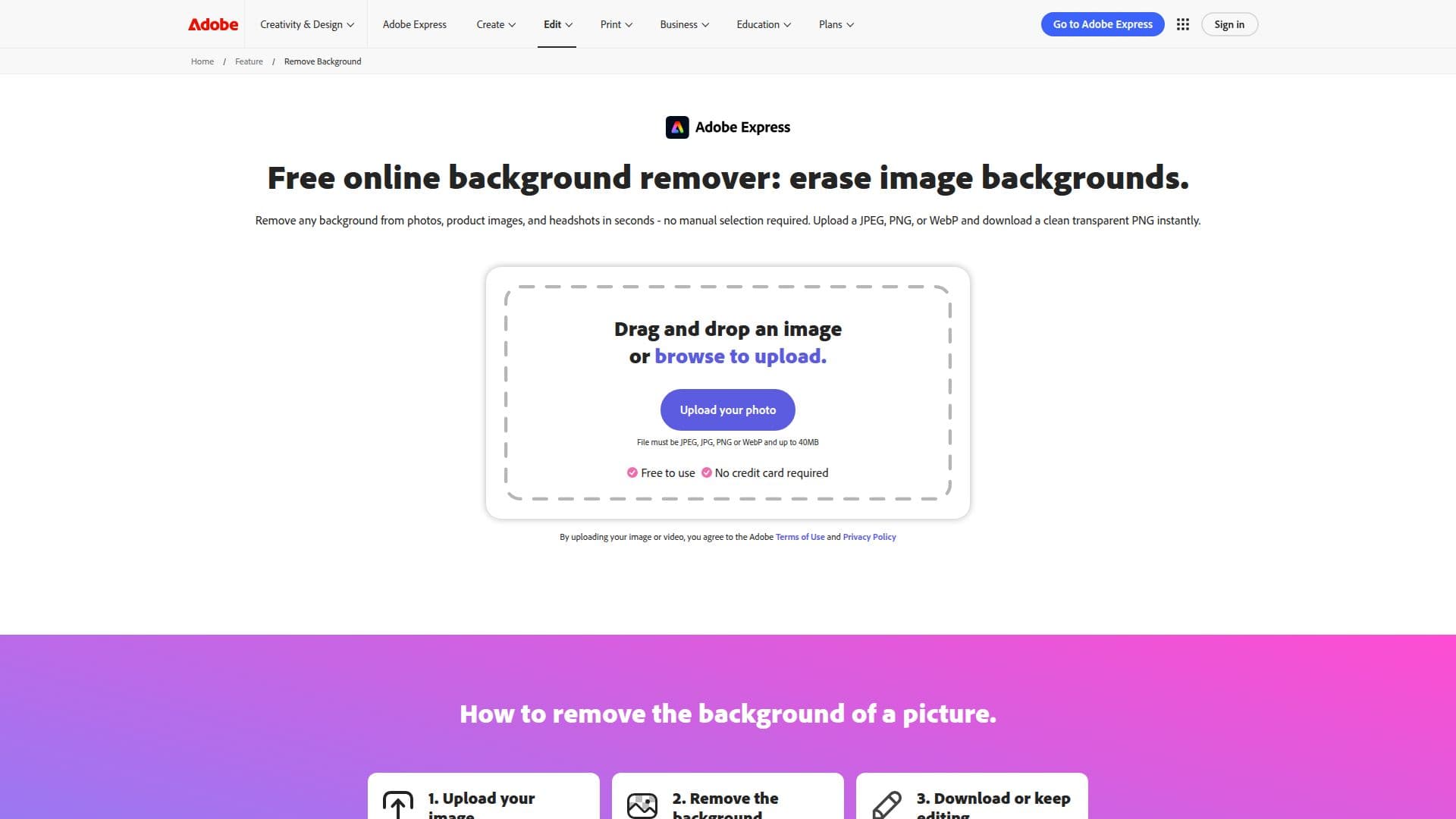
Adobe Express provides a free image background remover that allows users to easily remove backgrounds from images. This tool is designed to work with various types of images, including product photos and headshots. Users can upload their images and download them as transparent PNGs, enabling them to change backgrounds effortlessly in just a few seconds.
Read More
The background remover tool utilizes professional-quality and intuitive technology to automatically detect and remove backgrounds without requiring manual selection or editing. This feature is particularly beneficial for users who need quick results without the hassle of complex editing processes. Whether on a desktop or mobile device, Adobe Express ensures that users can access this tool anytime, anywhere.
To use the background remover, simply upload an image in JPEG, PNG, or WebP format, and the tool will instantly remove the background. The resulting image can be downloaded as a transparent PNG, which supports layering on any colored backdrop or design. Additionally, users can further edit their images by opening them in the full Adobe Express editor, where they can add new backgrounds, apply filters, and create collages.
Adobe Express is not only a background remover but also a comprehensive design tool. It offers a free plan that includes access to numerous Quick Action tools, thousands of templates, and various photo editing features. This makes it a versatile choice for anyone looking to enhance their creative projects without incurring costs.
With Adobe Express, users can create professional-quality content quickly and efficiently. The platform is designed for a wide range of users, from marketers and business owners to students and casual creators. By providing a simple yet powerful tool for background removal, Adobe Express helps users save time and effort in their creative endeavors.
- CategoryBackground Removers
- Pricing ModelFreemium
- DeploymentCloud
- PlatformsWeb
Free Image Background Remover's Core Features
Free Tier: Yes
Platforms: Desktop, Mobile
File Types Supported: JPEG, PNG, WebP
Automatic Background Removal: Yes
Download Format: Transparent PNG
Editing Capabilities: Yes
User-Friendly Interface: Yes
No Manual Selection Required: Yes
How to use Free Image Background Remover?
Upload your image: Select a JPEG, PNG, or WebP file from your device.
Remove the background automatically: The tool detects and removes the background instantly.
Download your image: Save your edited image as a transparent PNG.
Edit further if needed: Open your image in Adobe Express to add new backgrounds or apply filters.
Free Image Background Remover's Use Cases
- E-commerce Product Images
- Professional Headshots
- Social Media Graphics
- Collages and Designs
- Marketing Materials