Description
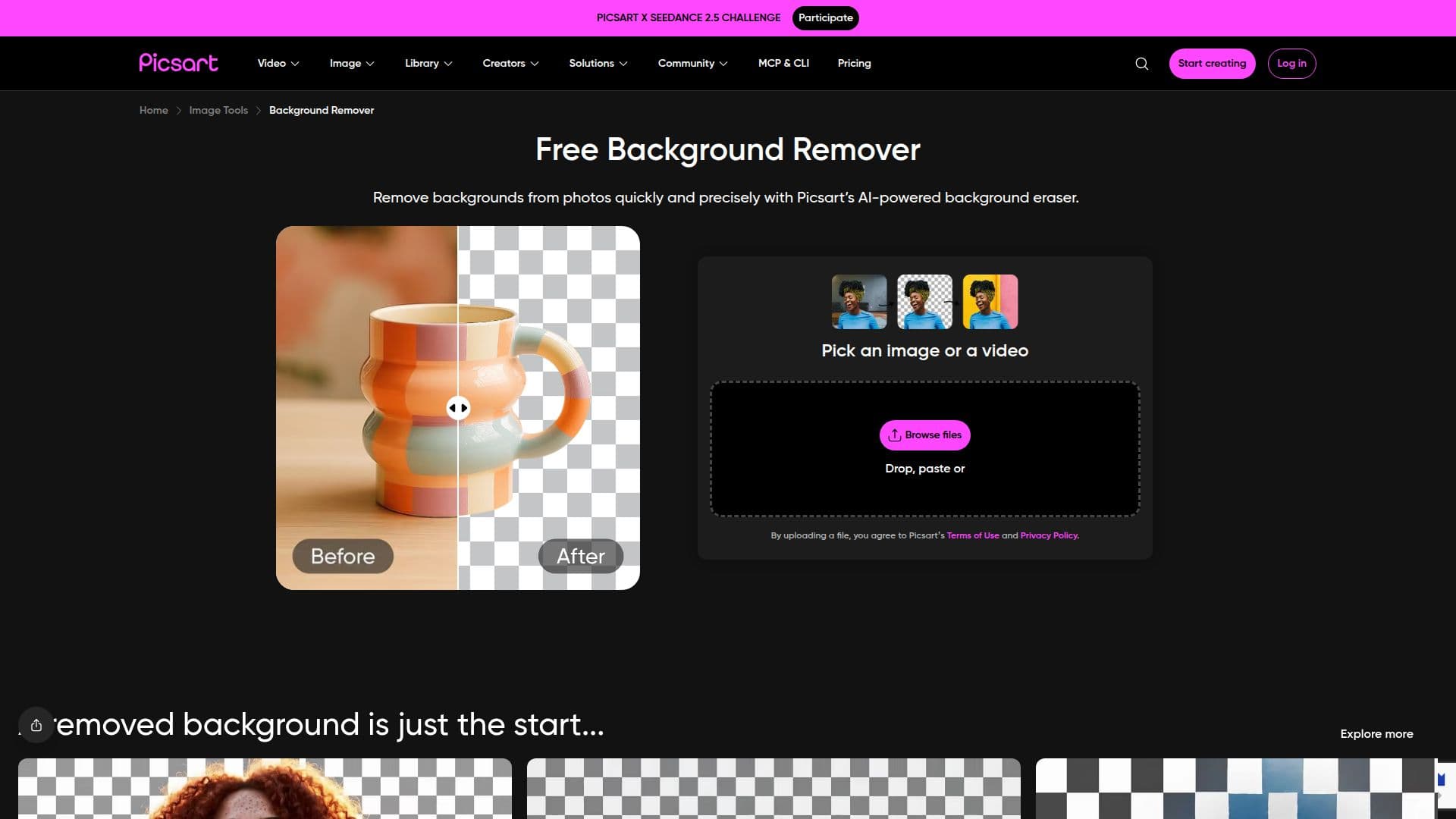
The Free Background Remover by Picsart is an AI-powered tool designed to help users effortlessly remove backgrounds from images. Utilizing sophisticated artificial intelligence algorithms, the tool analyzes the pixels in an image to distinguish between the main subject and the background. Once the background is identified, it is removed while preserving the edges and details of the foreground, ensuring a clean and professional look.
Read More
Users can download the edited image with a transparent background or choose to replace the background with a new one. This flexibility allows for a wide range of applications, from creating polished product images for marketing to enhancing personal photos for social media. The tool is particularly beneficial for e-commerce businesses, photographers, and content creators who need high-quality visuals without the hassle of complex editing software.
One of the standout features of the Background Remover is its user-friendly interface. No prior editing experience is necessary; users simply upload their image and click a button to erase the background. The automated process ensures that even those with limited technical skills can achieve stunning results in seconds. Additionally, the tool supports high-resolution exports, allowing users to save their images without any quality loss, making it ideal for both digital and print use.
For those looking to enhance their images further, Picsart offers an AI enhancer that can upscale the resolution of photos. Users can also integrate the Background Remover tool via API, making it a versatile option for developers and businesses looking to incorporate background removal capabilities into their own applications. Overall, the Free Background Remover is a powerful tool that simplifies the editing process while delivering professional-grade results.
- CategoryBackground Removers
- Pricing ModelFreemium
- DeploymentCloud
- PlatformsWeb
Free Background Remover's Core Features
Automated background removal
High-resolution exports
User-friendly interface
AI-powered enhancement
Transparent background support
API integration available
7-day free trial
No editing experience necessary
How to use Free Background Remover?
Upload a photo: Use the Browse files button to get started.
Remove image background: Click the button to erase the background.
Download or customize: Save the image with a transparent background or choose a new one.
Try on a different background: Select a new backdrop to enhance your image.
Free Background Remover's Use Cases
- E-commerce product images
- Social media posts
- Marketing materials
- Professional profile pictures
- Creative projects