Description
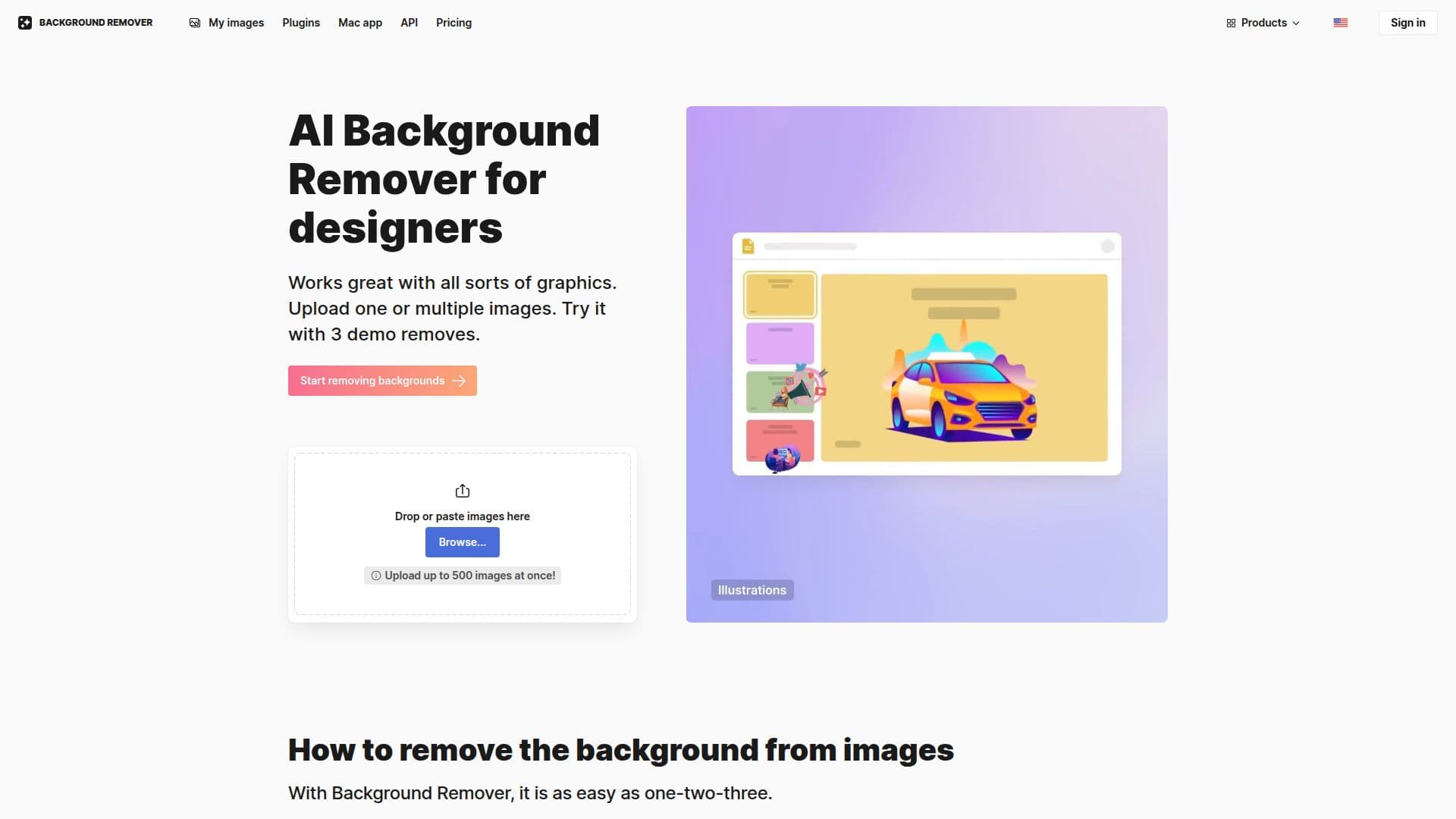
The AI Background Remover is a powerful online tool designed to help users easily erase backgrounds from images. Utilizing advanced AI technology, it allows for the automatic removal of backgrounds with just a single click, simplifying the workflow for designers and creatives alike. Users can upload one or multiple images and see immediate results, making it perfect for those who need professional-looking images in seconds.
Read More
Unlike many other online tools that focus solely on photos, the AI Background Remover is trained to work with a wide variety of graphics, including logos, illustrations, lettering, signatures, portraits, and product photos. It excels at handling complex objects, such as hair, jewelry, and cloth folds, ensuring a clean and precise result every time. This capability is crucial for users who require high-quality images for marketing materials, presentations, or product showcases.
In addition to removing backgrounds, the tool offers users the ability to enhance their images by replacing transparent backgrounds with solid colors or photos from a gallery. This feature allows for creative flexibility, enabling users to achieve either a clean, professional look or something more artistic with just a few clicks.
The AI Background Remover is not only user-friendly but also ensures that the original size and quality of images are maintained throughout the editing process. This attention to detail is essential for professional use, where image quality can significantly impact the final output. For developers, Icons8 provides an API that allows for seamless integration of background removal capabilities into other applications, making it a versatile tool for various projects.
Overall, the AI Background Remover is an invaluable resource for anyone looking to streamline their image editing process, providing quick, accurate, and high-quality results that cater to a wide range of creative needs.
- CategoryBackground Removers
- Pricing ModelFreemium
- DeploymentCloud
- PlatformsWeb
AI Background Remover's Core Features
Automatic background removal
Supports multiple image formats
Works with various graphics types
Maintains original image quality
User-friendly interface
API available for integration
Replace backgrounds with solid colors or images
Free to use
How to use AI Background Remover?
Upload your image: Choose one or multiple images to upload.
Remove background: Click the button to automatically remove the background.
Enhance image: Optionally replace the transparent background with a new one.
Download: Save your edited image in the desired format.
AI Background Remover's Use Cases
- Product Photography
- Graphic Design
- Social Media Content
- Presentations
- E-commerce