Description
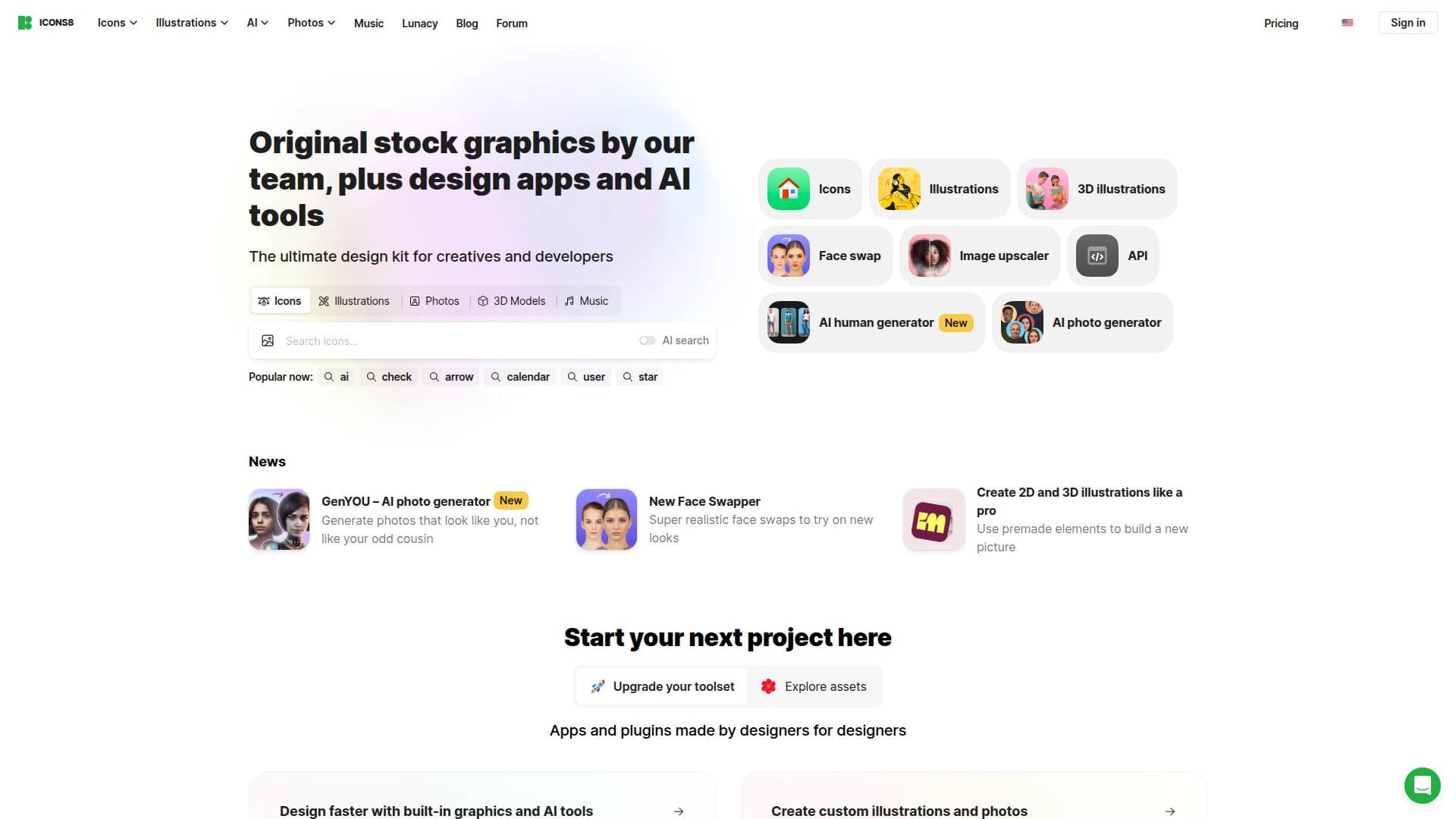
Icons8 is a design resource platform that provides original stock graphics created by its own team of designers, illustrators, animators, and 3D artists. Its library covers icons, vector and clipart illustrations, stock photos, 3D models, and royalty-free music, with an emphasis on consistent quality across assets. The company describes itself as artists rather than resellers, and states it maintains the largest library of consistent icons in the world, built over more than a decade of work.
Read More
Alongside its asset library, Icons8 builds software and AI tools. These include Lunacy (a graphic design tool with built-in graphics), Pichon (a desktop app for macOS and Windows), Figma and Photoshop plugins, and an online editor. Its AI tools include a Background Remover, Smart Upscaler, Human Generator (photos of people who do not exist), Illustration Generator, Face Swapper, and Mega Creator, among others.
For developers, Icons8 offers a REST API to integrate a library of over 1.3 million icons in SVG and PNG formats across 45+ styles, along with Illustrations, Photos, Music, Smart Upscaler, and Background Remover APIs. The company reports serving hundreds of thousands of developers and handling large daily request volumes.
Assets are free to use with attribution in bitmap format, and paid subscriptions provide a worldwide, non-exclusive license under the Universal License Agreement with no attribution required. Unused downloads roll over while a subscription stays active, extra downloads are available via a small per-item fee, and team members can share a combined download pool managed from one dashboard.
- CategoryAI Graphic Design Tools
- Pricing ModelFreemium
- DeploymentCloud
- PlatformsWeb, macOS, Windows
Icons8's Core Features
Library of icons, illustrations, stock photos, 3D models, and music
Consistent, designer-made assets across styles
AI tools including Background Remover, Smart Upscaler, and Human Generator
Lunacy design app and Pichon desktop app
Figma and Photoshop plugins plus an online editor
REST API for 1.3M+ icons in SVG and PNG across 45+ styles
Free assets with attribution and paid licenses without attribution
Team plans with a shared, combined download pool
How to use Icons8?
Browse or search: Find icons, illustrations, photos, 3D models, or music in the library.
Create with AI: Use tools like Background Remover, Smart Upscaler, or the generators to edit and create visuals.
Design in-app: Edit assets in Lunacy, the online editor, or via Figma and Photoshop plugins.
Download: Get free assets with attribution, or subscribe for licensed downloads.
Integrate: Use the REST API to add icons and other assets to your app or project.
Icons8's Use Cases
- UI and app design
- Marketing and content visuals
- AI image editing
- Developer integration
- Graphic design workflows