

Description
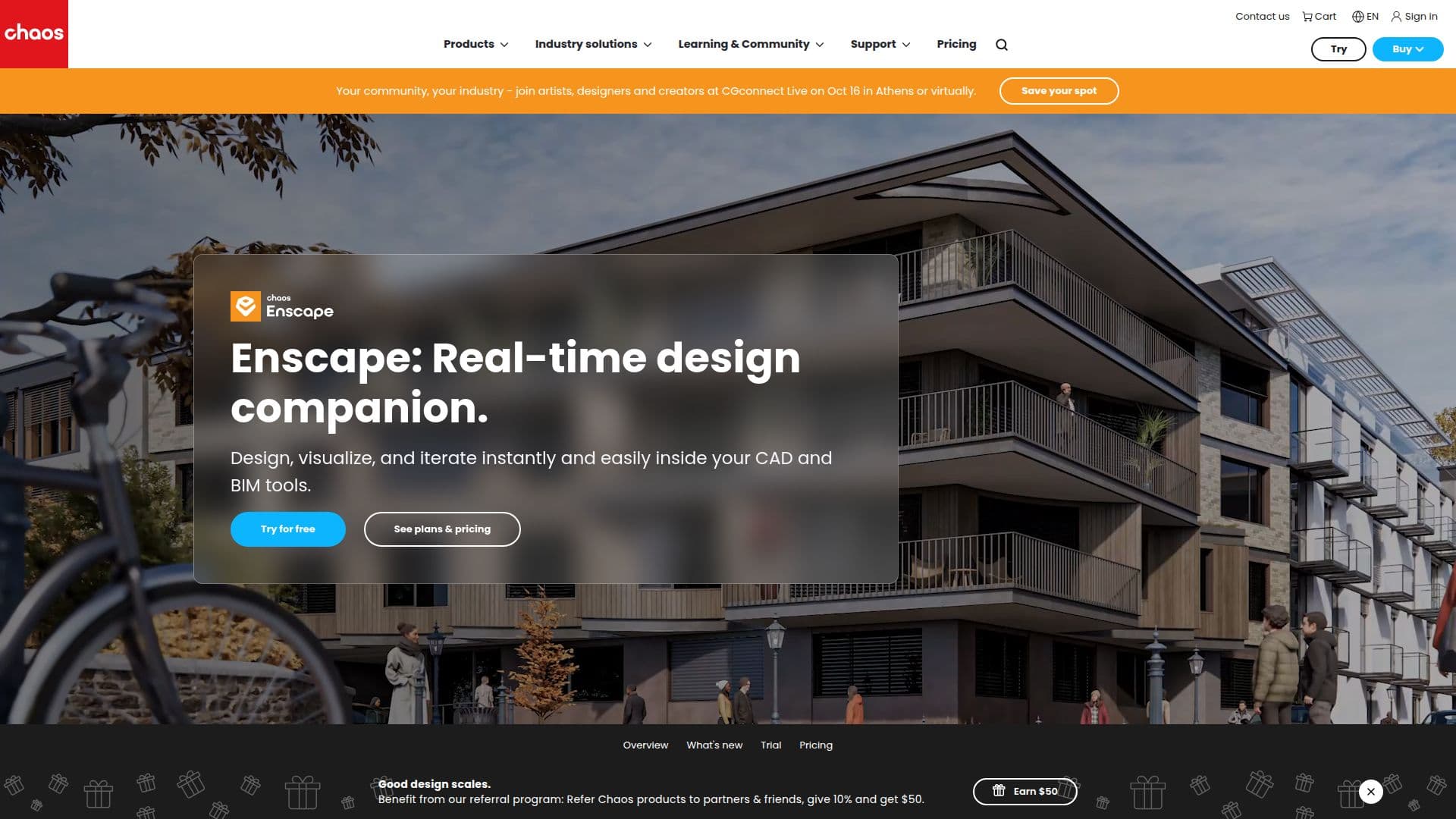
Enscape is a powerful real-time rendering and virtual reality tool designed for architects and designers. It integrates seamlessly with popular design software such as Revit, SketchUp, Rhino, ArchiCAD, and Vectorworks, allowing users to visualize their projects directly within their CAD or BIM models. This integration enables real-time design exploration, where every change is instantly reflected, facilitating faster design iterations and decision-making.
Enscape offers a range of features that enhance the design process. Users can create high-quality visuals quickly with intuitive settings, real-world context, and smart asset placement. The tool also supports bi-directional synchronization, ensuring that any changes made in the design software are immediately visible in Enscape. This capability is particularly beneficial for architects and designers who need to communicate their ideas clearly and engage clients effectively.
The tool includes built-in presets, image-to-video animation, and does not require third-party tools, making it a comprehensive solution for design visualization. Enscape also offers AI-powered enhancements through Veras AI, which helps users generate and compare design options within their models. Additionally, Enscape Impact provides sustainability insights, allowing users to analyze thermal comfort and sustainability during the design phase.
Enscape is available through various pricing plans, catering to individual creators and large enterprises. The tool is included with the purchase of any Chaos license, offering free support, learning resources, and access to a large community of professionals. Users can start with a free trial to explore its capabilities.
Overall, Enscape is an indispensable tool for architects and designers looking to enhance their design workflows with real-time visualization and virtual reality capabilities.
Enscape's Core Features
Real-time rendering within design tools
Seamless integration with Revit, SketchUp, Rhino, ArchiCAD, and Vectorworks
Bi-directional synchronization for instant updates
AI-powered design exploration with Veras AI
Built-in presets and image-to-video animation
Sustainability insights with Enscape Impact
Access to Chaos Cosmos asset library
Free support and learning resources
How to use Enscape?
Configure: Set up Enscape with your design software
Use: Visualize designs in real-time within your CAD/BIM model
Optimize: Utilize AI enhancements and presets for better visuals
Present: Use virtual reality for immersive client presentations
Enscape's Use Cases
- Real-time visualization
- Client presentations
- Design exploration
- Sustainability analysis
- Asset integration