
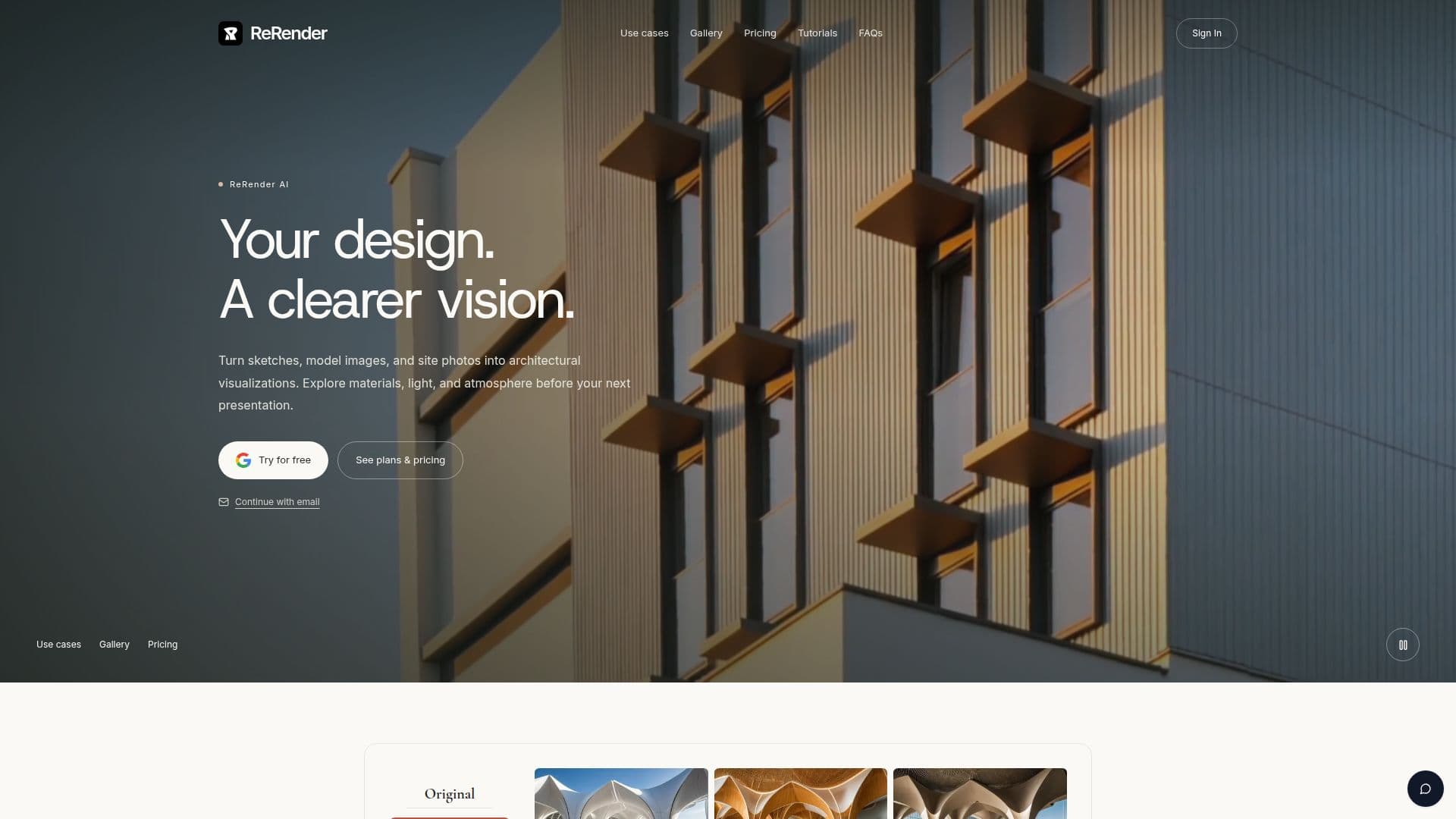
Description
ReRender AI is an advanced architectural visualization platform that enables architects, studios, and real estate developers to create photorealistic renders from sketches, models, plans, and project images. The tool is designed to enhance client presentations and streamline design workflows by providing fast and accurate visualizations.
Users can explore various aspects of their designs, such as materials, lighting, and atmosphere, before presenting them to clients. ReRender AI ensures that the outputs generated remain the property of the user, allowing for commercial use in competitions, design reviews, and marketing materials.
The platform offers different pricing plans to accommodate various needs. The Free Trial plan allows users to preview core AI tools with limited access, while the Monthly and Annual plans provide unlimited renders, full commercial usage rights, and advanced control options. Private rendering is available in Pro and Team plans, ensuring confidentiality for sensitive projects.
ReRender AI supports complex architectural workflows, including exterior massing, facade studies, and urban context exploration. It integrates with popular design software like SketchUp, Revit, and Rhino, making it a versatile tool for design teams. The platform also offers features like video generation credits and SketchUp plugin support.
With ReRender AI, architects can quickly iterate on designs, explore new directions, and communicate their vision with confidence. The tool is built for professionals seeking efficiency, scalability, and premium features, making it a valuable asset for any architectural project.
ReRender AI Architectural Rendering's Core Features
Photorealistic rendering
Private rendering mode
Commercial usage rights
Unlimited renders
Advanced control options
SketchUp plugin support
Video generation credits
Material and lighting exploration
Team workspace controls
Confidential project spaces
Prompt-based customization
Regional hosting options
Data isolation
SSO and audit logs
Public gallery sharing
How to use ReRender AI Architectural Rendering?
Upload: project image, model view, sketch, or plan
Select: rendering mode and style
Explore: materials and lighting
Iterate: refine design for presentations
Use: advanced control options
Integrate: with SketchUp, Revit, Rhino
Optimize: for client presentations
ReRender AI Architectural Rendering's Use Cases
- Client presentations
- Design iterations
- Material exploration
- Urban context studies
- Facade studies
- Interior renderings
- Landscape design
- Video walkthroughs
- Portfolio development
- Concept exploration