
Description
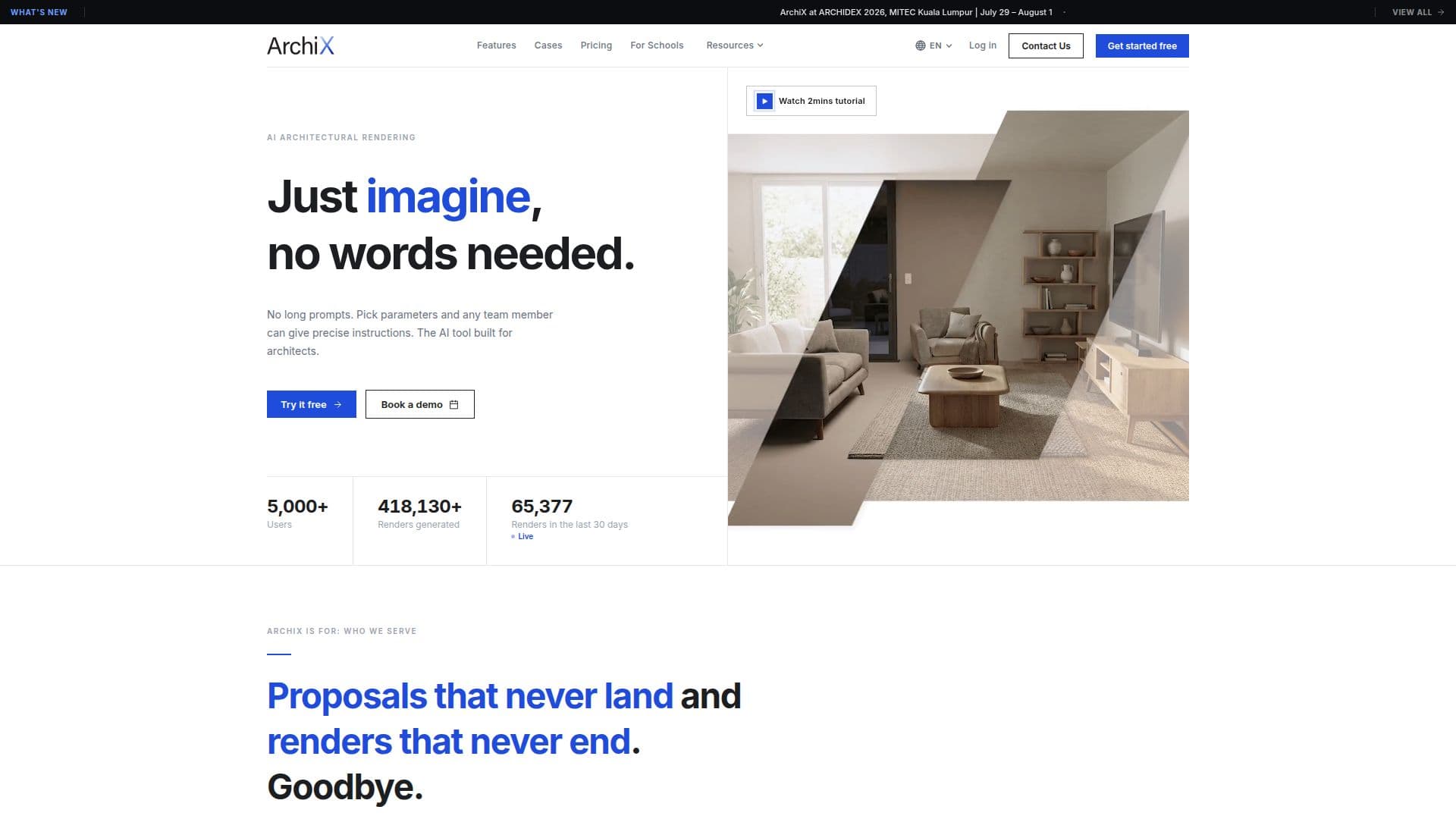
ArchiX is a specialized AI tool for architects and interior designers, offering a comprehensive suite of features for architectural rendering and design workflows. Unlike traditional tools that require lengthy prompts, ArchiX allows users to select parameters such as style, lighting, and materials from a panel, producing high-quality renders in seconds.
Read More
The platform is designed to enhance productivity across teams, from sales to design. Sales teams can visualize client requests instantly, facilitating quicker agreements, while design teams can delegate rendering tasks to AI, focusing on their core creative work. ArchiX accelerates the entire process from proposal to project completion.
Key features include AI Render, which transforms sketches, CGs, or photos into photorealistic renders, and AI Image Edit, which allows users to modify specific regions of an image, swapping materials or colors. AI Staging automatically places furniture in empty-room photos, aiding real estate and interior design pitches. Additionally, AI Video generates walkthrough videos from stills, enhancing presentation quality.
ArchiX supports project management by organizing generation history and facilitating team collaboration. It offers enterprise-grade security with authentication, access control, and audit logging, adhering to ISMS / ISO 27001 standards. Pricing is simple and predictable, with a free trial available for all plans, including options for individual, team, education, and enterprise use.
- CategoryAI Interior & Architecture Design
- Pricing ModelFreemium
- DeploymentCloud
- PlatformsWeb
ArchiX's Core Features
AI Render: photorealistic architectural renders
AI Image Edit: modify image regions
AI Staging: auto-place furniture
AI Video: generate walkthrough videos
Project Management: organize generation history
Enterprise Security: ISO 27001 standards
Simple Pricing: free trial available
No Prompts Required: select parameters
How to use ArchiX?
Configure: select style, lighting, materials
Use: generate renders and edits
Optimize: refine outputs with editing tools
Collaborate: share projects with teams
ArchiX's Use Cases
- Interior Design
- Real Estate
- Architectural Walkthroughs
- Project Management
- Team Collaboration