

Description
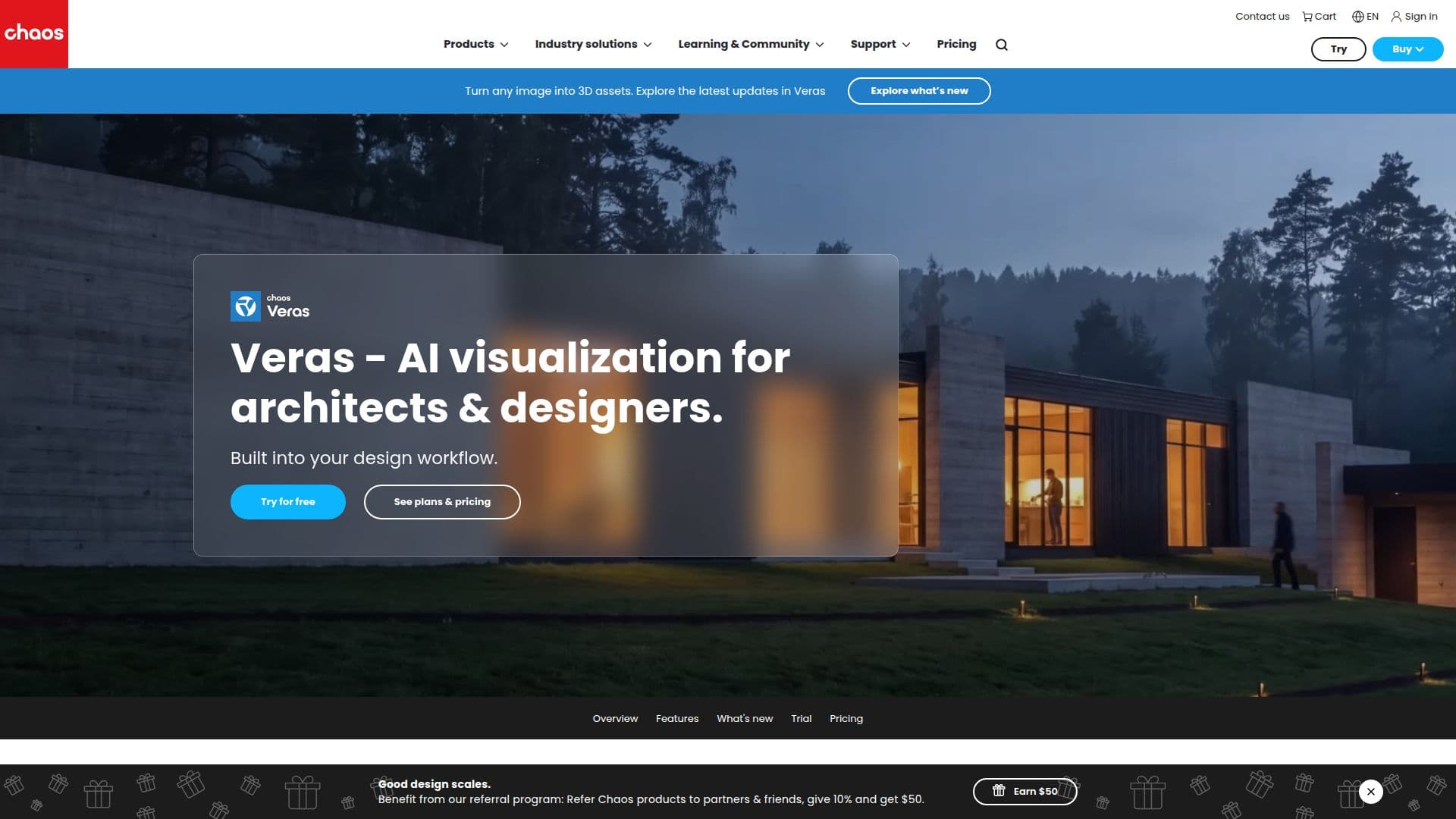
Veras is an AI-powered visualization tool developed by Chaos, aimed at architects and designers to enhance their workflows. It allows users to transform sketches, images, and 3D models into realistic visuals and animations. Veras integrates seamlessly with popular design software like Revit, Rhino, and SketchUp, enabling users to generate visual content directly within their design environment.
The tool offers a variety of features, including text-to-image rendering, where users can input a text description to generate a render. Veras also supports image-to-video conversion, allowing static images to be animated with simple prompts or presets. Additionally, it can convert images into 3D models, providing architects with ready-to-use assets for their BIM models.
Veras is powered by Nano Banana 2, which provides precise prompt control, ensuring that only specified geometry and materials change while maintaining the integrity of the original design. This feature is particularly useful for generating material studies, testing color options, and exploring façade treatments.
The tool is available with a 14-day free trial, including 100 Chaos credits, which can be used for generating Nano Banana 2 images or videos. Pricing plans vary, with options for individual creators and enterprises, offering different levels of access to Nano Banana 2 images and AI videos.
Veras is designed to support architects and designers throughout all project phases, from early concept exploration to detailed design development. It enhances client communication and accelerates decision-making by providing compelling visual evidence. The tool is part of Chaos' commitment to responsible AI, focusing on empowering creators and enhancing workflows with trust and transparency.
Veras AI Visualization Tool's Core Features
AI rendering built into design tools
Sketch to image transformation
3D model to image conversion
Image to video animation
Image to 3D model conversion
Text-to-image rendering
Mood board analysis for design input
Scene population with assets
How to use Veras AI Visualization Tool?
Configure: Set up Veras within your design software
Use: Transform sketches and models into visuals
Optimize: Refine designs with AI-generated options
Enhance: Animate images and create 3D models
Veras AI Visualization Tool's Use Cases
- Concept Visualization
- Client Presentations
- Design Iteration
- Material Studies
- 3D Asset Generation