Description
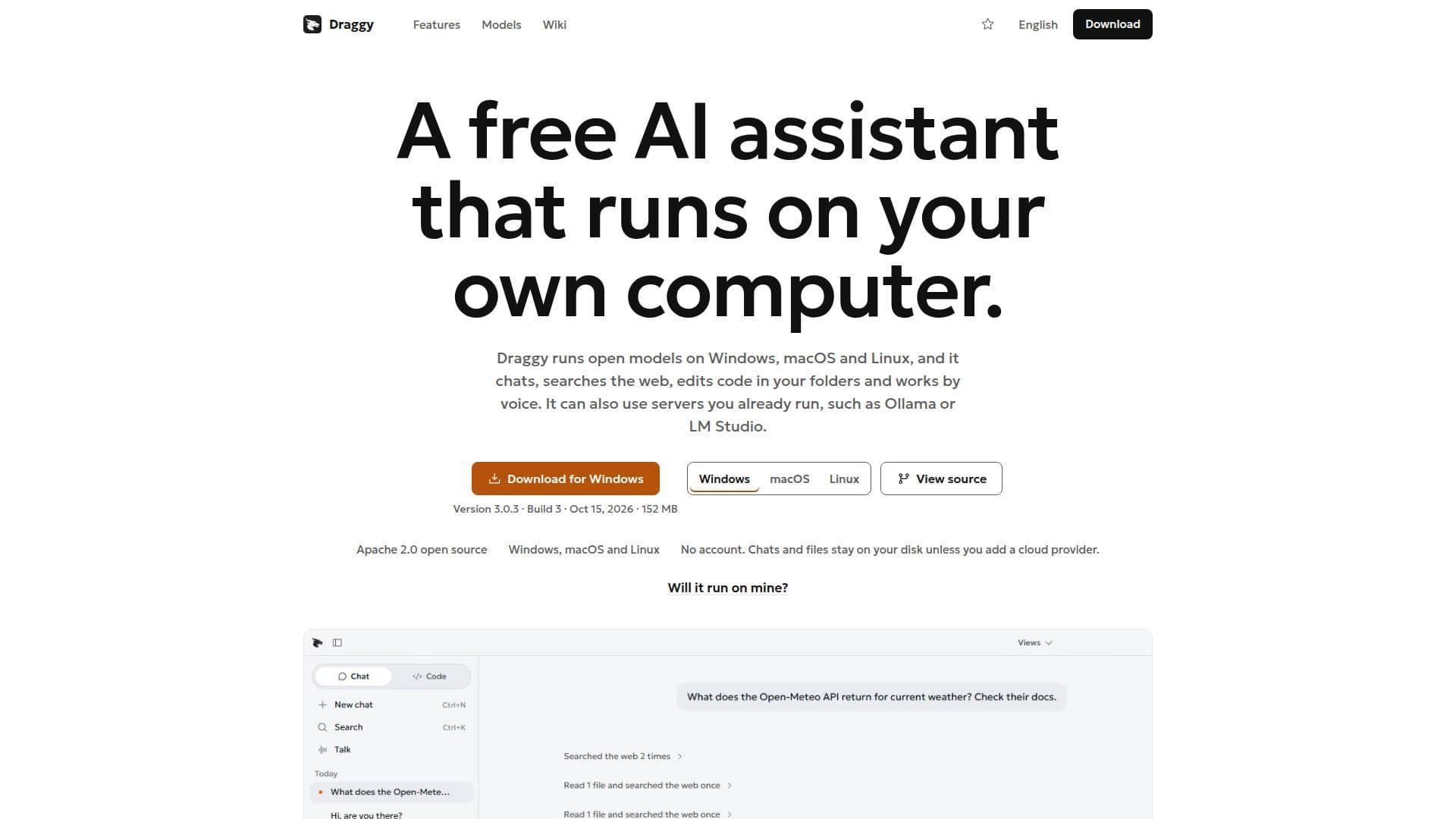
Draggy is a versatile desktop AI assistant designed to run open models directly on your computer, offering a seamless experience without the need for an account. It is compatible with Windows, macOS, and Linux, making it accessible to a wide range of users. The application allows for both voice and text interactions, enabling users to chat, browse the web, and edit code within their projects. Draggy operates locally, ensuring that your data remains on your device unless you choose to integrate a cloud provider.
Read More
The app is completely free, with no subscription tiers, and is open-source under the Apache 2.0 license. Users can add popular AI models like ChatGPT, Claude, or Google Gemini by signing in with the respective plans or API keys. Draggy's built-in engine remains the default, ensuring that local operations are prioritized.
Draggy's privacy-centric design means that it sends minimal data off your computer, primarily for model downloads, web searches, and update checks. The app is designed to work efficiently on various hardware configurations, selecting models that best fit your system's capabilities. For those with dedicated graphics cards, Draggy can utilize them to enhance performance.
The application also features a robust permissions system, allowing users to control how it interacts with their files and projects. Users can choose from different modes, such as 'Ask first' or 'Auto', to manage how Draggy edits, deletes, or executes commands. This flexibility ensures that users maintain control over their data and operations.
Draggy is developed by an independent developer, with the source code available on GitHub. It is a community-driven project with no corporate backing, emphasizing transparency and user control.
- CategoryAI Personal Assistants
- Pricing ModelFree
- DeploymentDesktop app
- PlatformsWindows, macOS, Linux
Draggy's Core Features
Free desktop AI assistant
Runs open models locally
Supports Windows, macOS, Linux
Voice and text interaction
Open-source under Apache 2.0
No account required
Integrates with ChatGPT, Claude, Gemini
Local data privacy
How to use Draggy?
Download: Install Draggy on your computer
Configure: Set up model preferences in Settings
Use: Interact via voice or text for tasks
Optimize: Adjust settings for hardware performance
Draggy's Use Cases
- Code Editing
- Web Browsing
- Voice Interaction
- Local AI Model Use
- Privacy-Conscious Computing