Description
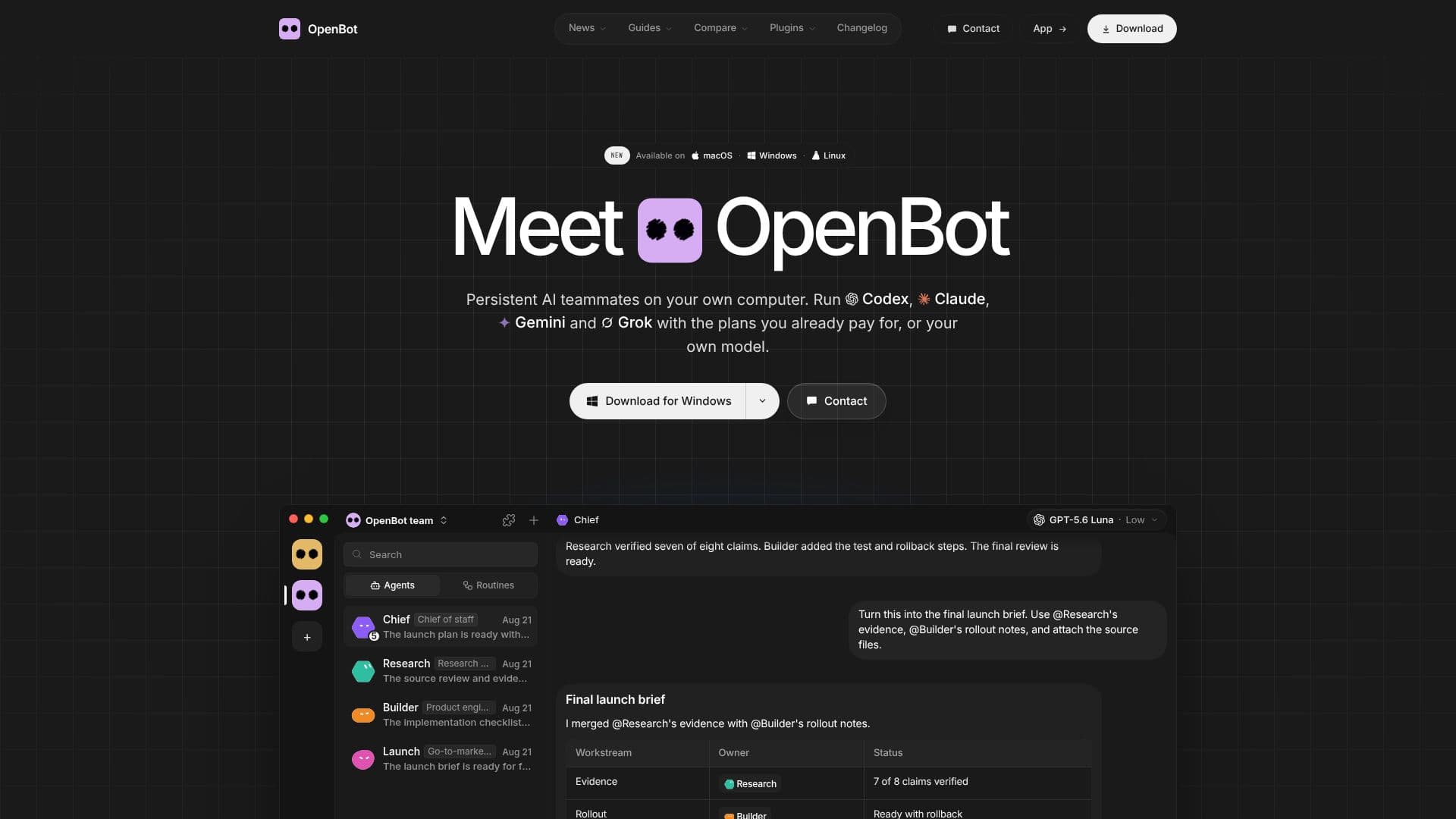
OpenBot is a versatile desktop application designed to run a team of AI agents on your personal computer. It supports a range of AI models, including Codex, Claude Code, Gemini, Grok, and OpenCode, allowing users to leverage the AI plans they already pay for. The application is free for noncommercial use and is open-source under the PolyForm Noncommercial License 1.0.0, with the source code available on GitHub.
Read More
OpenBot is compatible with macOS 13 or newer, Windows 10 or newer, and Linux, supporting both x64 and arm64 architectures. It allows users to connect any OpenAI-compatible model server, including local models on Ollama or LM Studio. The application ensures that all workspaces, conversations, files, and browser data remain on the user's computer, providing enhanced privacy and control over data.
The application is particularly suitable for users who want to run AI agents without relying on cloud services, as it allows agents to work as a team, sharing tasks and messages. OpenBot also offers mobile apps for iPhone and Android, enabling users to connect to their computer remotely.
For those who prefer not to maintain their own server, OpenBot offers hosted server plans that provide a Linux machine for running OpenBot, with options for different team sizes and storage capacities. These hosted servers run in the EU and allow users to connect their AI provider separately.
OpenBot is a development preview, meaning that while it offers powerful capabilities, users should exercise caution and ensure they trust the tasks they assign to the agents. The application is ideal for developers, researchers, and teams looking to harness the power of AI agents locally.
- CategoryAI Agent Builders
- Pricing ModelFree
- DeploymentLocal
- PlatformsmacOS, Windows, Linux
OpenBot's Core Features
Runs AI agents locally
Supports multiple AI models
Free for noncommercial use
Open-source under PolyForm Noncommercial License
Data remains on user's computer
Compatible with macOS, Windows, and Linux
Mobile apps for remote access
Hosted server plans available
How to use OpenBot?
Download: Install OpenBot on your computer
Connect: Link your AI provider account
Configure: Set up your AI agents
Use: Run tasks and manage agents
OpenBot's Use Cases
- Local AI Development
- Data Privacy
- Remote Access
- Team Collaboration
- Custom AI Models