
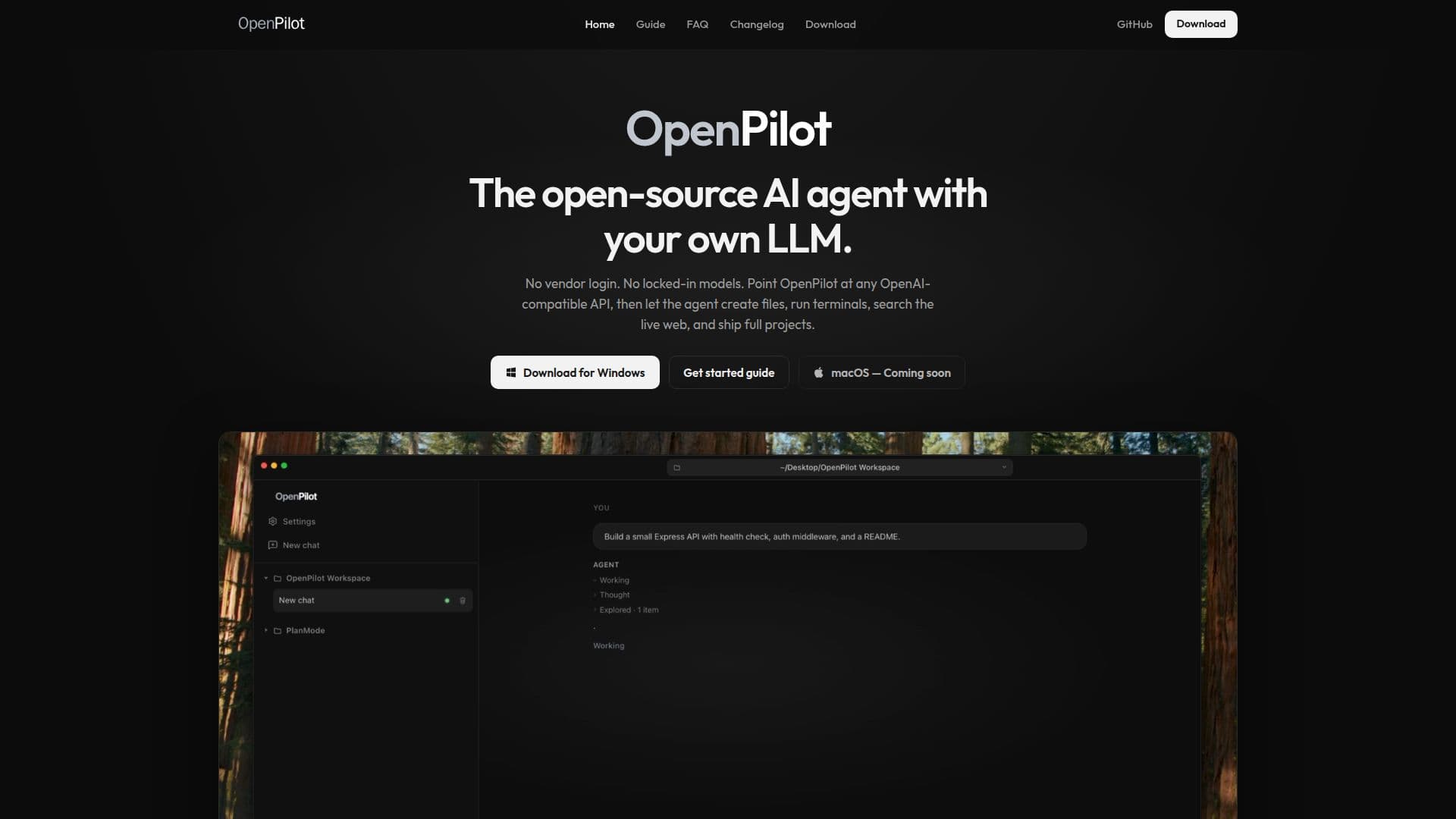
Description
OpenPilot is an open-source AI agent designed for desktop use, providing a flexible platform for users to integrate their own OpenAI-compatible language models. This tool enables users to create files, run terminal commands, conduct web searches, and manage projects without being tied to any specific vendor. OpenPilot is particularly beneficial for those who wish to maintain control over their AI models and avoid platform-specific restrictions.
Read More
The application operates as a local AI harness, allowing users to connect to any OpenAI-compatible API. This includes popular options like OpenAI, OpenRouter, and local servers. Users can easily swap providers without altering their workflow, ensuring that usage remains local and portable across different models. OpenPilot is available as a native Windows app, with macOS builds for Apple silicon and Intel Macs expected soon.
Key features of OpenPilot include filesystem tools, a live shell for running real terminal commands, and live web research capabilities through TinyFish. It also supports skills and long-term memory, allowing users to drop reusable playbooks and persist preferences. The Model Context Protocol (MCP) feature enables users to connect additional servers and extend the agent's capabilities with existing systems.
OpenPilot is built for users who prefer an agent-focused approach without the overhead of a hosted model marketplace. It operates fully locally, with no account or vendor login required. The application is MIT licensed, encouraging users to fork, audit, and package it as needed. OpenPilot's design emphasizes a chat-first interface, making it distinct from other agents like Cursor, Cline, and Aider.
The tool is particularly suited for developers and tech enthusiasts who require a customizable and portable AI agent solution. With its open-source nature and focus on user control, OpenPilot offers a unique value proposition for those seeking to integrate AI capabilities into their desktop environment.
- CategoryAI Agent Builders
- Pricing ModelFree
- DeploymentLocal
- PlatformsWindows
OpenPilot's Core Features
Open-source AI agent
Integrates with OpenAI-compatible LLMs
Local filesystem and terminal access
Web search and page fetch with TinyFish
Skills and long-term memory support
Model Context Protocol (MCP) integration
No vendor lock-in
MIT licensed
How to use OpenPilot?
Install: Download and install OpenPilot on your desktop.
Configure: Add your OpenAI-compatible model by entering the base URL and API key.
Open Workspace: Select a project folder to grant filesystem and shell access.
Run Tasks: Use the chat interface to describe tasks and let OpenPilot execute them.
OpenPilot's Use Cases
- File Management
- Terminal Operations
- Web Research
- Project Scaffolding
- Model Integration