Description
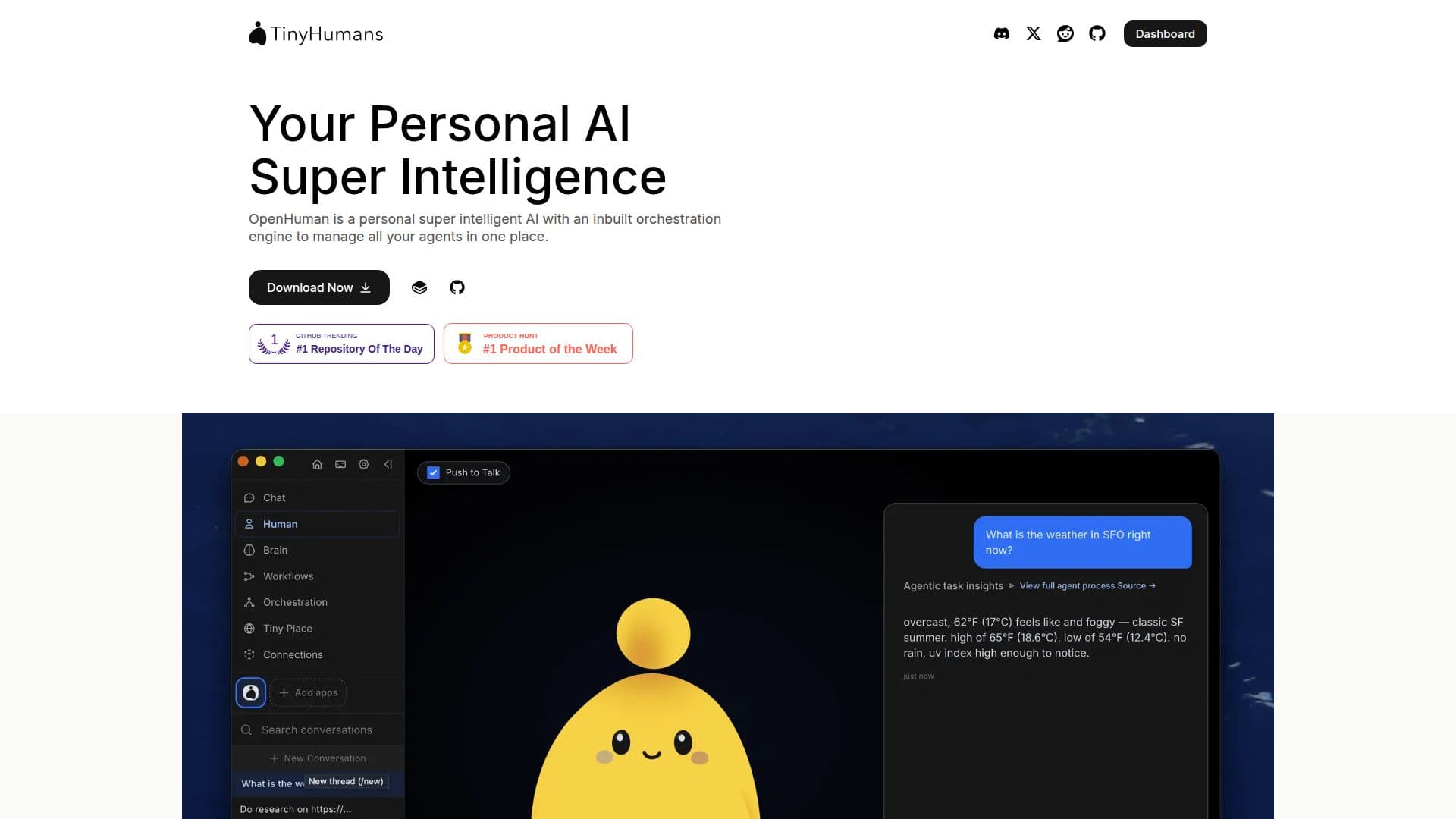
OpenHuman is a versatile, open-source personal AI designed for Mac, Windows, and Linux platforms. It is engineered with a Rust core that initiates operations in just 102 milliseconds. This AI tool is local-first, meaning it stores and processes data on your own machine, ensuring privacy and security. OpenHuman's memory engine intelligently decides what data to retain, compress, and surface when needed by an AI agent. Its workflows engine orchestrates multiple AI agents to automate tasks, making it a powerful tool for personal and professional use.
Read More
The platform supports integration with up to 100 apps, 10,000 MCPs, and 90,000 skills, allowing users to connect their existing tools and services. OpenHuman is free to use under the GPL-3.0 license, with the full source code available on GitHub. Users can opt to use their own inference providers or unlock additional features with a TinyHumans key, which provides managed inference, search, embeddings, and integrations.
OpenHuman is designed to run entirely on your local machine, with model calls directed to the provider of your choice. This ensures that no data leaves your computer if you choose to run local models. The platform is ideal for users who prioritize data privacy and want a customizable AI solution that integrates seamlessly with their existing digital ecosystem.
Pricing for OpenHuman is straightforward, with the core software available for free. Additional services and features can be accessed through subscription plans offered by TinyHumans, starting at $20 per month. These plans provide credits for model usage and access to advanced orchestration and integration capabilities.
- CategoryAutomation & Agents
- Pricing ModelFreemium
- DeploymentLocal
- PlatformsmacOS, Windows, Linux
OpenHuman's Core Features
Free and open-source
Local-first data storage
Rust core for fast operations
Memory engine for data management
Workflows engine for task automation
Integration with 100+ apps
Supports 10,000 MCPs and 90,000 skills
GPL-3.0 license
How to use OpenHuman?
Download: Get the right build for your platform
Install: Set up OpenHuman on your machine
Configure: Connect your apps and services
Use: Automate tasks with AI agents
OpenHuman's Use Cases
- Task Automation
- Data Privacy
- App Integration
- Custom AI Models
- Agent Orchestration