
Description
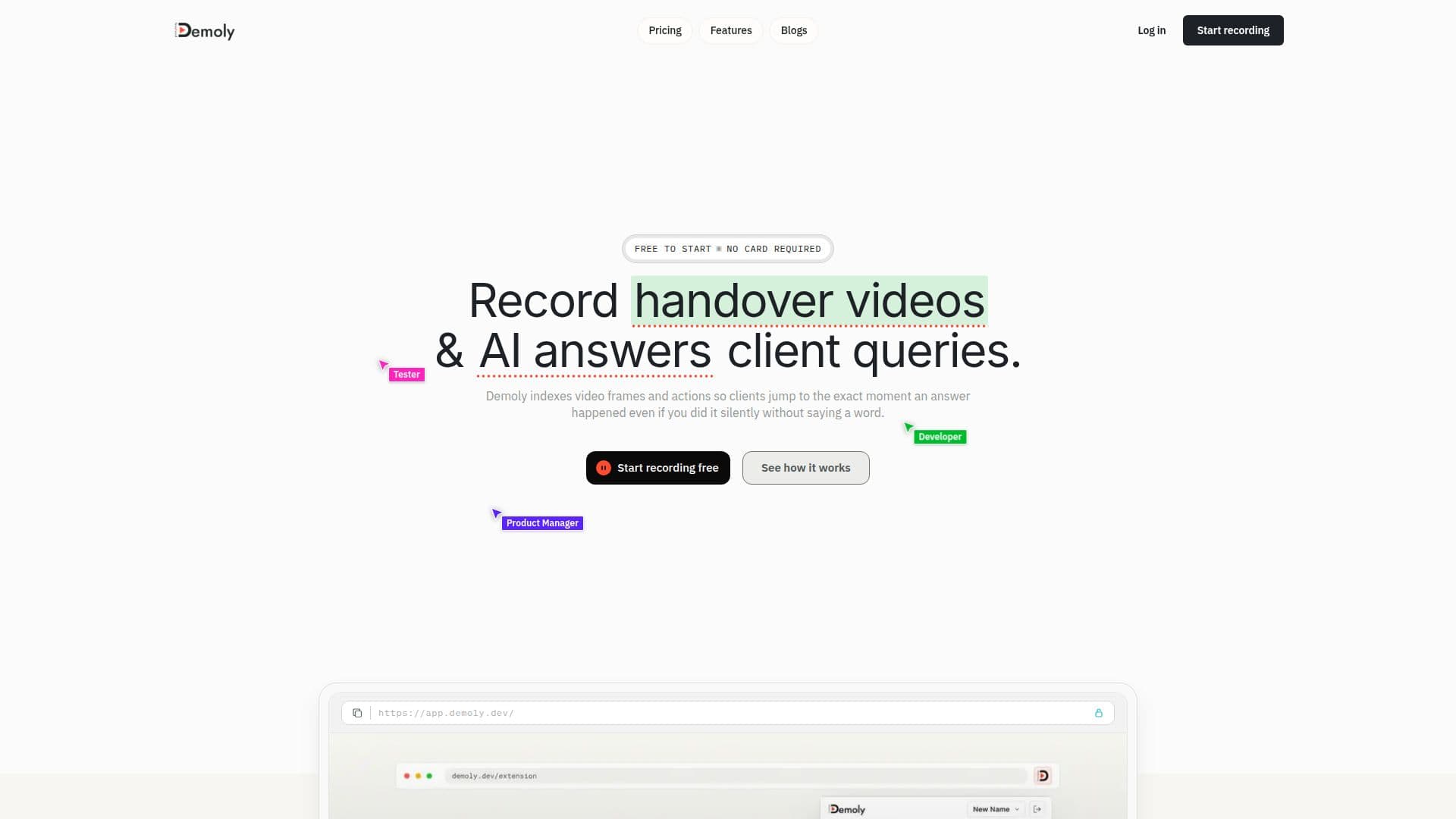
Demoly is a comprehensive browser-based tool designed to streamline the creation, editing, and sharing of interactive product walkthroughs and guides. It addresses the common challenge of explaining complex processes by transforming a single recording into multiple accessible formats: a video, a step-by-step guide, and an interactive click-through walkthrough. This versatility ensures that information can be consumed in the most effective way for different audiences.
Read More
The core functionality revolves around its lightweight Chrome extension, which allows creators to capture pixel-perfect web demos with zero latency. Unlike traditional screen recorders that produce flat video files, Demoly processes recordings into an indexed, vectorized event timeline. This advanced indexing enables AI semantic search, visual indexing of on-screen actions, and interactive timestamps, allowing viewers to quickly navigate and find specific information.
A standout feature is the AI-powered question-answering capability. Viewers can type natural language questions, such as "How do I configure the API keys?" or "How do I invite a teammate?", and Demoly's AI assistant will pinpoint the exact moment in the walkthrough that answers the query, jumping to the relevant timestamp and highlighting the corresponding UI element. This significantly reduces the time viewers spend scrubbing through videos, making learning and troubleshooting more efficient.
Demoly also prioritizes privacy and data security. It includes frame-layer redaction tools that allow creators to blur or permanently redact sensitive information—like customer data, passwords, or API keys—before sharing. This ensures that confidential details are protected. Furthermore, Demoly boasts zero client setup for viewers; recordings are shared via simple web links that can be opened in any modern browser without requiring downloads, extensions, or account creation.
The platform offers a Free Tier, which includes 3 active smart demos, unlimited recordings up to 15 minutes, and the Demoly AI assistant. Paid tiers, Pro and Ultimate, offer expanded capabilities such as unlimited smart demos, longer recording durations, AI-voiced demos, custom branding, no watermarks, and enterprise AI assistant features, catering to individuals, product marketers, and growing teams. Demoly's multi-model AI architecture, utilizing DeepSeek for LLM reasoning and Google Gemini for vision processing, ensures robust understanding of both textual and visual elements within recordings, even for silent demos.
- CategoryProductivity
- Pricing ModelFreemium
- DeploymentCloud
- PlatformsWeb, Chrome
Demoly's Core Features
Record instant AI-searchable web demos and walkthroughs
Generate video, step-by-step guides, and click-through walkthroughs from one recording
AI-searchable interactive walkthroughs with instant timestamp navigation
Pixel-perfect vector DOM recording and crisp zoom playback
Post-recording sensitive data blur and redaction tools
Instant shareable links and embedded player support
Chrome extension recording with zero latency
Zero client setup or software installation required for viewers
Natural language AI question answering for recordings
Visual indexing of on-screen actions
Non-destructive editing capabilities
AI Voiceovers for demos
Team sharing and collaboration features
Knowledge Hub Library for organizing recordings
Folder organization for demos
How to use Demoly?
Record: Use the Demoly Chrome extension to capture a web process or workflow.
Process: Demoly automatically processes the recording into an indexed, vectorized event timeline.
Edit: Utilize frame-layer redaction brushes to blur or redact sensitive information before sharing.
Enhance: Add AI voiceovers or trim videos to refine your walkthroughs.
Share: Generate a simple web link to share your interactive, AI-searchable walkthrough with clients or teammates.
Interact: Viewers can ask natural language questions about the recording, and Demoly's AI will jump to the relevant section.
Demoly's Use Cases
- Product Onboarding
- Client Handover Documentation
- Bug Reporting
- Internal Training
- Customer Support
- Feature Explanations
- Async Communication
- Knowledge Base Creation