
Description
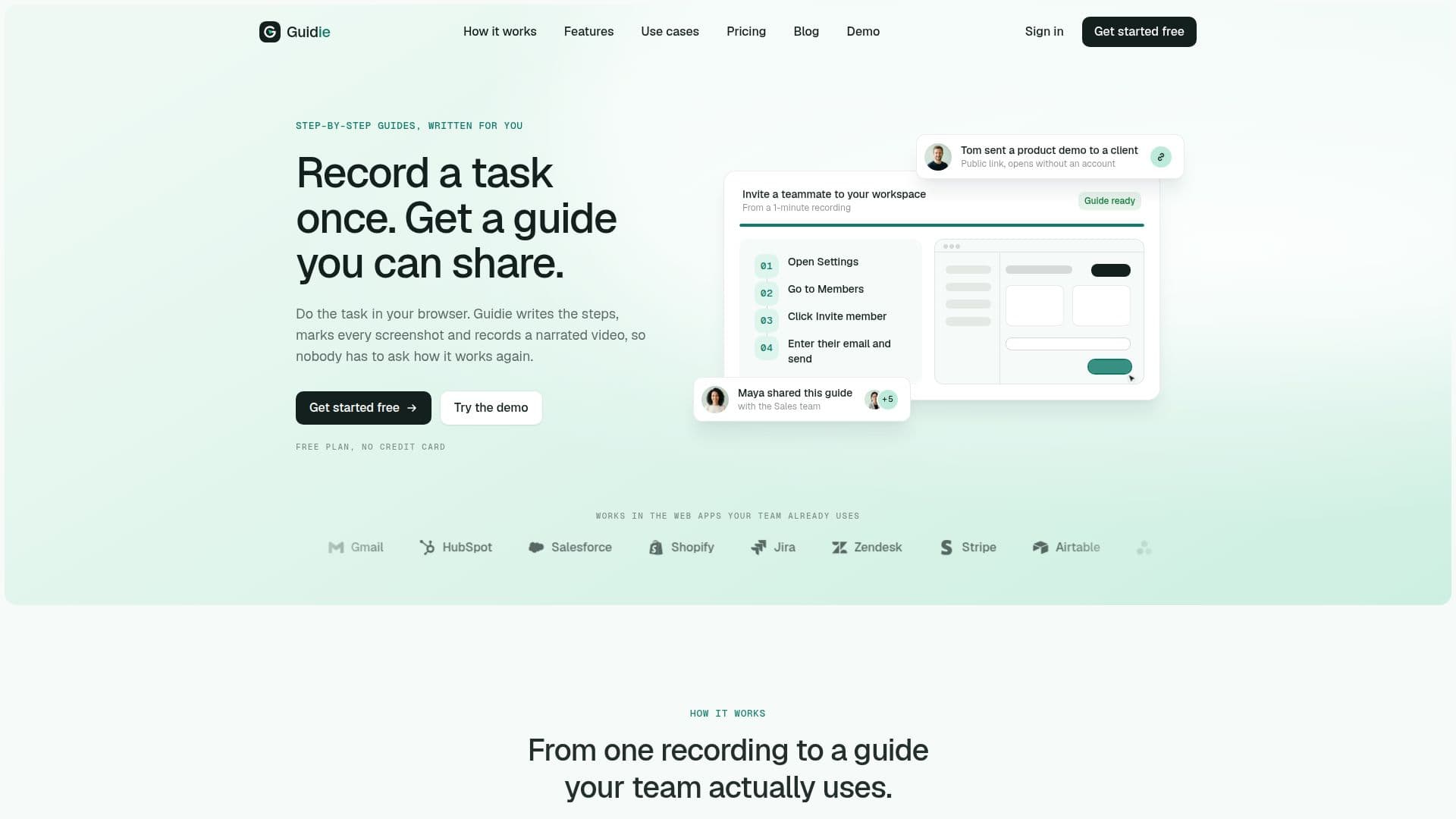
Guidie is a Chrome extension designed to streamline the creation of step-by-step guides and how-to videos for any web application. By recording a task once in your browser, Guidie automatically generates a complete guide, including written instructions, annotated screenshots, and a narrated video. This eliminates the manual effort of taking screenshots, cropping, adding annotations, and writing detailed explanations, making documentation faster and more efficient.
Read More
The process begins by activating the Guidie Chrome extension and performing the desired task. Each click, field entry, and choice made during the recording becomes a distinct step, with a screenshot captured just before the action occurs and the target element outlined. Once the recording is stopped, Guidie leverages AI (specifically Claude by Anthropic) to draft clear, concise instructions for each step, along with a title, summary, and helpful tips where a step might be prone to error. Users can then render a narrated MP4 video that mimics a screen recording, featuring a gliding cursor, outlined steps, small subtitles, and an AI voice-over (powered by OpenAI TTS).
Guidie prioritizes privacy and data security. Typed text is never sent, with fields masked before screenshots and blurred in the final guide. Password fields are entirely skipped, and sensitive information like emails, phone numbers, or keys visible on screen are flagged for user-initiated blurring. All user data is stored securely in the EU (Postgres in Frankfurt) and private Cloudflare R2 storage, and recordings are explicitly stated to never be used for training AI models.
The platform supports any web app accessible via Google Chrome, including internal tools, admin panels, and third-party SaaS solutions. It offers public share links for easy distribution of guides, with the option to download MP4 videos on the Pro plan. Guidie is suitable for various use cases, such as customer support, employee onboarding, and creating standard operating procedures (SOPs). It offers a Free plan with unlimited guides and videos, and a Pro plan for additional features like MP4 downloads and unbranded share pages.
- CategoryProductivity
- Pricing ModelFreemium
- DeploymentBrowser extension
- PlatformsGoogle Chrome Extension
Guidie's Core Features
Record web tasks with a Chrome extension
Automatic step-by-step guide generation
AI-written instructions, titles, summaries, and tips
Annotated screenshots with target outlining
Narrated MP4 video with AI voice-over and subtitles
Public share links for guides and videos
Privacy by default: typed text masked, passwords skipped
Flagging of sensitive on-screen details for blurring
Workspaces with user roles
Data storage in EU (Frankfurt) and private Cloudflare R2
Recordings not used for AI model training
Ability to rewrite or re-voice individual steps
Guides tagged for status: up to date, needs check, outdated
Supports any web app in Google Chrome
How to use Guidie?
Install Extension: Add the Guidie extension from the Chrome Web Store.
Sign Up: Create an account at guidie.ai in the same Chrome profile.
Record Task: Press 'Start' in the extension and perform the task in your browser.
Generate Guide: Press 'Stop' and let AI draft the step-by-step guide with screenshots.
Review & Edit: Watch the guide fill in live, then rewrite or re-voice any step if needed.
Render Video: Generate a narrated MP4 video of the recorded task.
Share Guide: Copy the public share link to distribute your guide and video.
Guidie's Use Cases
- Customer Support Documentation
- Employee Onboarding
- Standard Operating Procedures (SOPs)
- Software Training
- Product Demos
- Knowledge Base Content