
Description
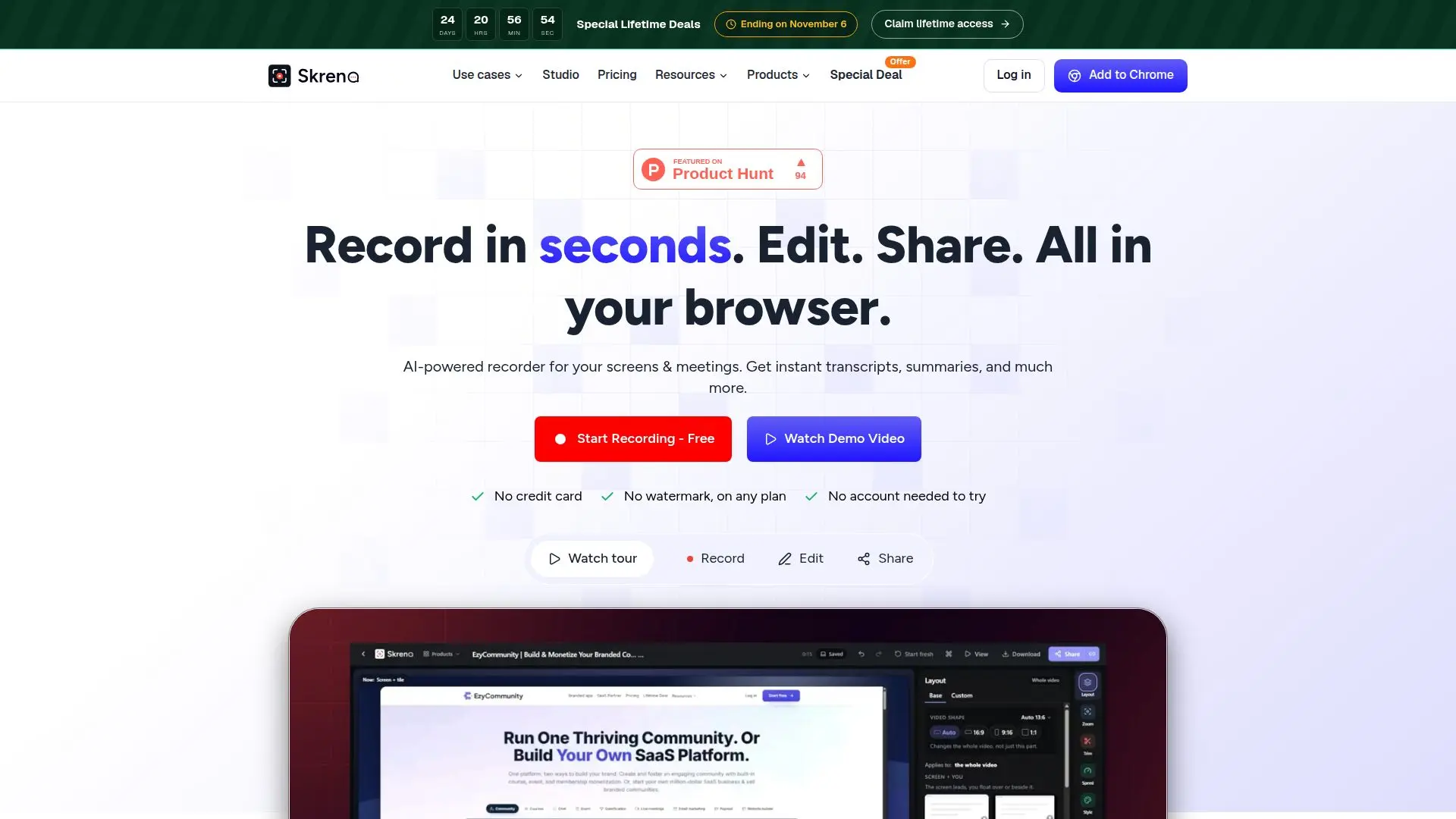
Skreno is a versatile screen recording tool designed to operate directly in your browser, eliminating the need for any installation. It is particularly useful for developers, support teams, and content creators who require a reliable method to capture and share screen activities. Skreno offers a range of features including AI-generated summaries, transcripts, and the ability to capture console and network logs, which are invaluable for debugging and reporting issues.
Read More
The tool includes a Chrome extension that enhances its capabilities by capturing detailed logs alongside video recordings. This feature is particularly beneficial for developers who need to document and resolve bugs efficiently. Skreno also supports recording from multiple sources such as screens, cameras, and microphones, and provides instant sharing links for easy collaboration.
Skreno's pricing model is flexible, offering a free plan that allows users to keep up to 30 recordings of 15 minutes each at 720p resolution. Paid plans start at $10 per month, billed yearly, and offer unlimited recording at higher resolutions, including 1080p and 4K, along with additional features like AI bug reports and meeting recordings.
The tool is designed to be user-friendly, with features like Skreno Studio, which allows users to edit recordings directly in the browser. This includes trimming, adding captions, and applying blur effects, all without the need to download additional software. Skreno also integrates with popular meeting platforms like Zoom, Google Meet, and Microsoft Teams, making it a comprehensive solution for recording and managing virtual meetings.
Overall, Skreno provides a robust set of features that cater to various professional needs, from creating step-by-step guides to collecting customer testimonials. Its AI capabilities enhance the recording experience by providing automated insights and summaries, making it a valuable tool for any team looking to streamline their screen recording and sharing processes.
- CategoryProductivity
- Pricing ModelFreemium
- DeploymentCloud
- PlatformsBrowser
Skreno's Core Features
Browser-based screen recording
AI-generated summaries and transcripts
Console and network log capture
Chrome extension for enhanced logging
Instant sharing links
Skreno Studio for in-browser editing
Integration with Zoom, Google Meet, and Teams
Flexible pricing with free and paid plans
How to use Skreno?
Open Skreno in your browser
Start recording your screen or meeting
Use the Chrome extension for detailed logs
Edit and share recordings instantly
Skreno's Use Cases
- Bug Reporting
- Customer Support
- Virtual Meetings
- Content Creation
- Team Collaboration