Description
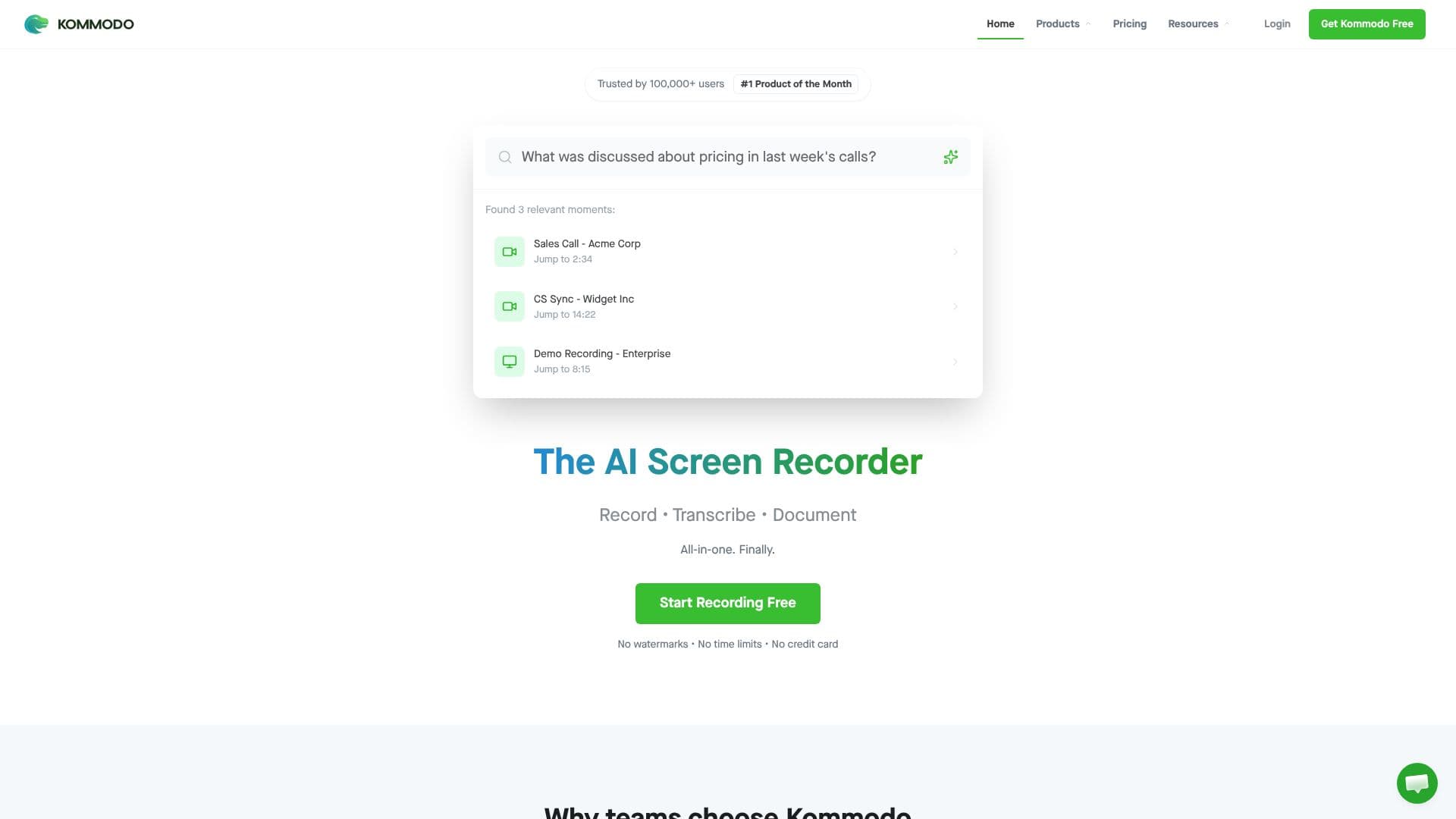
Kommodo is a screen recording tool that adds AI transcription and documentation on top of the recording itself. It records unlimited video with no watermark and no time limit, and the company states it is used by more than 100,000 people.
Read More
Beyond plain screen capture, Kommodo works as an AI meeting recorder: it can sync with a user's Google Calendar to record meetings automatically, then generate summaries, weekly recaps, and action items that can be pushed to tools like Slack or Jira. A separate AI feature turns any recording into a step-by-step guide or a standard operating procedure automatically, aimed at teams documenting a process rather than just archiving footage.
An AI assistant indexes a user's whole library of recordings and guides and answers questions with direct links back to the source clip, so past recordings become searchable knowledge rather than files that sit unused. Kommodo also includes a browser-based video editor for trimming, rerecording, or overdubbing parts of a capture, referred to on the site as its 'CaptureFusion' technology.
Kommodo is built for presentations, education, sales, and customer success teams, and the company positions it as a replacement for using separate tools for recording, documentation, and meeting notes, naming Loom, Scribe, and Fireflies as points of comparison on its own site. It is available as desktop apps for macOS and Windows, a Chrome extension, and iOS and Android apps, alongside a set of free standalone tools such as a video compressor and an auto caption generator.
The product can be started for free with no watermark or time limit, and Kommodo publishes paid plans on its pricing page for teams that need more capacity, such as higher-resolution recording or additional AI processing. Specific plan limits and prices were not available in the static page content checked for this listing.
- CategoryAI Meeting Assistants
- Pricing ModelFreemium
- DeploymentCloud
- PlatformsWindows, Mac, Chrome Extension
Kommodo's Core Features
Unlimited screen recording with no watermark
AI meeting recorder synced to Google Calendar
Automatic meeting summaries, recaps, and action items
Automatic step-by-step guide and SOP generation from recordings
AI assistant that searches across a user's full video and guide library
Built-in browser-based video editor for trimming, rerecording, and overdubbing
Desktop apps for macOS and Windows, plus a Chrome extension
iOS and Android mobile apps
How to use Kommodo?
Install Kommodo: Get the desktop app, Chrome extension, or mobile app for your platform.
Start recording: Capture your screen, webcam, or a synced meeting with no time limit.
Let AI process it: Kommodo automatically transcribes the recording and generates a summary.
Turn it into a guide: Convert a recording into a step-by-step guide or SOP when documenting a process.
Search your library: Ask Kommodo's AI assistant a question and get an answer linked back to the source recording.
Share the output: Push summaries and action items to tools like Slack or Jira, or share the recording directly.
Kommodo's Use Cases
- Meeting notes automation
- SOP documentation
- Sales demo recording
- Team knowledge search