
Description
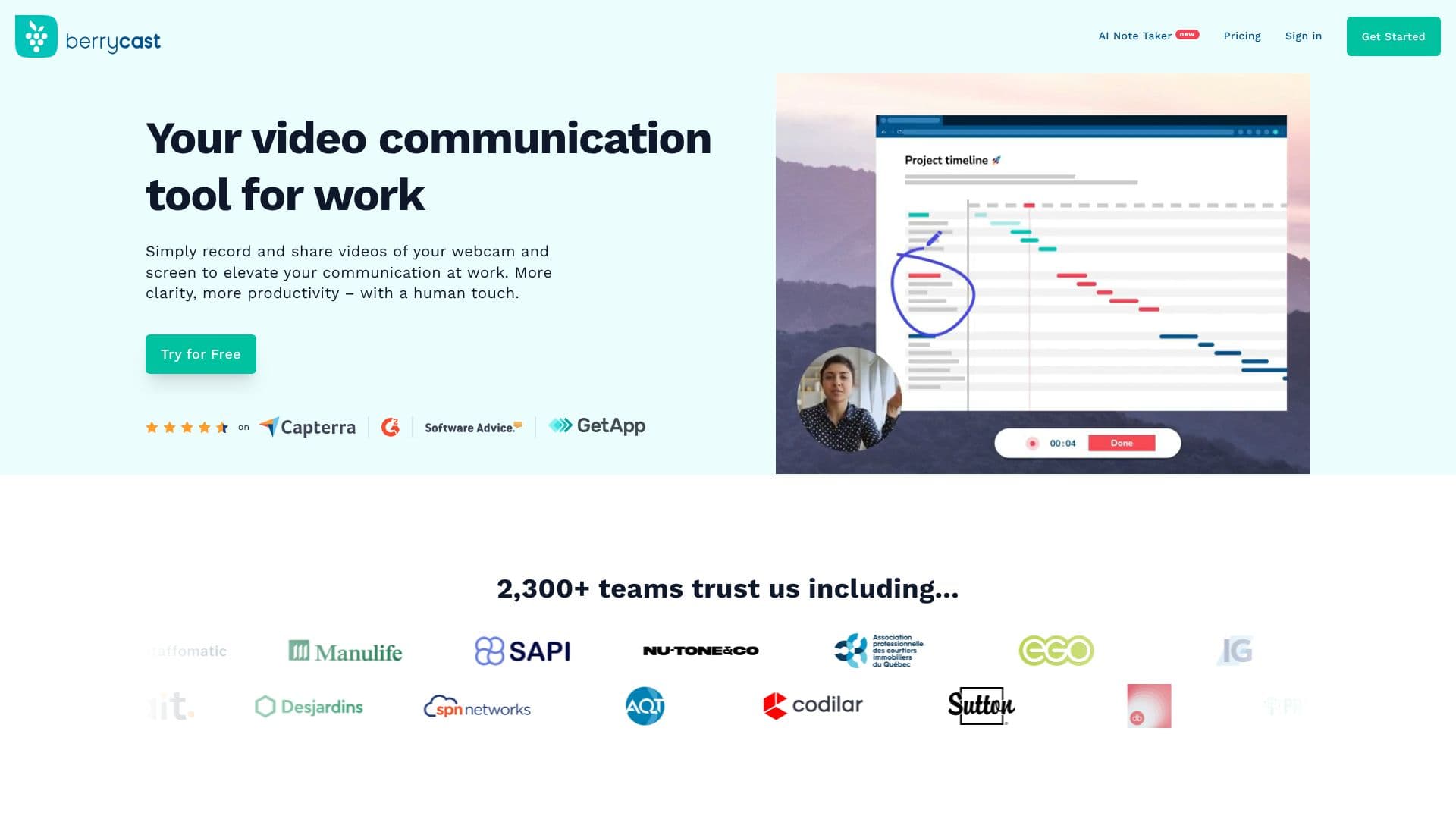
Berrycast is a comprehensive video communication tool designed to elevate workplace interactions. It allows users to effortlessly record and share videos of their webcam and screen, fostering clearer communication and boosting productivity with a personal touch. The platform is trusted by over 2,300 teams, indicating its reliability and effectiveness in professional settings.
Read More
Getting started with Berrycast is straightforward. Users can launch the screen recorder, click 'Record,' and then talk over their screen while a webcam bubble displays their face. The resulting video can be shared instantly via a link. This process transforms complex communications into easily understandable visual messages, minimizing confusion and ensuring greater comprehension.
Berrycast facilitates swift decision-making and accelerates processes by enabling users to share screencasts and receive immediate feedback from clients and colleagues. The tool is designed for seamless integration with existing work applications, allowing conversations to be embedded directly into daily workflows without disrupting the user's current environment. This ensures a smooth and uninterrupted collaboration experience.
Data security is a top priority for Berrycast, with the platform being GDPR compliant. User testimonials highlight its value, with one user stating it has become their go-to tool for helping clients understand complex details with ease, leading to high customer satisfaction. Berrycast is recognized as a feature-rich and affordable alternative to Loom for both Windows and Mac users.
- CategoryAI Meeting Assistants
- Pricing ModelFreemium
- DeploymentCloud
- PlatformsWindows, Mac
Berrycast Video Recorder's Core Features
AI Note Taking
Meeting Recorder
Transcript Summarization
Screen Recording
Webcam Recording
Video Messaging
GDPR Compliant
Integrations with Work Tools
Feedback Mechanism
Cross-platform (Windows and Mac)
How to use Berrycast Video Recorder?
Launch Berrycast screen recorder
Record your screen with webcam bubble
Add context and clarity to your video
Share screencast link for instant feedback
Integrate with your daily work tools
Berrycast Video Recorder's Use Cases
- Screen Recording
- Video Messaging
- Meeting Summarization
- Client Communication
- Team Collaboration
- Asynchronous Communication
- Product Demos